Reports
Choose the report that answers your hours, attendance, payroll, job-cost, time off, Work Site, or clock-verification question instead of searching through every export.
No login required. Opens in one click.
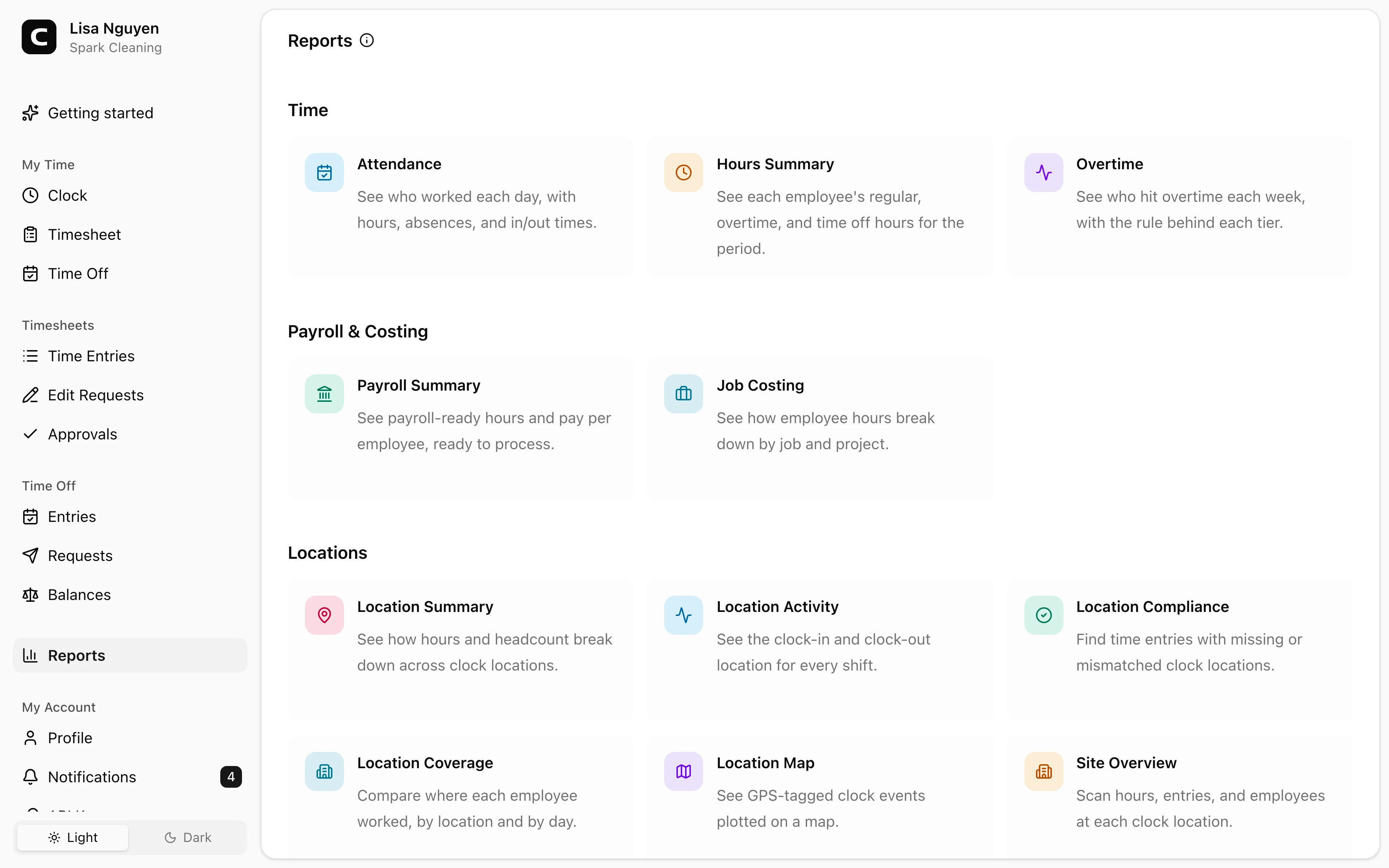
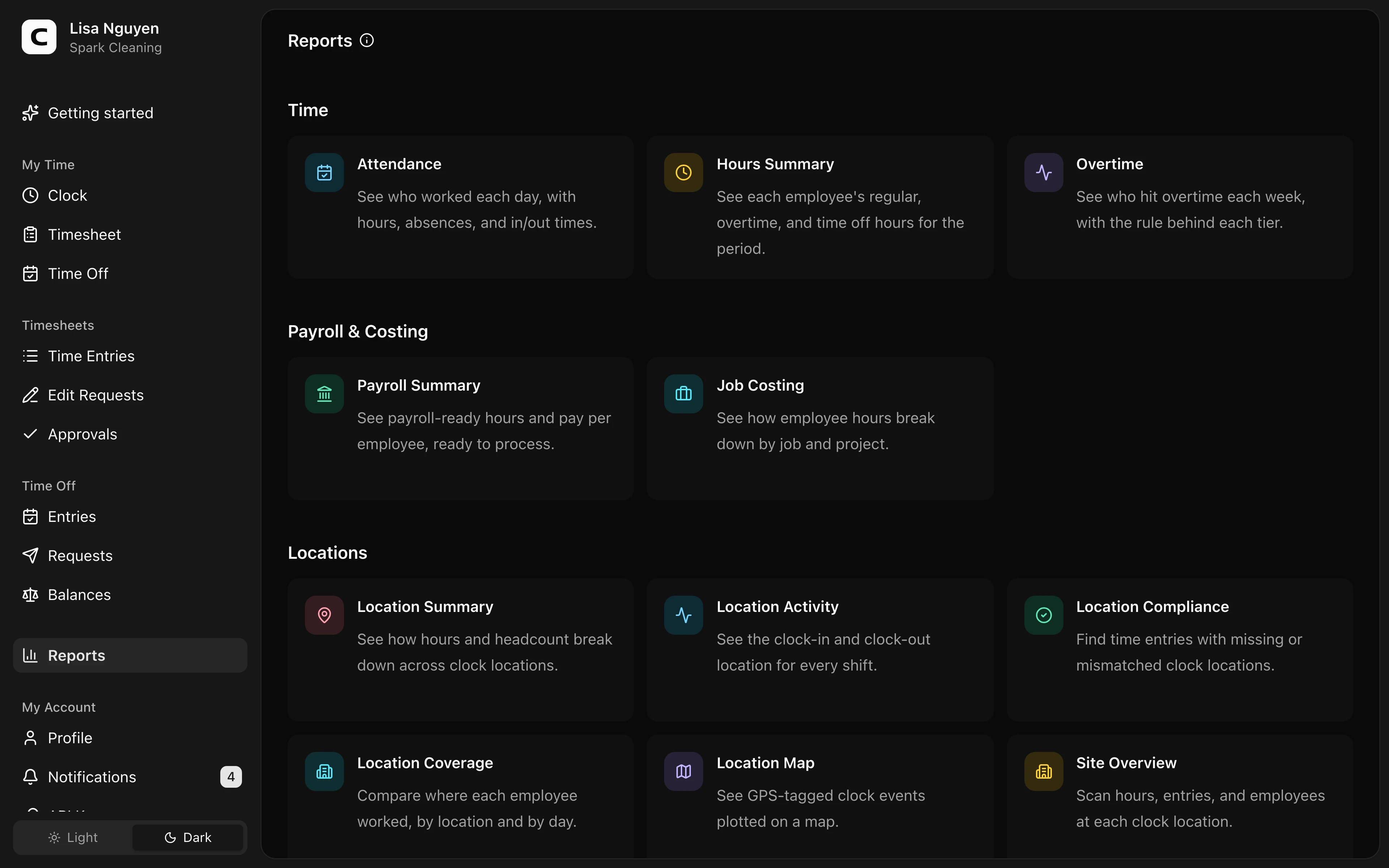
What this page shows
The Reports page lists every available report under Time, Payroll & Costing, Operations, and Locations. A compact question browser above the categories helps when you know what you need to answer but not which report to open.
Find a report by question
Open Find a report by question to browse questions grouped by topic. Use Search questions by keyword inside the panel when you want to narrow that list.
Select a question to see its Best match, related reports when they add another useful view, and why each report fits. Open Find a report by question again to return to the category directory.
Browse reports by category
Use Search reports beside the category tabs to filter the reports in the current tab by report name or keyword. Choose All first when you want to search across every category.
- Use Schedule Coverage before work to find staffing gaps and confirmation needs. Use Daily Summary, Attendance, Breaks, and Schedule vs Actual for day-to-day time review after work begins. For the live roster, open Who’s Working.
- Use Hours Summary, Overtime, Time Off Usage & Balances, Timesheet Audit, and Work Checklists when you need period totals, change history, or checklist follow-up.
- Use Payroll Readiness, Payroll Summary, Job Hours, Labor Budgets, Labor Cost by Job, and Labor Cost by Work Site when you are preparing payroll or comparing planned and actual labor.
- Use Mileage, Qualification Status, and Team Update Acknowledgments for operational records outside the core time and payroll reports. A report appears only when its underlying feature or records are available in the workspace.
- Use Verification Exceptions, Clock Verification, Work Site Summary, Work Site Activity, Work Site Coverage, and Work Site Overview for clock-verification and Work Site review.
For individual clock events on a map, open Clock Activity Map under Timesheets.
After opening a report
Each report keeps its own filters and export options. Use Reports in the report header to return to the directory.
Common questions
- Where do I find a specific report?
Open Reports from the sidebar. Use Search reports for a report name or keyword, open Find a report by question when you know what you need to answer, or browse by category. The sidebar keeps one Reports entry so the app menu stays shorter.
- Which report should I start with before payroll?
Start with Payroll Readiness, then open Payroll Summary after blockers are resolved and the period's timesheets are approved. Use Hours Summary, Overtime, or Job Hours when you need to explain the totals before exporting.
Clockspot keeps clock-ins, corrections, approvals, and payroll-ready hours connected so owners and managers can review the workweek before payroll.
Want to simplify how your employees track time? See how Clockspot works.