Time Clock
Weekend Services
8:30 AM
Charlotte
Clock In
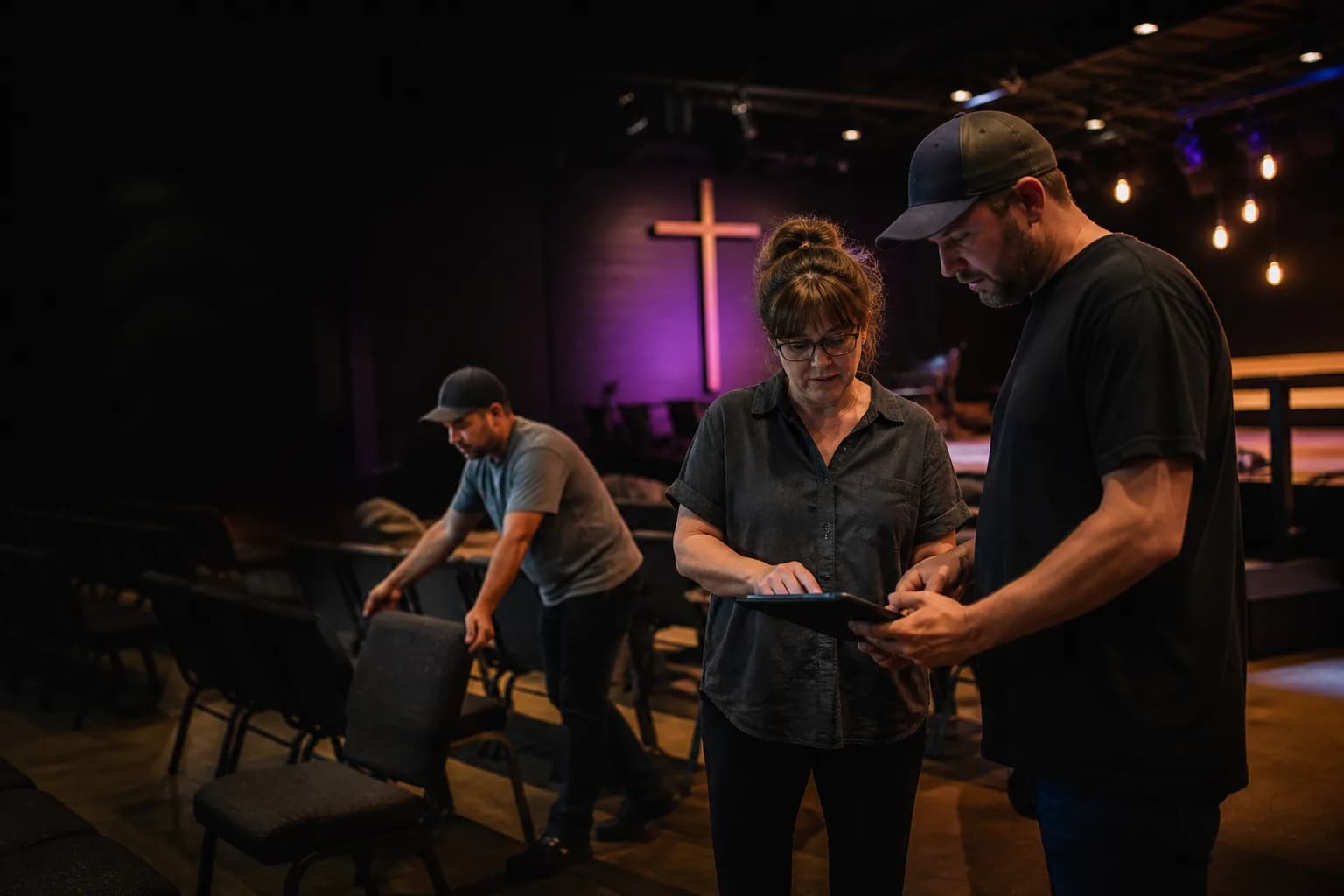
Church time clock software
Schedule paid office, facilities, nursery, production, and event staff. Then keep each clock-in, break, correction, and approval in one employee-time record.
Time Clock
Weekend Services
8:30 AM
Charlotte
Schedule
Who’s Working
Clock-in options
The employee chooses a ministry or event job before clocking in, so the work area stays with the time entry.
A personal PIN, the calling number, and an optional voice check help identify the employee and preserve the clock event.
Choose which paid employees can use the kiosk. Optional photos attach identity evidence without blocking the time entry if the camera fails.
One service week
Publish assigned or open paid shifts with the right job and note. Staff can confirm, request open work, or report that they cannot work before the service. Clockspot does not plan worship, manage events, or schedule volunteers.
Elmstone Church
Published paid-staff shifts
9:00am – 4:30pm
Administrative coverage and staff meeting
3:30pm – 8:15pm
Paid setup, program support, and reset
4:00pm – 8:00pm
Room setup and building walkthrough
7:00am – 12:30pm
Service checks and paid production coverage

Church customer story
“One of the unexpected benefits of Clockspot in my organization is improved communication.”
Run the service week
Start with published paid shifts, check who is working around service times, and close the workweek only after missing time and approvals are resolved.
Put office, facilities, nursery, production, and event employees on visible shifts with a job and note.
Schedule
Unassigned
9h
6pm–11pm
Coverage needed · 1 request
Church Office
1pm–5pm
Open
Facilities

Marcus Brown
42h
8am–4:30pm
Weekend Services
8am–4:30pm
Weekend Services
9am–5pm
Confirmed
Church Office
8am–4:30pm
Draft · Weekend Services
8am–4:30pm
Draft · Weekend Services

Priya Patel
41h
5am–8am
Weekend Services
5pm–10pm
Nursery
5am–8am
Weekend Services
5pm–10pm
Nursery
9am–5pm
Church Office
7am–11am
Awaiting confirmation
Production
12pm–5pm
Church Office
9am–5pm
Church Office

Angela Rivera
30h
7am–3pm
Nursery
7am–3pm
Nursery
Time off
Vacation · 8h
7am–3pm
Draft · Nursery
7am–1pm
Nursery

Keisha Williams
40h
10am–6pm
Facilities
10am–6pm
Draft · Facilities
10am–6pm
Facilities
10am–6pm
Facilities
10am–6pm
Facilities

Aaliyah Robinson
24h
8am–4pm
Midweek Programs
Time off
Vacation · 8h
Time off
Vacation · 8h
8am–4pm
Confirmed
Midweek Programs
8am–4pm
Midweek Programs

Sandra Ortiz
36h
8:30am–4:30pm
Production
8:30am–4:30pm
Production
8:30am–4:30pm
Production
8:30am–4:30pm
Production
8:30am–12:30pm
Draft · Production

Tuan Le
33h
12pm–6pm
Community Events
12pm–6pm
Community Events
8am–11am
Staff training
12pm–6pm
Community Events
12pm–6pm
Community Events
12pm–6pm
Community Events
After paid staff finish
Clockspot opens the checklist that applies when an employee clocks out from their own account. Employees record what was completed and flag anything the office needs to follow up on.
Required before clock-out
A focused system boundary
Clockspot keeps the paid employee work record clear. Volunteer, member, worship, giving, accounting, and clergy-payroll systems keep doing their own jobs.
Clockspot owns
One reviewed workweek for payroll
Church systems own
Keep the church tools you already use
Explore Elmstone Church
Inspect the paid employee schedule, current staff status, correction history, and payroll readiness in a complete fictional church account.
No login or setup required.
Marcus Brown42h8am–4:30pm
Weekend Services
8am–4:30pm
Weekend Services
9am–5pm
Confirmed
Church Office
Priya Patel41h5am–8am
Weekend Services
5am–8am
Weekend Services
9am–5pm
Church Office
Angela Rivera30h7am–3pm
Nursery
7am–3pm
Nursery
Time off
Vacation · 8h
Keisha Williams40h10am–6pm
Facilities
10am–6pm
Draft · Facilities
10am–6pm
Facilities
Aaliyah Robinson24h8am–4pm
Midweek Programs
Time off
Vacation · 8h
Time off
Vacation · 8h
Common questions
Yes. Set up Weekend Services, Nursery, Facilities, Production, Church Office, or other work areas as Clockspot jobs. The selected job stays with the time entry and appears in Job Hours. A Clockspot job is one flat time category, not a ministry-management, event, fund, budget, or accounting record.
Yes. An employee can choose a job when clocking in and switch jobs while still clocked in. Each resulting time segment keeps its selected job for manager review and reporting.
No. Clockspot is built for employee timekeeping. It does not provide volunteer profiles, opportunity signup, service-hour verification, congregation attendance, member records, child check-in, or volunteer communications. Use a church or volunteer-management system for those records.
No. Clockspot records and exports employee time. It does not decide worker classification, calculate clergy tax treatment or housing allowances, process payroll, file taxes, or keep church books. The separate QuickBooks Online connection can send approved Time Activities, but QuickBooks and your advisers remain responsible for accounting and payroll.
Employees can request corrections with a reason. Administrators review entries and approve the pay period, then download CSV, Excel, or PDF reports, use a configured export file, or send approved Time Activities through the separate QuickBooks Online connection. Clockspot prepares employee-time records but does not process payroll or connect those records to a church-management system.
Invite your paid staff, publish the next service-week schedule, and review one complete workweek before payroll.