Clock in at the client home.
Caregivers call from the client’s home phone, or sign in to their own account on a phone or computer.
Time clock for home care agencies
Caregivers clock in by calling from the client’s home phone, with no internet and nothing to install, or from their own account. If your state or payer requires EVV, use Clockspot alongside that system.
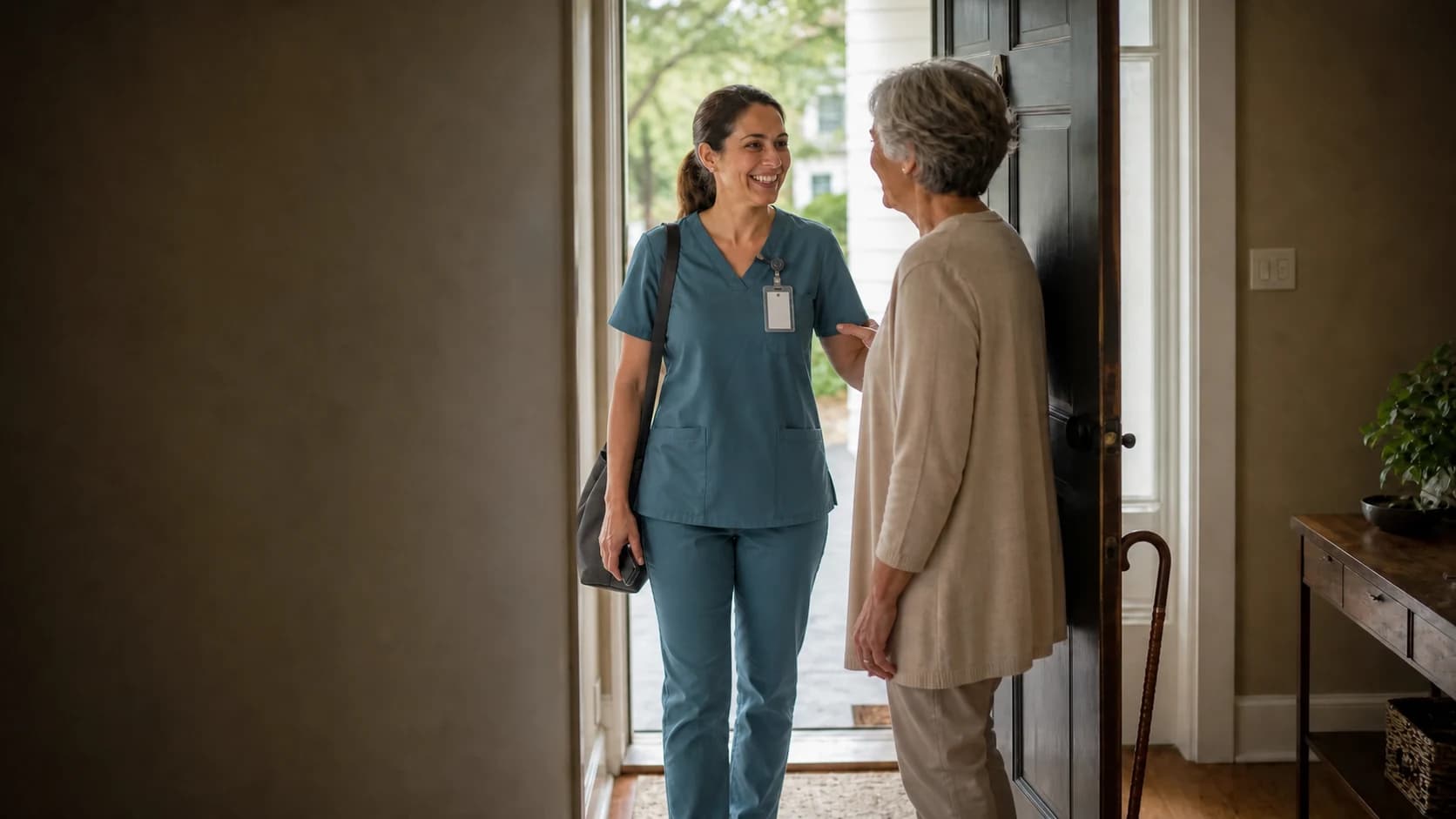
Davis home visit
11:20 AM
Click to change
This workweek
38h 15m
Davis home visit
58h 15m
4 employees
From client home to payroll
Keep the visit label and the details available from that clock-in method with the time entry, then resolve exceptions before approval.
Caregivers call from the client’s home phone, or sign in to their own account on a phone or computer.
Use a client for the person receiving care, a job for the visit or office work, and a location for the home where the visit happens.
Employees request corrections with a reason. Managers compare the request, decide, and approve the finished workweek.
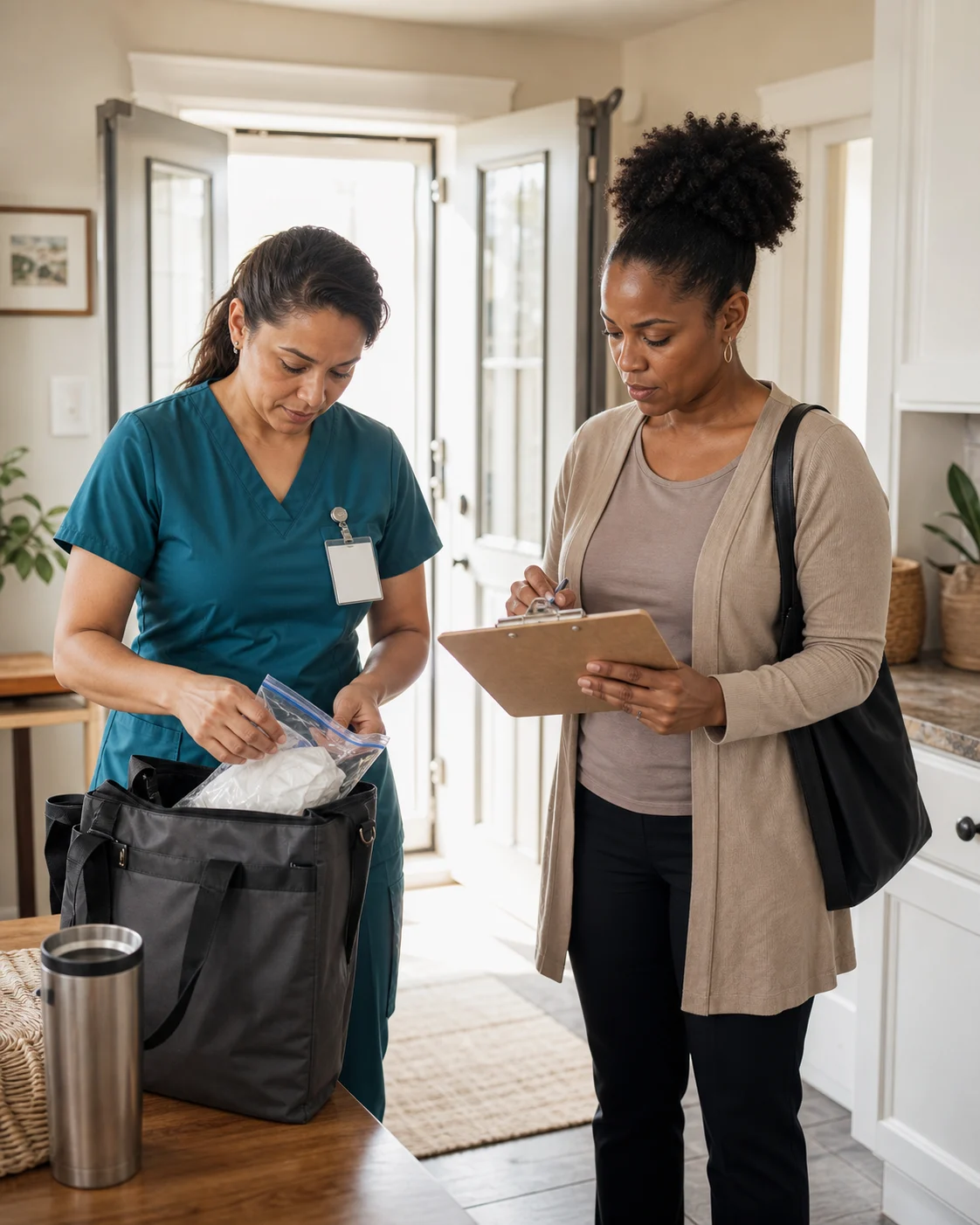
Home health customer story
“My payroll used to take a few days, and now it takes just a few minutes. With voice verification, we eliminated questions and mistakes in clocking in and out.”
Caregiver clock-in choices
A call from the client’s home phone needs no internet and nothing to install. Caregivers can also clock in from their own account when internet is available.
Caregivers call Clockspot from the client’s home phone or their own cell phone and enter the job code for the visit when prompted. The entry keeps the calling number and a voice check. You can also accept calls only from phone numbers you approve.
Caregivers sign in to their own account and choose the visit. When the device shares it, Clockspot can attach GPS, IP, and device details to the clock event.
Work Checklists
When a caregiver clocks out from their own account, Clockspot opens the Work Checklist that applies to that visit. They record what was completed and flag anything the office needs to follow up on.
Office review
Check overnight and long visits, review correction requests, and send the approved hours to payroll.
Clockspot records the clock-in and clock-out across midnight and keeps the visit label with the entry.
Compare the caregiver’s requested change and reason with the recorded time.
Send approved hours directly to QuickBooks Online, or download an import file for QuickBooks Desktop, ADP RUN, Gusto, Paychex, or SurePayroll.
Live home-care demo
Explore the clock map, correction requests, and approvals in a working Sunrise Home Health sample account.
No login or setup required.
Clock events
70
Employees
7



 Marcus BrownClock in · Tue, Aug 4 · 8:02 AMVerified
A focused time clock
Clockspot organizes caregiver schedules and hours for payroll review. Your EVV and care systems keep the required visit and clinical records.
Publish assigned or open caregiver visits and check responses.
Label time by client visit or work category.
Fix forgotten clock-outs and approve timesheets.
Export approved hours for payroll.
Clockspot is not an EVV or care-management platform. It does not create clinical records or run payroll.
Keep using the EVV workflow required by your payer, program, and state.
Employees can record work-trip mileage, but Clockspot does not calculate reimbursements, optimize routes, or track GPS continuously.
Common questions
Start with one caregiver, one visit label, and the clock-in method that fits the client home. Review the finished hours in Clockspot before payroll.
