Group home time clock

Know your group home staff were at the house for the hours you pay.

Clockspot is a time clock for group homes and disability services providers. Direct support professionals (DSPs) clock in by calling from the house phone, and calls from any number you have not approved are refused.

Start my free trial
  • Clock in from the house phone
  • Nothing to install
  • Approved hours for payroll
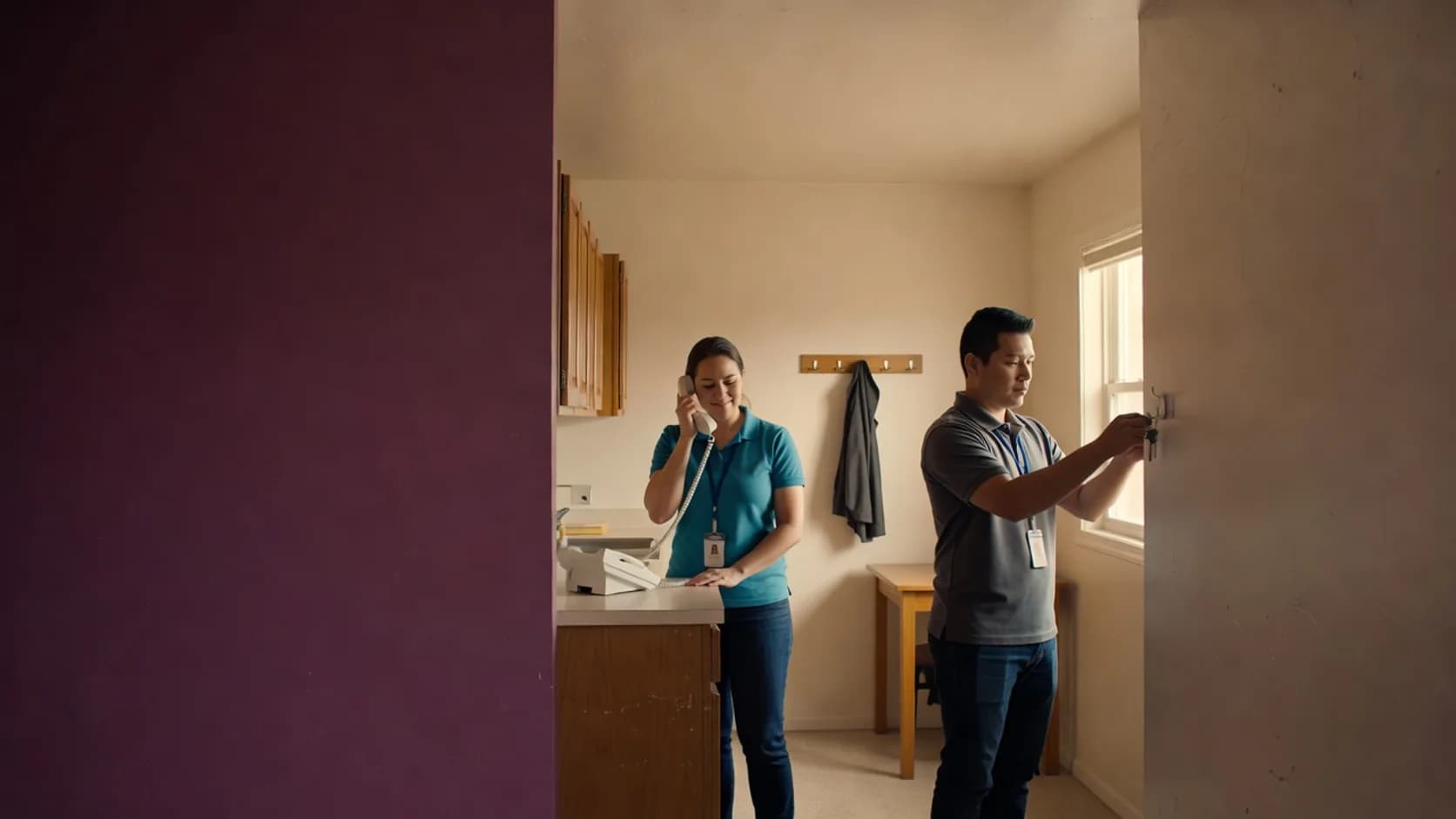
Two group home employees during a shift change, one on the house phone and one hanging up the keys

Maple House

(704) 555 0142

Approved phone number
  • Aaliyah Robinson

    Clocked in at 6:58 AM

    Voice check recorded

  • Tuan Le

    Clocked out at 7:04 AM

    Voice check recorded

  • Call from (980) 555 0179

    Not an approved number

    Refused

The house phone

Staff clock in from the house phone, so you know they were there.

Accept clock-ins only from phone numbers you approve.

A landline stays where it is installed, so a call from it could only have come from that address. Add the phone number for each house and turn the setting on. Calls from any other number are refused, for clocking in and for clocking out.


Know which employee made the call.

Each employee has their own phone clock ID and PIN, and says their name before hanging up. The recording stays with the time entry, so a phone the whole house shares still tells you who clocked in.

Use the phone that is already in the house.

There is nothing to buy or install. Staff call one Clockspot number from any phone that can dial, and the call works in a house with no internet.

Overnight shifts

Count overnight hours on the right day and in the right pay period.

An overnight shift stays one time entry from clock-in to clock-out. In your hours and payroll reports, Clockspot splits it at midnight, so each day shows the hours worked on that day. When a shift runs past the end of a pay period, each period gets only its own hours. How you pay sleep time stays your decision.

  • Each day shows the hours worked that day
  • Each pay period gets only its own hours

Forgot to clock out

Fix a forgotten clock-out before payroll, with a record of the change.

When an employee forgets to clock out, they request the right time and can say what happened. A manager approves or rejects the request. Clockspot records the time that was there before, the new time, and who made the change, so you can see how the timesheet you pay from got its hours.

Around the clock

Keep every shift at every house covered.

Fill a shift when someone cannot work.

Set shifts to repeat each week, and publish a shift nobody is assigned to as an open shift. When an employee reports that they cannot work, offer their shift to the rest of your staff and approve who takes it.

Find out when a shift starts and nobody has clocked in.

Turn on the missed shift alert, and managers are told when a scheduled employee has not clocked in. You can also set a time for each house and get an alert when nobody has clocked in there by then.

Shift change

Start each shift knowing what happened on the last one.

Turn on Handoffs, and staff can write a note for the next shift at the same house from their own account. The note is sent when they clock out. Use it for what the next shift needs to know about the house, such as a repair or a delivery.

  • The next employee can confirm they read the note
  • You can see who has seen each note

Payroll

Send approved hours to the payroll service you already use.

Approve each timesheet, then send the hours to QuickBooks Online directly, or download a file made for ADP RUN, Gusto, Paychex, SurePayroll or QuickBooks Desktop. You keep running payroll where you run it today.

  • Hours are approved before they go to payroll
  • Nobody retypes hours into payroll

Explore Willow Care Homes

See every house shift accounted for before payroll.

Open a complete sample account for a provider with several houses and a day program. Move from the time entries to a correction request, the timesheet approvals and the payroll summary.

No login or setup required.

9:41
Time Entries Add time entry
This workweekAll employees
EmployeeDateDayInOut
Marcus BrownAug 4Tue8:02 AMClocked in
Priya PatelAug 4Tue7:58 AM11:05 AM
Angela RiveraAug 4Tue8:24 AMClocked in
Keisha WilliamsAug 3Mon8:37 AM10:52 AM
Aaliyah RobinsonAug 3Mon8:45 AM1:15 PM
Sandra OrtizAug 3Mon9:01 AM11:31 AM
clockspot.com

Common questions

See whether Clockspot fits the way your houses run.

  • Works from the house phone
  • Handles overnight shifts
  • Keeps a record of every correction
What if a house has no landline?

Approve the number of the cell phone that stays at the house, and staff call from that phone. You can also set up a kiosk on a tablet or computer in the house, where each employee clocks in with a personal PIN.

Can we see the hours for each house?

Yes. Add each house as a location and give it the phone number staff call from. The house is recorded on every clock-in from that number, and you can report hours by location for any pay period.

Can we keep staff training and license dates in Clockspot?

Yes. Record the date each training or license is valid through for every employee. The Qualification Status report lists the ones that expire soon, and the schedule warns you when a shift needs a qualification the employee does not hold.

How does Clockspot handle sleep time on an overnight shift?

Clockspot records when the shift started and ended and counts the hours on the day they were worked. You decide how sleep time is paid under the rules that apply to your homes.

Does Clockspot replace our care or billing software?

No. Clockspot keeps staff schedules, hours, corrections and approvals. Records about the people you support stay where you keep them today. If part of your work requires EVV, keep using that system for those visits.

Ready to see who was at each house before you run payroll?

Add your staff, approve the phone number for each house and review your first week of hours before payroll.

Start my free trial




