Event staffing time clock

See who worked each event and approve hours before payroll.

Employees clock in at the venue and choose the event or job. Their time entries, corrections, and final approval stay together for manager review.

Start my free trial
  • Clock in at the venue
  • See hours by event or job
  • Correct and approve before payroll
Event crew members preparing a ballroom before a shift
Clock in

Bayside Hotel Gala

4:02 PM

Grand Ballroom

Clock In
Timesheet

Bayside Hotel Gala

Friday

7h 45m

In4:02 PM
Out11:47 PM
Break0m
Job Hours

Bayside Hotel Gala

Banquet setup18h 30m
Guest check-in13h 45m
Valet arrival15h 15m
8 employees47h 30m

One event record

Keep clock-ins, event details, and approvals together.

Each clock-in stays connected to its event or role, correction history, and final approval for payroll review.
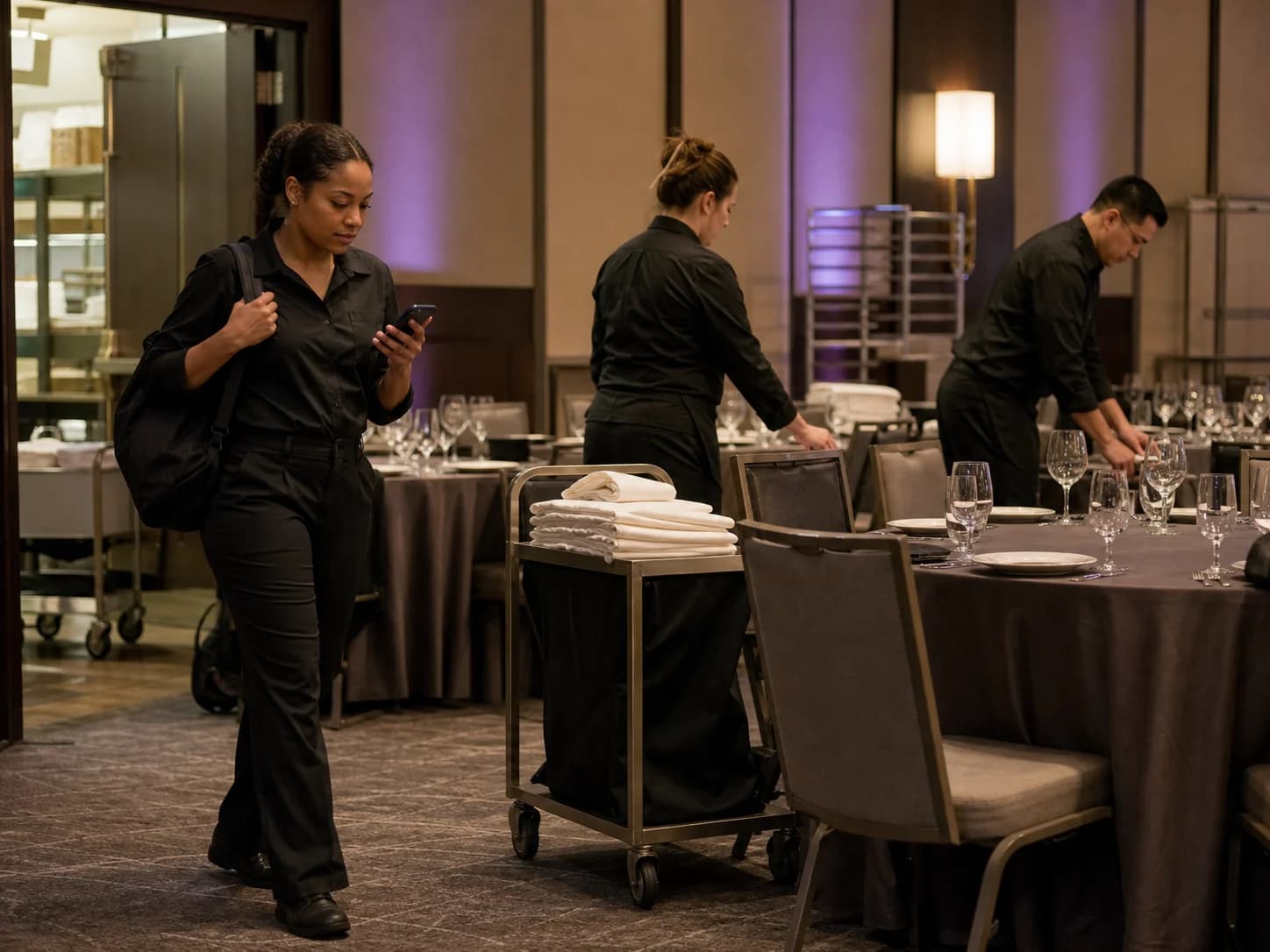
Banquet employees preparing a hotel ballroom before an event
Clocked in · 4:02 PM Grand Ballroom

Step 1

Employees clock in at the venue

Employees can sign in from their own account at the hotel, convention center, festival site, or parking stand where the shift begins.
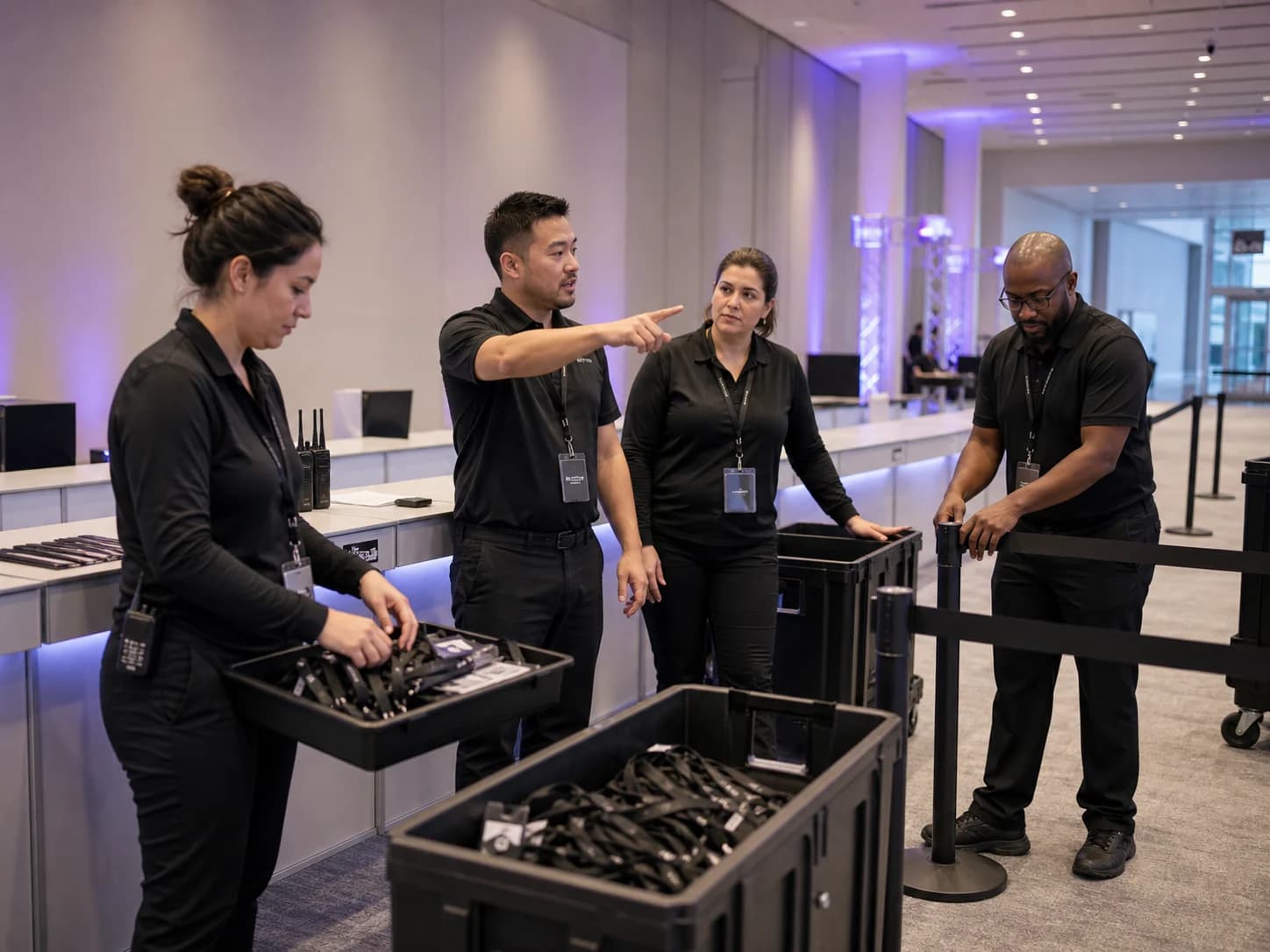
Conference entry employees preparing registration positions before opening

Selected job

Harbor ConferenceRegistration crew

Step 2

Hours stay with the event or role

Use a client for the organizer, a job for the event or assignment, a work site for the venue, and an optional work type for the role.

Valet employees preparing a hotel event arrival lane in the evening
Timesheet approved7h 45m · Bayside Hotel Gala

Step 3

Managers approve final hours

Review missed punches, requested corrections, and the final hours while the event details are still fresh.

Valet customer story

Employees working at remote locations can clock in and out throughout the day. Adding and modifying entries is also fairly intuitive.

Christopher Jones

Indigo Park - Calgary

Verified customer

Remote work, visible hours

Remote employees can clock in where they work.

Event crews and valet employees do not start every shift at the office. Clockspot keeps their recorded time available for the manager who reviews it later.

  • Record hours at every work location

  • Correct time entries before payroll

  • Review each shift after the event

Event hoursReview by employee, event, venue, or job
app.clockspot.com/time-entries
Clockspot Time Entries showing event staff hours by venue with jobs, breaks, and approval states

After the event

Know who worked each event and where the hours belong.

Open one workweek and find the people and entries behind an event. The visible job and review state make the record useful after the crew has left the venue.

See every employee who worked the eventFilter the workweek and review each entry, duration, break, and approval state.
Keep each entry tied to its event or venueThe selected Clockspot job stays beside the employee hours it belongs to.
Find hours with no event assignedSearch the entries that need a job correction before the record is final.

Before payroll

Fix missed punches before approving event hours.

Managers can see the incomplete entry, review the employee’s correction, and approve the finished timesheet in Clockspot.

Step 1

Find entries with no clock-out

Open entries and missing clock-outs are visible in the same workweek as the rest of the event hours.

Step 2

See the recorded time and requested change

Compare the recorded and requested time, then read the employee’s reason before you decide.

Step 3

Approve corrected hours before payroll

Finish corrections first, then approve the completed timesheet for payroll reporting or export.

When event staff clock in

Team Updates give event staff the instructions that apply to today’s venue and shift.

Clockspot shows the matching update after an employee clocks in. Use it for changes staff need at the start of work, then require confirmation when the message matters.

  • Put venue changes where staff will see them

  • Reduce last-minute calls and repeated reminders

  • See who confirmed the update and who is still waiting

9:41
Your clock-in is recordedTime recorded at 8:02 AM

Update for this work

This update matches the work you just clocked into.

Riverside Gala

Use the east staff entrance

Check in at the loading dock. The ballroom entrance is reserved for guests.

Please confirm you’ve read this update.
Finish laterConfirm I’ve read this
clockspot.com

Live event staffing demo

See how event hours become an approved timesheet.

Open recorded entries, compare a correction, and approve the finished timesheet in a complete sample account.

No login or setup required.

9:41
Time Entries Add time entry
This workweekAll employees
EmployeeDateDayInOut
Marcus BrownAug 4Tue8:02 AMClocked in
Priya PatelAug 4Tue7:58 AM11:05 AM
Angela RiveraAug 4Tue8:24 AMClocked in
Keisha WilliamsAug 3Mon8:37 AM10:52 AM
Aaliyah RobinsonAug 3Mon8:45 AM1:15 PM
Sandra OrtizAug 3Mon9:01 AM11:31 AM
clockspot.com

Common questions

Is Clockspot right for your event staff?

  • Event and venue jobs
  • Phone and browser clock-ins
  • Manager review before payroll
Do event employees need to download an app?
No. Employees sign into their own Clockspot account from a browser on a phone, tablet, or computer. There is nothing to download or update.
Can the time entry show the event, venue, or role?
Yes. Use a client for the event organizer, a job for the event or assignment, a work site for the venue, and an optional work type for the role or service. The employee’s selections stay with the time entry.
Does every event clock-in include GPS?
No. GPS is recorded when an employee clocks in or out from their own account and the device shares location. Clockspot does not continuously track the phone.
Does Clockspot replace event staffing or valet operations software?
No. Clockspot tracks employee schedules, time, corrections, approvals, and reports. It does not manage recruiting, dispatch, guest lists, parking tickets, tips, client invoices, or payroll processing.

Ready to track and approve your next event?

Set up the event or venue as a job, let employees record the shift, and review the finished hours before payroll.

Start my free trial






