Manufacturing time tracking software

Track manufacturing employee hours and fix time card mistakes before payroll.

Employees clock in from a shared floor device, browser, or phone. Managers can organize hours by department, line, or work area, then review breaks and overtime before payroll.
Start my free trial
  • Clock in from the floor or office
  • Keep hours with each work area
  • Fix missing punches before payroll
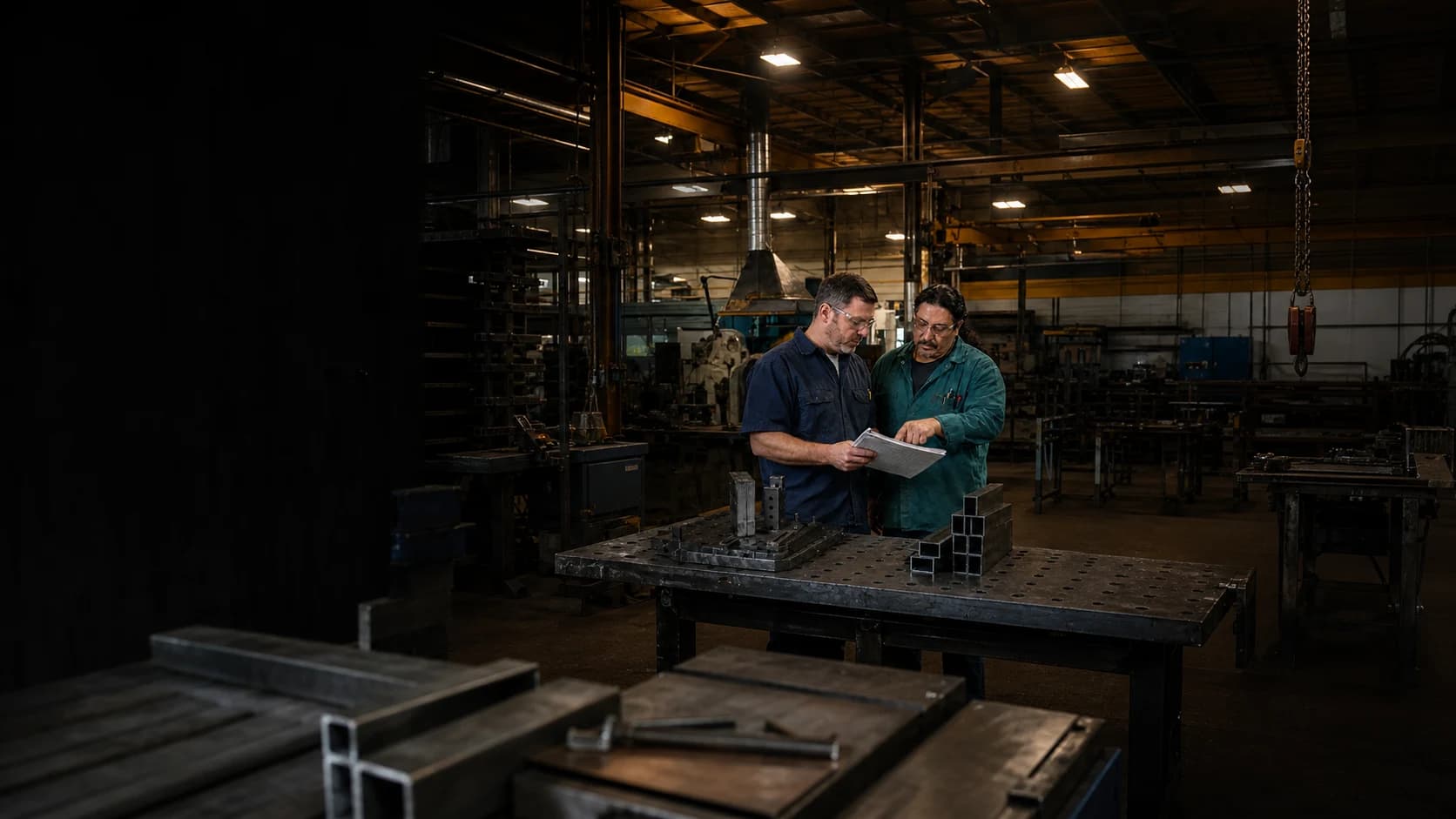
A production supervisor and floor employee reviewing a work record inside a metal fabrication shop

Clock in

Welding Cell

6:04 AM

Derek Wilson

Clock In

Time entry

Welding Cell

Submitted

8h

In6:04 AM
Out2:34 PM
Break30m

Job hours

Cutting Cell96h 20m
Welding Cell88h 45m
Assembly Line76h 10m

Hours by work area

One manufacturing time record

Keep floor clock-ins, work areas, and corrections together before payroll.

Employees record time where they work. Managers review one complete workweek before approval.

Step 1

Let employees clock in from the floor or office

Use a shared kiosk, browser, or phone, with no native app to install.

Step 2

Keep every hour with the right work area

Use Clockspot jobs for Cutting, Welding, Assembly, Inspection, Shipping, Maintenance, or another area.

Step 3

Catch incomplete time before payroll

Review missing punches, overtime, and requested changes, then approve complete employee hours.

Before the next shift arrives

Work Checklists help every shift leave equipment and work areas ready for the next one.

Clockspot opens the checklist that applies when an employee clocks out from their own account. Employees record what was completed and flag anything the next shift or manager needs to follow up on.

  • Keep shift closeout consistent across the floor

  • Bring equipment issues into view before handoff

  • See which checklists were submitted and which are still waiting

9:41
Shift closeoutAssembly line 2

Required before clock-out

  • 1Equipment stopped and securedDoneFlag
  • 2Production notes recordedDoneFlag
  • 3Maintenance issue reportedDoneFlag
Submit and clock out
clockspot.com
Manufacturing hoursReview by employee, work area, date, or status
app.clockspot.com/time-entries
Clockspot Time Entries showing manufacturing employees, work areas, durations, breaks, and approval states

Review the workweek

See which employees and work areas make up the week.

Open one workweek and review the employee, work area, duration, break, and status behind every time entry.

See which work area each entry belongs to

The selected Clockspot job stays beside the employee hours your manager reviews.

Review regular time and overtime together

Use the same workweek to check total hours and overtime before payroll.

Find hours that still need attention

Open entries, missing work areas, and unapproved time remain visible.

Before payroll

Correct missing punches so employee hours are complete and ready for payroll.

Managers can find incomplete entries, compare each requested change with the original record, and approve complete employee hours for payroll.

Step 1

Find missing clock-outs before payroll

Open entries remain visible with the rest of the workweek, so managers can correct them before payroll.

Step 2

Verify corrections before payroll review

See both values and read the employee’s reason before approving or rejecting the change.

Step 3

Approve complete hours for payroll

Finish corrections first, then approve completed time for payroll reporting or export.

A focused employee time clock

Track employee hours in Clockspot. Keep production work in your manufacturing system.

Each system keeps the record it is built to manage, so payroll hours stay ready for review without changing how your floor manages production.

Clockspot

Employee hours before payroll

  • Employee clock-ins, clock-outs, and breaks
  • Hours by Clockspot job or work area
  • Corrections, overtime review, and approvals

One reviewed workweek for the office

Your manufacturing system

Production work and output

  • Production orders, operations, and machines
  • Quantities, scrap, and work in progress
  • Materials, inventory, and production costs

Keep the production tools you already use
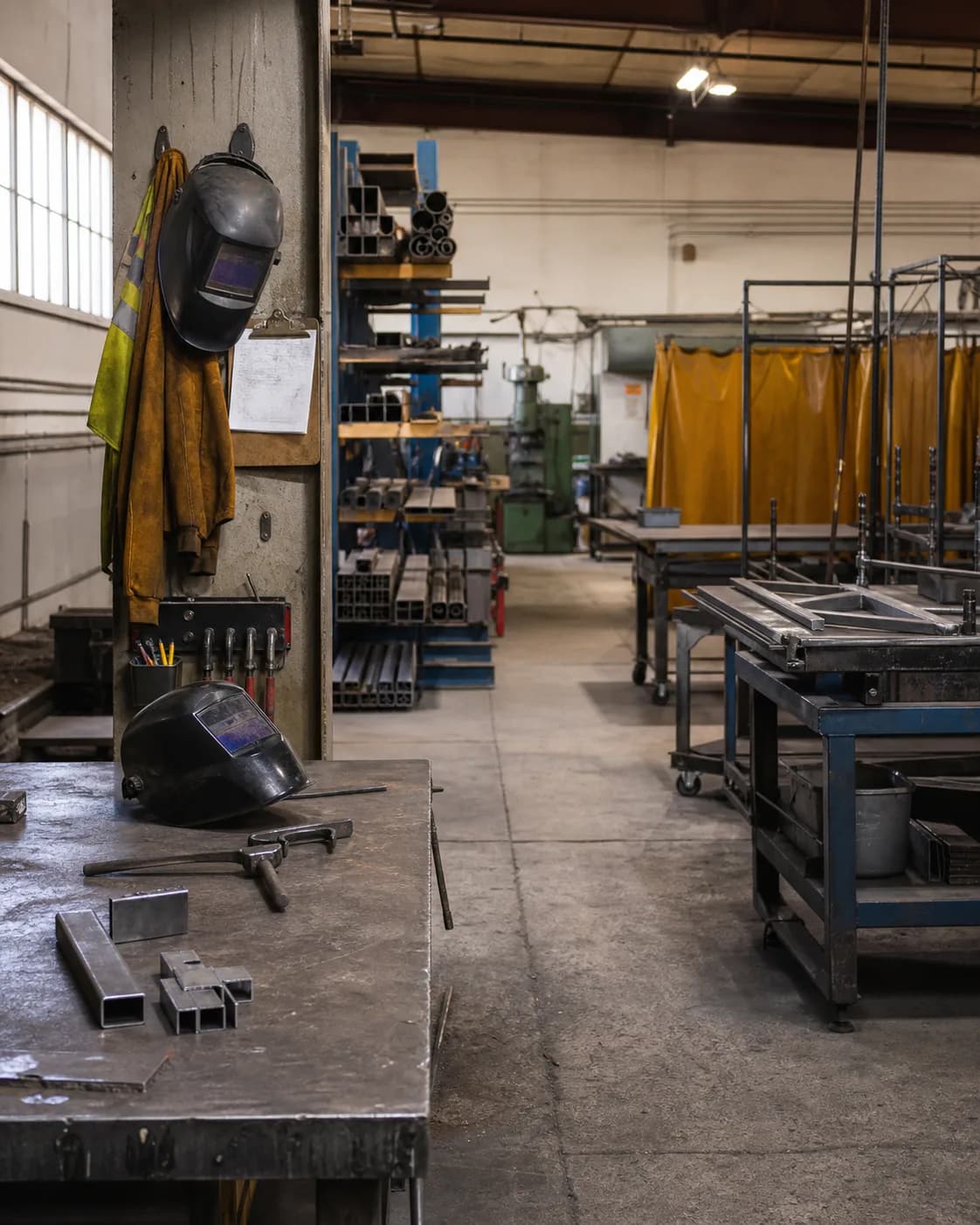
A metal fabrication shop prepared for the next employee shift

Verified manufacturing customer

See how one manufacturer cut time clock costs and made payroll easier.

Clockspot is much more cost-efficient than an expensive time clock in the office. Having our timesheets online has helped us cut costs and streamline payroll.

Kathy McKnight

Development Manager, Pepsi Bottling Group

Verified customer

Explore Clockspot

See manufacturing hours organized and ready to approve.

Review employee entries, compare hours by work area, and approve the finished workweek in a complete sample account.

No login or setup required.

9:41
Time Entries Add time entry
This workweekAll employees
EmployeeDateDayInOut
Marcus BrownAug 4Tue8:02 AMClocked in
Priya PatelAug 4Tue7:58 AM11:05 AM
Angela RiveraAug 4Tue8:24 AMClocked in
Keisha WilliamsAug 3Mon8:37 AM10:52 AM
Aaliyah RobinsonAug 3Mon8:45 AM1:15 PM
Sandra OrtizAug 3Mon9:01 AM11:31 AM
clockspot.com

Common questions

Will Clockspot fit the way your floor tracks employee time?

  • Shared floor kiosk or browser
  • Hours by work area
  • Manager review before payroll
Can employees clock in from one shared floor device?
Yes. Run a Clockspot kiosk on a shared tablet or computer, or let each employee sign in to their own account from a phone, tablet, or computer browser.
Can we track employee hours by department or work area?
Yes. A Clockspot job can represent Cutting, Welding, Assembly, Quality Inspection, Shipping and Receiving, Maintenance, Safety Training, or another area your managers need to review.
Can managers review overtime before payroll?
Yes. Clockspot applies the overtime rules configured for your workspace and keeps regular time, overtime, open entries, corrections, and approvals available for review before reports are exported.
Does Clockspot replace ERP, MES, or production software?
No. Clockspot tracks employee schedules, time, breaks, corrections, approvals, and reports. Production orders, operations, quantities, scrap, machines, materials, inventory, payroll processing, and HR stay in their own systems.

Ready to make manufacturing hours easier to review before payroll?

Set up your work areas, give employees a practical way to clock in, and approve one finished workweek before payroll.

Start my free trial






