Property management time clock

See who worked at each property and approve hours before payroll.

Maintenance, leasing, and storage employees record time where work begins. Each property or job stays with the entry your office reviews.
Start my free trial
  • Clock in at each property
  • Keep hours with the right job
  • Fix and approve time before payroll
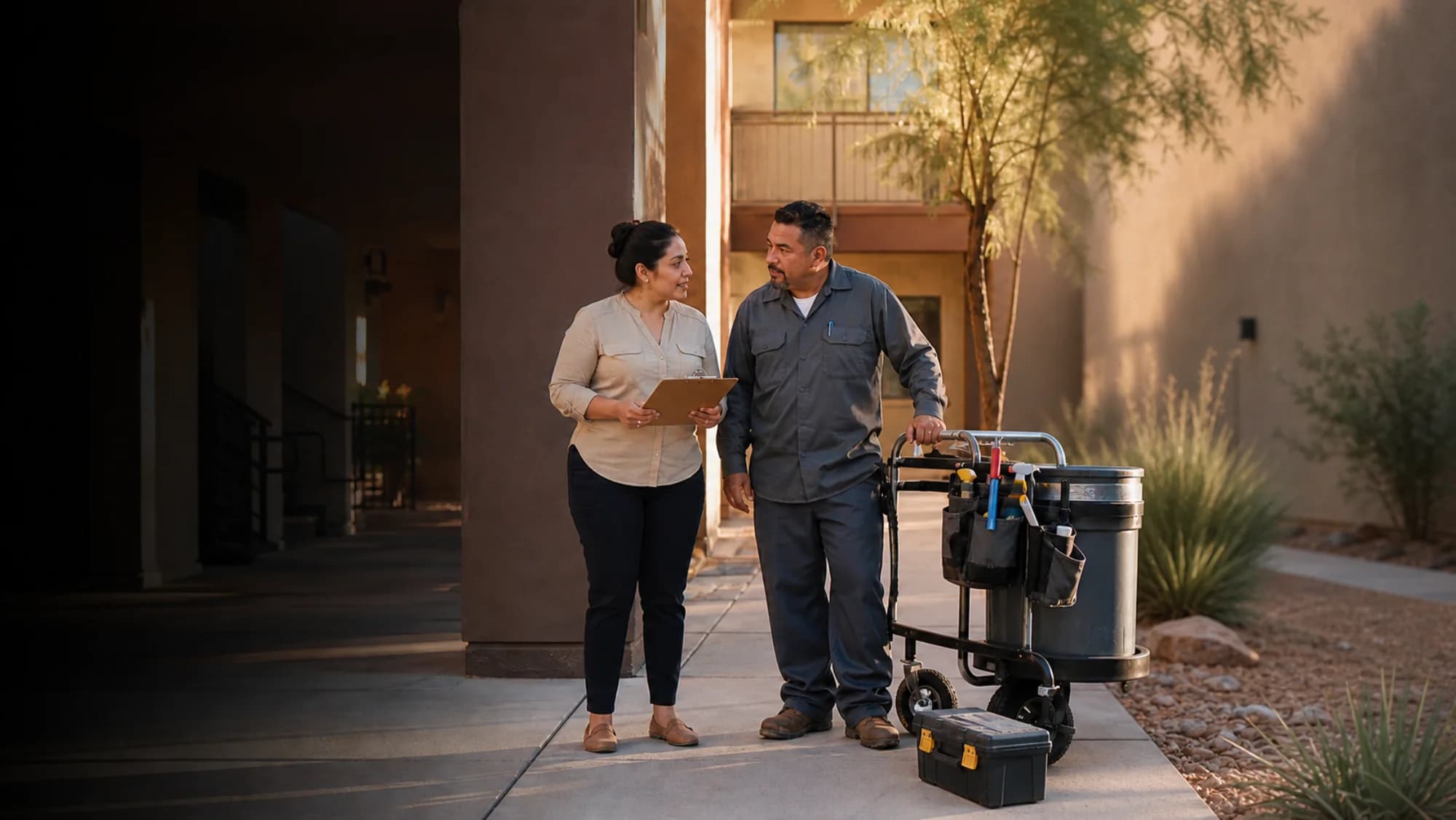
A property manager and maintenance technician beginning work at an apartment community

Clock in

Arcadia Palms Apartments

8:12 AM

Maintenance

Clock In

Time Entries

Maintenance

Submitted

7h 45m

In8:12 AM
Out4:27 PM
Break30m

Job Hours

Arcadia Palms84h 20m
Tempe Gateway67h 45m
Camelback Storage42h 10m

Hours stay with the property

One property time record

Keep property hours clear from clock-in to payroll.

The clock-in, property or job, corrections, and final approval stay connected in one employee time record.
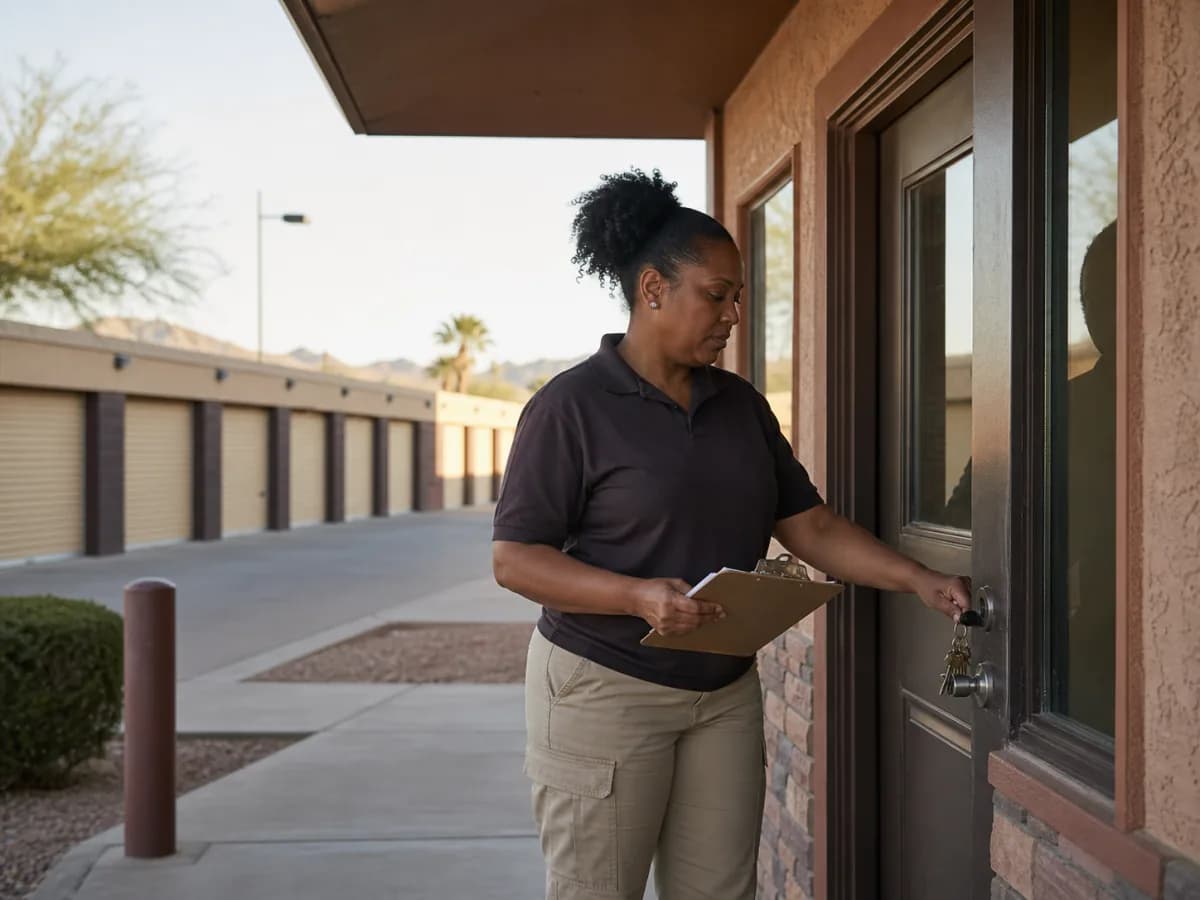
A self-storage site employee opening the property office for the workday
Clocked in · 8:02 AM Camelback Storage

Step 1

Employees clock in where work begins

Maintenance, leasing, office, and storage employees can record time from the property or site where their shift starts.

An apartment maintenance technician carrying tools between buildings

Selected job

Arcadia Palms ApartmentsMaintenance

Step 2

Hours stay with the right property

Use a Clockspot job for an apartment community, storage site, office, project, or maintenance category.

A property operations manager reviewing employee hours in an onsite office
Timesheet approved39h 20m · Maintenance

Step 3

Managers approve final hours

Review missing punches and requested changes, then approve the completed workweek before payroll.

Property management customer story

It actually saves the company money. Employees get paid for when they are here.

Kandy Meehan

Home Rental Services, Inc.

Verified customer

From paper to recorded time

Pay employees for the time they actually record.

Home Rental Services replaced paper timesheets with recorded clock events that managers can review before the hours reach payroll.

  • Record actual clock-in and clock-out times

  • Review each entry before payroll

  • Spend less time checking paper cards

Property hoursReview by employee, property, job, date, or status
app.clockspot.com/time-entries
Clockspot Time Entries showing property employees, jobs, durations, breaks, and approval states

Review by property

See which employees and hours belong to each property.

Open one workweek and review the people, property or job, duration, and status behind every entry.

See everyone who worked the property

Open the workweek and review each employee, duration, break, job, and approval state.

Keep every entry tied to its property or job

The selected Clockspot job remains beside the employee hours it belongs to.

Find time that still needs review

Open entries, missing jobs, and unapproved hours stay visible before payroll.

Before payroll

Fix missing or incorrect time before payroll.

Managers can find incomplete entries, review an employee’s requested change, and approve the corrected workweek in Clockspot.

Step 1

Find entries with no clock-out

Open entries stay visible in the same workweek as completed property hours.

Step 2

See the original time and the requested fix

See both values and read the employee’s reason before approving or rejecting the change.

Step 3

Approve the corrected workweek

Finish corrections first, then approve completed employee hours for payroll reporting or export.

At the end of a property visit

Work Checklists keep property visits and maintenance closeout consistent.

Clockspot opens the checklist that applies when an employee clocks out from their own account. Employees record what was completed and flag anything the office needs to follow up on.

  • Give employees the same property closeout steps

  • Bring repair follow-up into view quickly

  • See which checklists were submitted and which are still waiting

9:41
Property visit closeoutPine Court

Required before clock-out

  • 1Access points left secureDoneFlag
  • 2Work notes completedDoneFlag
  • 3Repair follow-up reportedDoneFlag
Submit and clock out
clockspot.com

Explore Clockspot

See property hours organized and ready to approve.

Review employee entries, compare hours by property or job, and approve the finished workweek in a complete sample account.

No login or setup required.

9:41
Time Entries Add time entry
This workweekAll employees
EmployeeDateDayInOut
Marcus BrownAug 4Tue8:02 AMClocked in
Priya PatelAug 4Tue7:58 AM11:05 AM
Angela RiveraAug 4Tue8:24 AMClocked in
Keisha WilliamsAug 3Mon8:37 AM10:52 AM
Aaliyah RobinsonAug 3Mon8:45 AM1:15 PM
Sandra OrtizAug 3Mon9:01 AM11:31 AM
clockspot.com

Common questions

Is Clockspot right for your property staff?

  • Property and job labels
  • Phone and browser clock-ins
  • Manager review before payroll
Do property employees need to download an app?
No. Employees sign into their own Clockspot account from a browser on a phone, tablet, or computer. There is nothing to download or update.
Can the time entry show the property, site, or job?
Yes. A Clockspot job can represent an apartment community, storage facility, office, maintenance category, project, or other location. The selected job stays with the time entry.
Can employees record mileage between properties?
Yes. Employees can record the date, distance, purpose, origin, destination, and optional property job or work site for each work trip. Managers get a reviewable history for mileage reimbursement or business records without using continuous location tracking.
Does GPS track employees between properties all day?
No. GPS is recorded when an employee clocks in or out from their own account and the device shares location. Clockspot does not continuously track the phone or record the route between properties.
Does Clockspot replace property-management software?
No. Clockspot tracks employee schedules, time, corrections, approvals, and reports. It does not manage leases, tenants, rent, units, maintenance work orders, access control, owner billing, accounting, or payroll processing.

Ready to track and approve hours at every property?

Set up each property or site as a job, let employees record their shifts, and review the finished hours before payroll.

Start my free trial






