Time Clock
Apex Tower
8:41 AM
Costa Mesa
Clock In
Cleaning and janitorial time clock
Crews clock in from a phone, computer, shared kiosk, or phone call. The office reviews hours by client and job before payroll.
Apex Tower
8:41 AM
Costa Mesa
This workweek
38h 15m
Apex Tower
47h 30m
3 Employees
From client site to payroll
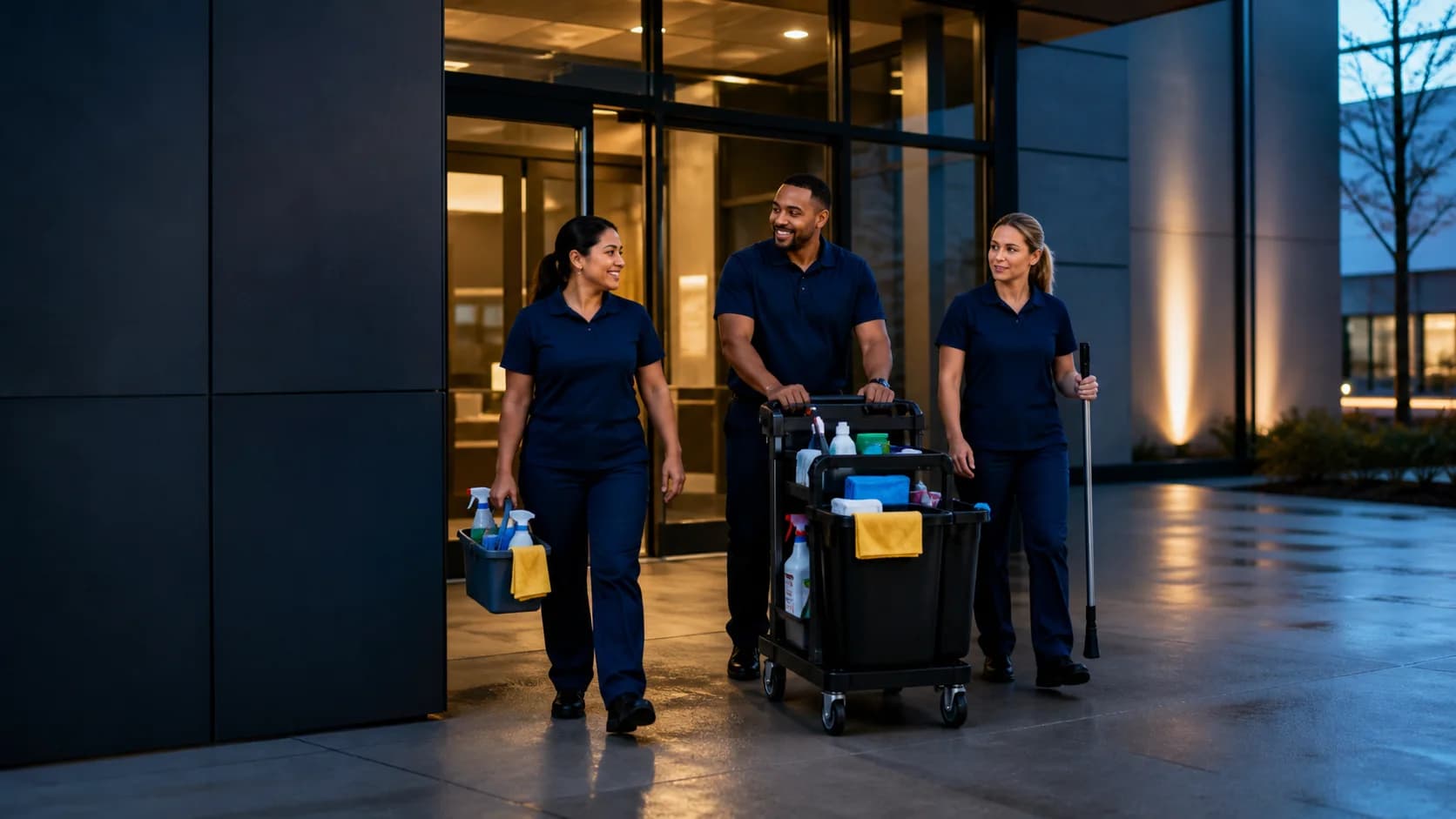
Crews clock in where the work starts, keep the client and selected job with the hours, and review one complete workweek before payroll.
Employees clock in from a phone or computer, use a shared kiosk, or call in when the client site has unreliable internet.
The cleaner chooses the active job before clocking in. Clockspot uses that job to keep the client attached to the recorded hours.
The office checks the client, job, recorded hours, corrections, and approvals before opening payroll reports.
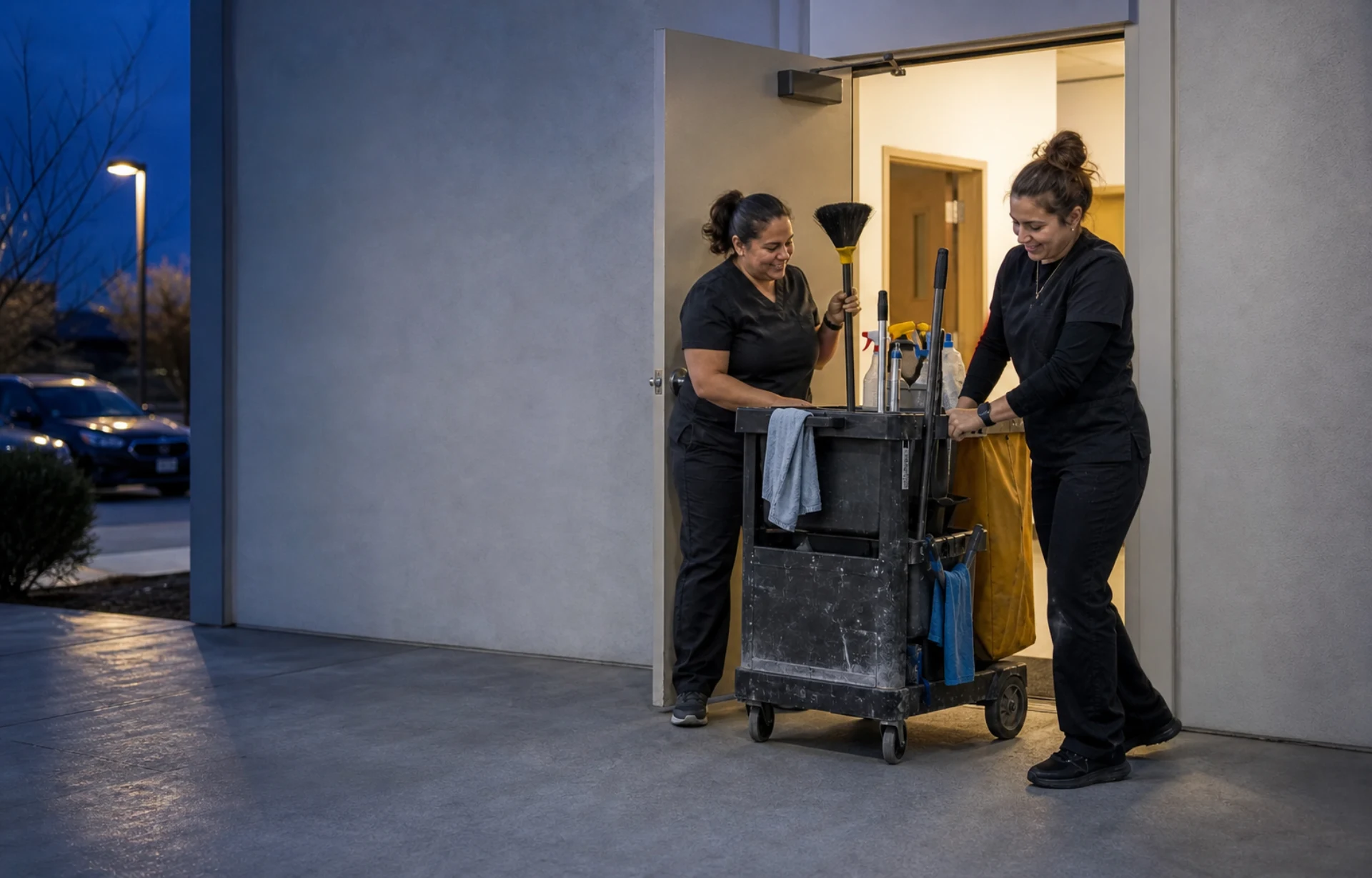
The crew clocks in where the work begins
The selected job keeps the client and service with the recorded hours.
Client site time tracking
Cleaning shifts often begin after the customer’s office closes. Clockspot keeps the recorded time, selected job, client, optional work type, and available location details together for review.
Employees use a phone or computer at the client site. Phone clocking is available when the site does not have reliable internet.
Group recurring jobs under each client, then let employees choose the active job and optional cleaning service when they clock in.
When employees clock in from a phone or computer, Clockspot can record GPS, IP, and device details when available. It does not continuously track location.
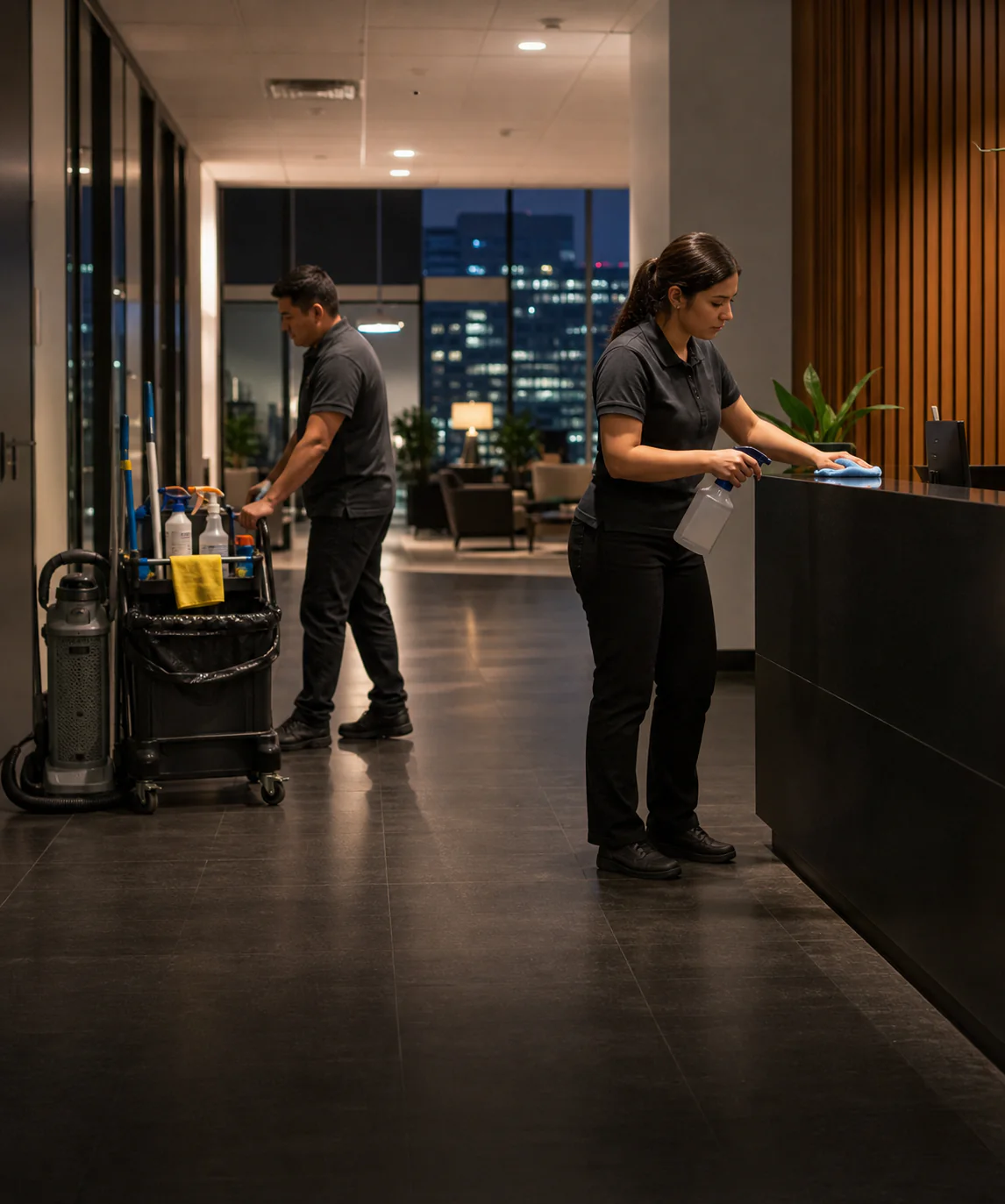
Cleaning company story
“We have a cleaning business, and employees show up at different accounts to clean. For companies with employees who clock in and out at remote sites, this system is great.”
Hours by job
Group hours by client or job, open the employees behind each total, and find recorded time that still needs a job before payroll.
Job hours
Timesheet approval
5 of 7 employees have approval for the full period.
See what needs approval
Job hours
Jul 27 – Aug 2, 2026
Office review
Check the employee, client, job, recorded hours, and correction requests in Time Entries before approving the workweek.
Make sure the recorded hours stay with the right customer and cleaning assignment.
Review the original time, requested change, employee reason, and manager decision.
Use the reviewed hours in payroll reports and exports.
Time Entries

Marcus Brown

Priya Patel

Angela Rivera

Keisha Williams

Aaliyah Robinson

Sandra Ortiz

Tuan Le
Marcus Brown
Priya Patel
At the start of each visit
Connect each update to the cleaning work it belongs to. When a cleaner clocks in for that visit, Clockspot records the punch and then shows the matching message.
Connect an update to the cleaning work it belongs to. Clockspot shows it after a matching clock-in.
Share entrance changes, parking notes, and special client requests where cleaners already start work.
Require confirmation, then check who has read the message and who is still waiting.
 Diana Castaneda
Apex Tower
The front lobby closes at 7 PM. Enter through the Pine Street loading dock.
Work Checklists
Attach a checklist to a client’s job or work site and require it before clock-out. The record of what was done arrives with the hours instead of a phone call the next morning.
Live cleaning-company demo
Open the time entries, clock map, client-job hours, and approvals in a working sample account.
No login or setup required.
Marcus BrownAug 4Tue8:02 AMClocked inPriya PatelAug 4Tue7:58 AM11:05 AMAngela RiveraAug 4Tue8:24 AMClocked inKeisha WilliamsAug 3Mon8:37 AM10:52 AMAaliyah RobinsonAug 3Mon8:45 AM1:15 PMSandra OrtizAug 3Mon9:01 AM11:31 AMCommon questions
Yes. Crews can use a phone or computer, share a kiosk, or call Clockspot when internet is unreliable. You can mix methods across crews and sites.
Yes. Use clients for the customer account, jobs for the contract or assignment, work sites for the buildings, and optional work types for services such as deep cleaning or floor care. Job Hours can group the recorded time by client, job, work type, or work site.
Yes. Employees can record each work trip’s distance, purpose, origin, destination, and optional cleaning job or work site. Managers get one trip history to review when preparing mileage reimbursements or business records, and Clockspot does not automatically follow or optimize the route.
The employee can request a correction and explain why. A manager approves or denies the request before the workweek is approved.
Clock-ins from a phone or computer can capture GPS, IP, and device details when available. Managers can compare a clock-in with configured work sites. Clockspot does not continuously track employees.
Managers review time entries, resolve corrections, and approve the workweek. Approved hours are ready for payroll reports and configured exports.
No. Clockspot handles employee time tracking and payroll-ready records. It does not replace dispatch, route optimization, inspections, proof of cleaning, estimates, invoicing, or customer management.
Invite your cleaners, add their clients and cleaning jobs, and review the first completed workweek before payroll.