Staff clock in from their own account.
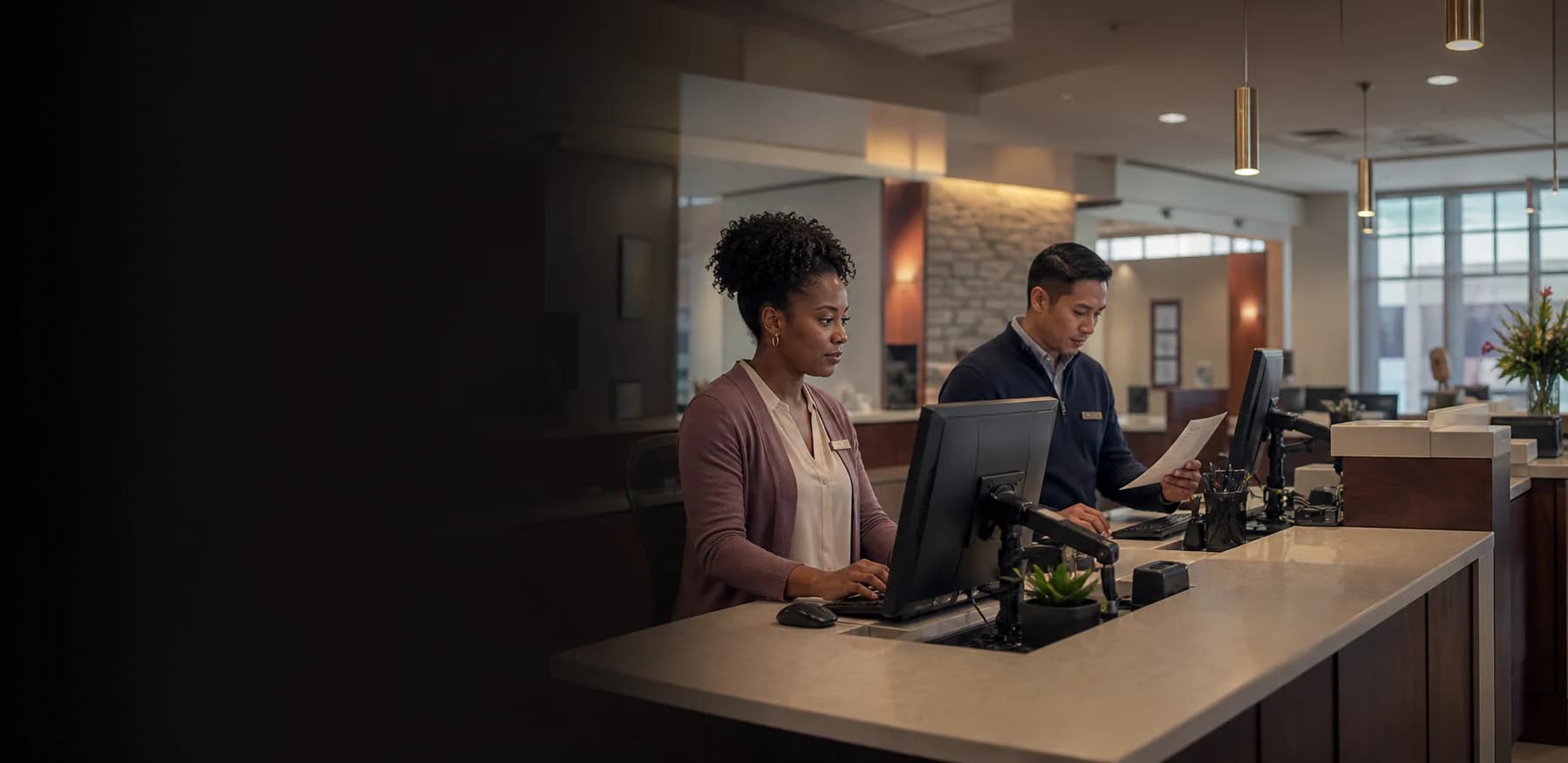
Employees open Clockspot from a branch computer or phone, choose the job for the workday, and record their own time.
Time tracking for banks & credit unions
Give teller, member-service, and back-office employees their own clock-in path. Review workstream hours, resolve exceptions, and approve one complete workweek.
Main Branch Teller Line
8:02 AM
Employee and job recorded
SouthPark branch operations
8h
Approved
Hours stay with the job
Practical branch clock-ins
Employees can use their own account or a shared station while managers keep one consistent time record across the organization.
Employees open Clockspot from a branch computer or phone, choose the job for the workday, and record their own time.
A shared computer or tablet becomes a kiosk. Each employee selects their name and enters a private PIN.
Employees working at a desk record time from their own account, with their selected department or workstream on the entry.
When branch or office work begins
Clockspot shows the matching update after an employee clocks in. Use it for facility, schedule, or process changes employees need at the start of work.
This update matches the work you just clocked into.
Downtown branch
The main training room is unavailable today. Meet on the second floor.
One reviewable workweek
Clock events, jobs, corrections, and approvals stay connected in one workweek for payroll review.
Time Entries

Marcus Brown

Priya Patel

Angela Rivera

Keisha Williams

Aaliyah Robinson

Sandra Ortiz

Tuan Le
Marcus Brown
Priya Patel
Financial services customer
“Clockspot has helped us manage lunch breaks and overtime. In the long run, it has saved us money.”
Explore Clockspot
Move through employee time, correction requests, approvals, and Job Hours in a working Atlantic Community Bank account filled with sample data.
No login or setup required.
Marcus BrownAug 4Tue8:02 AMClocked inPriya PatelAug 4Tue7:58 AM11:05 AMAngela RiveraAug 4Tue8:24 AMClocked inKeisha WilliamsAug 3Mon8:37 AM10:52 AMAaliyah RobinsonAug 3Mon8:45 AM1:15 PMSandra OrtizAug 3Mon9:01 AM11:31 AMFocused employee time tracking
Clockspot can sit beside the systems already running financial operations and payroll. Each system keeps a clear job.
Clockspot handles
Your financial systems handle
Common questions
Yes. Employees can sign in to their own Clockspot account from a computer or phone. A branch can also run a shared kiosk on an existing computer or tablet, with a separate name and PIN for each employee.
Yes. A Clockspot job can represent a branch, department, teller line, loan operations, or another workstream label your organization uses. Employees select the job when they clock in, and managers can compare Job Hours later.
No. Clockspot can help maintain clear employee time, correction, and approval records, but it does not guarantee legal or regulatory compliance. Your institution remains responsible for its policies, required records, and advice from qualified legal or compliance professionals.
No. Clockspot is for employee time records, corrections, approvals, reports, and configured exports. Core banking, transactions, lending, member service, HR administration, compliance workflows, payroll processing, and accounting stay in their own systems.
Use your own employees, branch or workstream labels, and clock-in methods for a full pay period, then review the finished hours before payroll.