Clock in
NoDa Dental service order
11:20 AM
Job and GPS recorded
Clock In
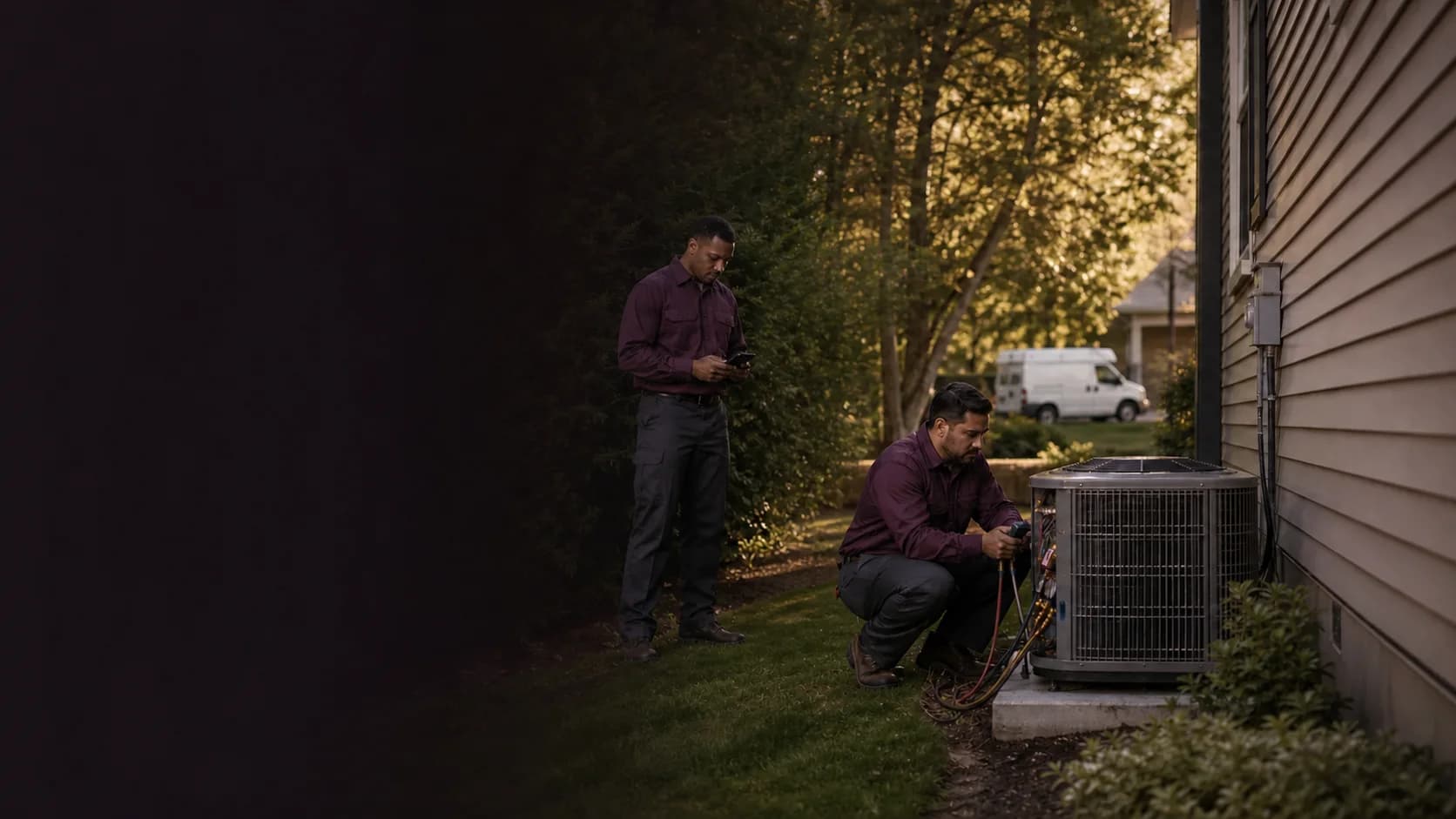
Home services time clock
Technicians clock in as the workday moves. The office gets clear job hours to review before payroll.
Clock in
NoDa Dental service order
11:20 AM
Job and GPS recorded
Time Entries
NoDa Dental service order
7h 29m
ApprovedJob hours
Hours stay with the job
Clock-in options
Technicians choose the job as they clock in. When a device shares location, GPS and device details stay with the clock event.
A cell phone or landline can record the employee, time, and selected job without relying on job-site internet.
Technicians use a personal PIN on a shared tablet or computer when the workday starts from one place.
Main office → Ballantyne home
Recorded
Ballantyne home → Easton Supply
Recorded
From one service call to the next
A technician adds the distance and business purpose, with where the drive started and ended. The office gets one trip history to search or export when it is time to prepare reimbursements or business records.
Each entry keeps the distance and business purpose with where the drive started and ended.
Search or export recorded trips when preparing reimbursements or business records.
Clockspot preserves the trip history while totals count only current entries.
Customer story
“Employees can keep up with their time as they log into the computer, and the payroll reports save everyone a lot of time.”
From clock-in to payroll review
Open a working sample account to see Time Entries, the Job Hours report, and timesheet approvals together.
No login or setup required.
 Marcus BrownAug 4Tue8:02 AMClocked in
 Priya PatelAug 4Tue7:58 AM11:05 AM
 Angela RiveraAug 4Tue8:24 AMClocked in
 Keisha WilliamsAug 3Mon8:37 AM10:52 AM
 Aaliyah RobinsonAug 3Mon8:45 AM1:15 PM
 Sandra OrtizAug 3Mon9:01 AM11:31 AM
A focused fit
Clockspot gives the office a focused time record without trying to replace dispatch, customer management, or invoicing software.
Common questions
Yes. Technicians can clock in from their own phone or computer when internet is available. They can also use a shared kiosk at the shop or call from a cell phone or landline.
Yes. Use a client for the customer, a job for the service call, installation, callback, shop time, route, or cost code, and a work site for the physical location. The selected job stays with the time entry for reporting and review.
Yes. Technicians can record each work trip’s distance, purpose, origin, destination, and optional service job or work site. The office gets one history to review when preparing mileage reimbursements or business records. Clockspot does not automatically track the route.
Phone clocking lets a technician call Clockspot from a cell phone or landline. The entry keeps the calling number, recorded name, and selected job instead of browser location details.
No. When a technician clocks in or out from their own account and the device shares location, Clockspot can attach GPS to that clock event. It does not provide continuous route tracking.
Try one real workweek with your technicians, jobs, and clock-in methods. No dedicated time clock hardware or credit card required.
