Clock in
Dinner Service
4:02 PM
Click to change
Clock In
Restaurant time clock software
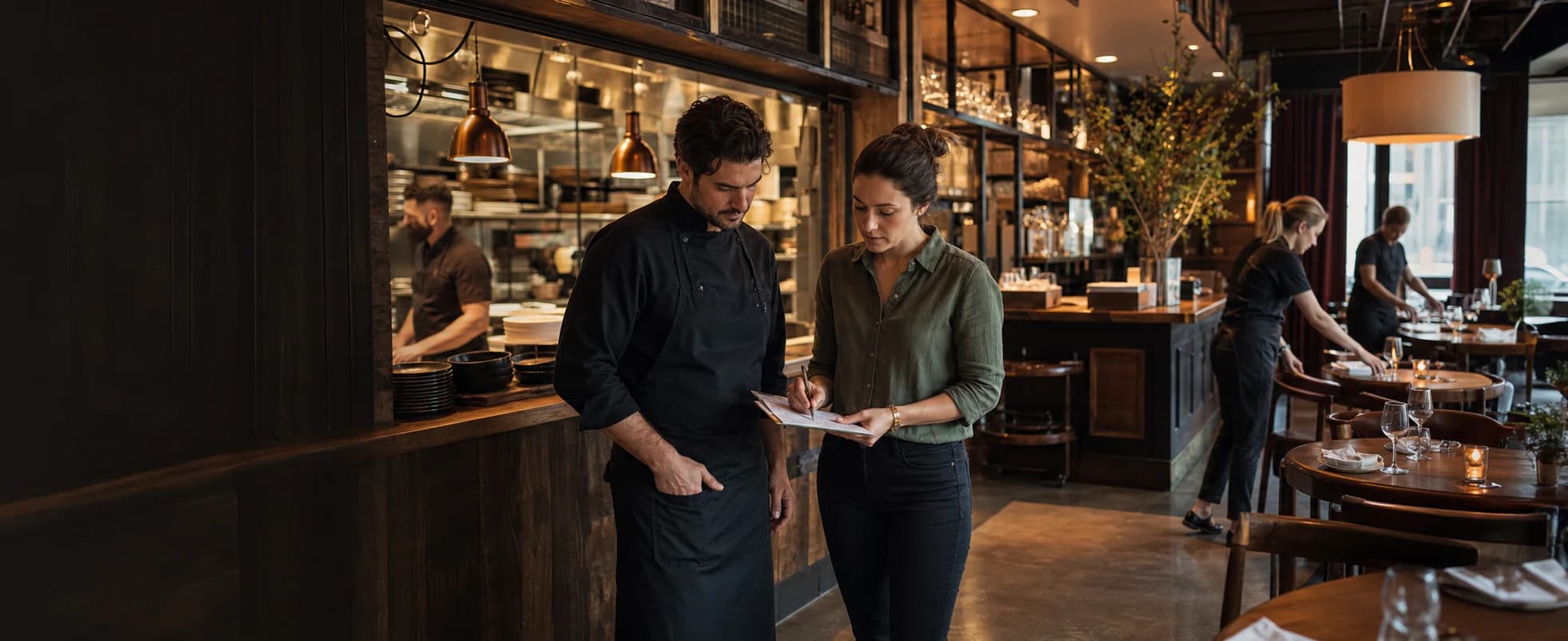
Employees clock in from a shared device at the restaurant or their own account. Managers keep hours with each service or work area, then review breaks and corrections before payroll.
Clock in
Dinner Service
4:02 PM
Click to change
Time Entries
Dinner Service
Submitted6h 45m
Edit Requests
Stayed late closing the kitchen
One restaurant time record
Scheduling responses, clock-ins, service or work-area labels, breaks, corrections, and final approval stay connected.
Step 1
Publish assigned and open shifts, require confirmations where they matter, and let eligible employees request the work they can cover.
Step 2
Use Clockspot jobs for Lunch Service, Dinner Service, Kitchen Prep, Closing Side Work, or another label your managers review.
Step 3
Review breaks, open entries, overtime, and requested corrections before approving employee time.
Time Entries

Marcus Brown

Priya Patel

Angela Rivera

Keisha Williams

Aaliyah Robinson

Sandra Ortiz

Tuan Le
Marcus Brown
Priya Patel
Review the workweek
Review the employee, service or work area, duration, break, and status behind every restaurant time entry.
The selected Clockspot job stays with the employee hours your manager reviews.
Open one workweek to check duration, breaks, overtime, and approval status.
Open entries and pending corrections remain visible before payroll reports are exported.
Fix time before approval
Keep the incomplete entry, requested fix, employee reason, and manager decision in one review flow.
Step 1
Open entries stay visible beside the rest of the completed restaurant hours.
Step 2
The manager can review the missing value and the explanation before making a decision.
Step 3
The finished time card keeps the correction and manager decision with the entry.
Keep each system focused
Give managers one clear employee time record without replacing the restaurant tools that handle guests, sales, tips, or payroll.
Clockspot
One reviewed time card for each employee
Your restaurant systems
Keep the restaurant tools you already use
Verified customer result
“We used to spend hours reconciling time cards and doing payroll. Now we are able to do payroll in a minute every time.”
At shift close
Clockspot opens the checklist that applies when an employee clocks out from their own account. Employees record what was completed and flag anything a manager needs to follow up on.
Required before clock-out
Explore Clockspot
Open the schedule, review recorded entries, and compare a correction in a complete Mission Bay Grill sample account.
No login or setup required.
Marcus Brown42h8am–4:30pm
Dinner Service
8am–4:30pm
Dinner Service
9am–5pm
Confirmed
Lunch Service
Priya Patel41h5am–8am
Dinner Service
5am–8am
Dinner Service
9am–5pm
Lunch Service
Angela Rivera30h7am–3pm
Balboa Park Private Event
7am–3pm
Balboa Park Private Event
Time off
Vacation · 8h
Keisha Williams40h10am–6pm
Closing Side Work
10am–6pm
Draft · Closing Side Work
10am–6pm
Closing Side Work
Aaliyah Robinson24h8am–4pm
Bar Service
Time off
Vacation · 8h
Time off
Vacation · 8h
Common questions
Set up your services or work areas, give employees a practical way to clock in, and review one complete workweek before payroll.