Work checklists

Employees complete a work checklist at clock-out, so you know what got done.

Create a checklist for a job or work site, and the employees who work there fill it out when they clock out. They mark each step done or flag it, and can add a note or a photo. Require it before clock-out, or let them finish it later.

Start my free trial

At clock-out

Know the work was finished and up to standard, without being on site.

Apex TowerClocked in
Nightly close

Required before clock-out

Clock out

The right checklist opens on its own when the shift ends

When an employee clocks out from their account, the checklists that apply to that job or work site open with the shift. If more than one applies, they answer each in turn.
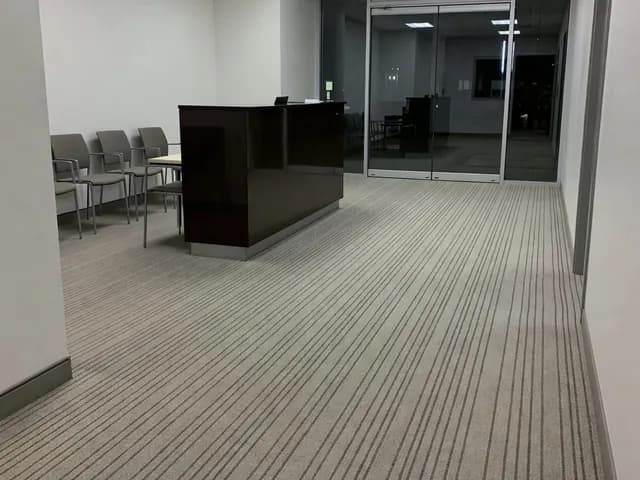
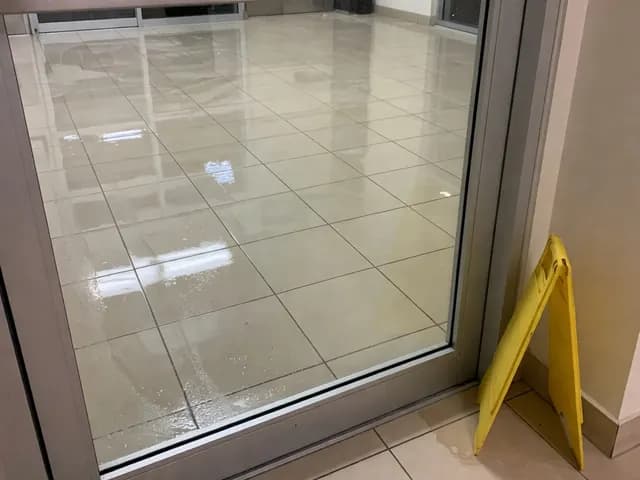
Nightly close2 of 4 photos
3Entry glass cleanedFlag

Ran out of glass cleaner, will bring more tomorrow

4Photo of the lobby
Take photo

See the finished work in a photo, not just a check mark

A photo item takes up to four photos from the phone’s camera, and any item can carry a note. Both are stored with the submitted checklist, private to your account.

My Checklists
Unfinished 1History
Nightly close · Harbor Mall

Required before clock-out

Nightly close · Harbor Mall

Submitted Mon, 10:40 PM

Unfinished checklists stay on the list until they are done

A checklist you allow to be finished later, or one owed after a kiosk or phone clock-out, stays under Unfinished until it is submitted. Submitted checklists stay in the employee’s history.

Reviewing checklists

You hear about a flagged item before the next shift.

When an employee answers not done, flag, or fail, Clockspot emails or texts you the employee’s name and the checklist. The Work Checklists page sorts every shift into needs attention, all clear, and not submitted, and opens each one to the answers, notes, and photos behind it.

Get an email or text when an item is flaggedSee which shifts still owe a checklist

Setting up a checklist

Write the checklist once, and every employee on that job gets it.

Nightly closeEdit checklist
1Entry glass cleaned

Done or not done

2Photo of the lobby

Photos

3Anything the client should know

Written answer

Decide what each step asks for, from a check mark to a photo

Build the list from the answer types you need: done or not done, pass, flag, or fail, a written answer, or up to four photos. Mark the items that must be answered, and allow N/A on a step that does not come up every shift.

Where this checklist applies

Jobs

Apex Tower
Harbor Mall
Civic Center

Work sites

Weston Medical

Cover many sites with one checklist, or give one building its own

Pick a job when the same work happens at more than one address, and a work site when the checklist belongs to the building, whatever job brought someone there. Everyone who works one of them gets it without a reminder.

Clock-out requirement
Require it before clock-out
Allow employees to finish it later
Save

Require a checklist, and employees finish it to clock out

Set the rule per checklist. A required checklist must be submitted before an employee can clock out from their account. The rest can be finished later from My Checklists.

Live work checklists demo

Checklist reports show you which steps keep failing, and where.

Open the Work Checklists report for a cleaning crew: how many closes came back clean, how many still owe a checklist, and the one step reported at three different sites in a week.

No login or setup required.

9:41
Work Checklists

Questions this report answers

This workweekAll employeesAll statuses

Work Checklists

Jul 27 – Aug 2, 2026

Checklists

42

Needs attention

5

Not submitted

3

Problem items

7

By shiftBy itemBy employeeBy jobBy checklist
Entry glass cleanedNot done ×3
Nightly close3 of 27 · 11%
Supply levels for the next visitFlag ×2
Medical suite close2 of 12 · 17%
Sharps and red-bag containers below the fill lineFail ×1
Medical suite close1 of 12 · 8%
clockspot.com

Common questions

Get answers before you write your first checklist.

  • Photos and notes
  • By job or work site
  • Flagged-item alerts
What happens when an employee clocks out at the kiosk or by phone?

The clock-out goes through. The checklist is recorded as owed for that shift and waits under Unfinished in My Checklists the next time the employee signs in from their own account. Until they submit it, the shift shows as not submitted on the Work Checklists page.

Can I add or reword steps after employees have started using a checklist?

Yes. Edit the steps and save, and every shift from then on gets the new version. Checklists employees already submitted keep the steps and wording they answered, so nothing they said is read against a step that changed.

Can I see which steps get flagged the most?

Yes. The Work Checklists report totals the answers to each item over the dates you choose, filtered by employee, checklist, job, or work site. A step that fails at several sites reads as one thing to fix rather than a scattered set of rows.

Who can see the photos employees take?

Photos are stored privately with the submitted checklist. Administrators and the managers you authorize open them from the checklist itself, and the employee can look back at their own submission. Nothing is posted where other employees can see it.

Try Clockspot and know how every shift ended.

Write your first checklist in a few minutes, attach it to a job, and read what your employees submit at clock-out. No credit card required.

Start my free trial