Schedule
Evening support
3pm–11pm
Mon
Published for the agent
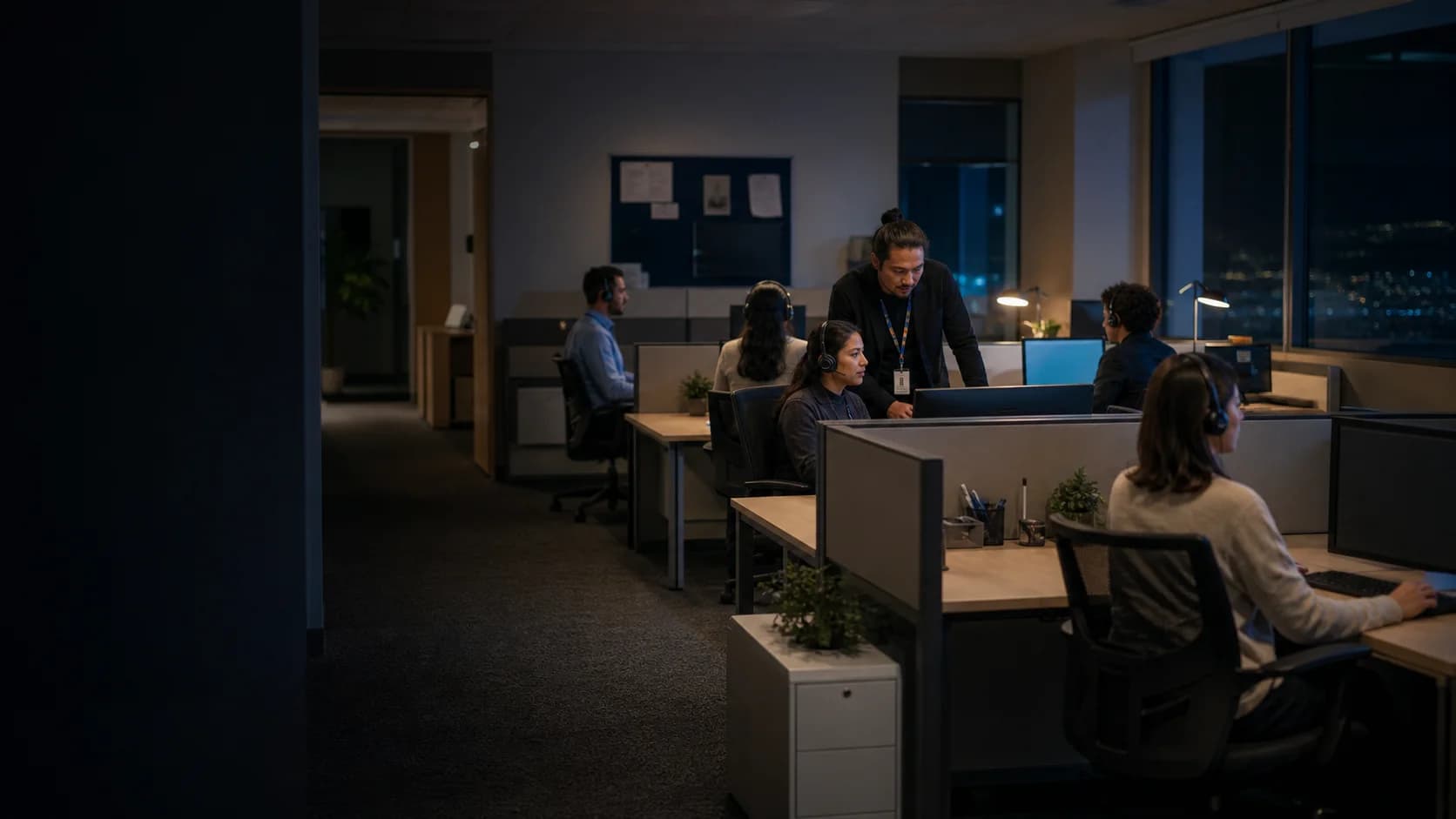
Call center time clock software
Clockspot is an employee time clock for call centers and contact centers. It keeps published shifts, clock events, recorded breaks, corrections, and overtime in one record the office can review before payroll.
Evening support
3pm–11pm
Mon
Clock-in options
Whether an agent works on the floor or remotely, each supported method records employee time independently from the phone system, queue, and customer tools.
The agent signs in to Clockspot and records the start and end of the employee shift. The time record stays separate from phone login, queue state, and customer activity.
Agents use personal PINs on a shared tablet or computer, so the office gets consistent clock and break records without installing dedicated time-clock hardware.
An authorized cell phone or landline can record the employee, time, caller number, and voice check when the company chooses that clock-in path.
One agent shift
Clockspot keeps the schedule, recorded time, break, and correction in one employee record, so supervisors can resolve exceptions without piecing the day together.
Who's Working shows time-clock states, not phone availability, queue state, or schedule adherence.
Evening support shift
Plan
The agent and supervisor start from the same scheduled shift.
Record
Employee time stays separate from phone and queue activity.
Review
The office resolves the missed clock-out and checks overtime before export.
When an agent clocks in
Clockspot shows the matching update after an employee clocks in. Use it for queue, schedule, or office changes agents need at the start of work.
This update matches the work you just clocked into.
Evening support shift
Open the overflow queue after 6 PM. The regular queue remains available for callbacks.
Explore Clockspot
See an employee clock in, review recorded breaks, and approve the finished workweek before payroll.
No login or setup required.
 Marcus BrownAug 4Tue8:02 AMClocked in
 Priya PatelAug 4Tue7:58 AM11:05 AM
 Angela RiveraAug 4Tue8:24 AMClocked in
 Keisha WilliamsAug 3Mon8:37 AM10:52 AM
 Aaliyah RobinsonAug 3Mon8:45 AM1:15 PM
 Sandra OrtizAug 3Mon9:01 AM11:31 AM
A focused system boundary
Payroll gets a clear employee record while the systems built for calls, queues, staffing forecasts, quality, and customers keep doing their jobs.
Clockspot owns
Contact center systems own
Common questions
Yes. An agent can sign in to Clockspot from a web browser on a computer or phone and clock in there. A call center can also use a shared browser kiosk with personal PINs or an approved phone clock. Clockspot is preparing a native iPhone app for existing customers, but it is not available yet. Android does not currently have a native app. Browser clocking requires internet access, and the planned iPhone app will too.
Yes. Authorized employees can use the signed-in browser from an allowed work setting. Clockspot can preserve IP, browser, or employee-shared GPS evidence with a clock event when those methods are configured. It does not continuously monitor the device, inspect the home workspace, or verify that the agent is signed in to the phone system.
Clockspot Who’s Working shows the current Clocked in, On break, Scheduled, Time off, or Off duty status recorded in Clockspot, plus relevant duration and schedule context. That is employee time-clock status, not phone availability, queue state, schedule adherence, or coverage analytics.
Employees can start and end the meal or rest break types your company configures. Time Entries shows each recorded break and whether the configured type is paid or unpaid. Clockspot does not automatically detect a break from phone activity, enforce when it must happen, or send overlong-break alerts.
No. Clockspot records the clock events and corrections employees or administrators enter. It does not detect computer startup, application loading, phone-system sign-in, after-call work, or other activity automatically. Set your timekeeping policy for all compensable work with qualified wage-and-hour guidance. Clockspot does not provide legal advice or guarantee compliance.
Clockspot classifies recorded hours using the overtime rules your company saves and shows the results in timesheets and reports. Employees can request time or break corrections with a reason, and an administrator can compare, approve, or reject the change before approving the workweek. Clockspot does not forecast labor or send approaching-overtime, late, or no-show alerts.
No. Clockspot focuses on employee shifts, recorded time, breaks, corrections, approvals, reports, and payroll export. Keep queues, call routing, IVR, recordings, agent states, demand forecasts, adherence, handle time, QA scoring, coaching, CRM, tickets, and customer analytics in the systems that run your contact center.
Add your agents, publish the shifts that matter, and review one complete week before payroll.
