
 Priya PatelReady to clock in
8:42 AMFriday, July 31
Weston MedicalChange job
Clock in
Clock in from a phone or computer
Employees choose the job they are working on and an optional work type from the browser they already use.
Clockspot features
Employees clock their hours, managers review and approve them, and you export payroll-ready reports. The sections below cover every step, from the clock-in itself to the rules and alerts that catch problems before payday.
 Marcus BrownAug 4Tue8:02 AMClocked in
 Priya PatelAug 4Tue7:58 AM11:05 AM
 Angela RiveraAug 4Tue8:24 AMClocked in
 Keisha WilliamsAug 3Mon8:37 AM10:52 AM
 Aaliyah RobinsonAug 3Mon8:45 AM1:15 PM
 Sandra OrtizAug 3Mon9:01 AM11:31 AM
Collect time
Priya PatelReady to clock inEmployees choose the job they are working on and an optional work type from the browser they already use.
 Priya PatelClocked in · 8:42 AM
Every clock-in records GPS location, IP address, and device details, and geofences flag anyone clocking in from outside.
Employees enter an ID and PIN and complete a recorded voice check, so phone punches are verified too.
Organize work
Group related jobs under each client, add optional work types for services or tasks, and choose which employees can record time to each job.
Pay rates apply to the hours recorded on each job, with overtime broken out. Export the detail for client billing or internal review.
Every site rolls up to one account. GPS, IP address, and device context sit behind each punch, and warnings flag clock-ins outside the range.
Live kiosk demo
Employees choose their name, clock in or out, enter a personal PIN, and take an optional verification photo from one shared screen. Each punch becomes a time record managers can review before payroll.
No login or setup required.
8:41 AM
Monday, July 27
Main Office
 Maria Acosta
 Ana RamosLunch
 Sergio RomeroClocked in
 Esmeralda Vargas
Review records
 Angela RiveraFriday, July 31 · Weston MedicalPending
Each request arrives with a reason and the original time beside it, ready for you to approve or deny.
 8–4:308–4:308–4:30
 6–26–2
 8–5
8–5Repeat dependable shifts, check availability and conflicts, publish assigned or open work, collect responses, and compare scheduled hours with worked hours.
Requests for paid or unpaid time off come to you for approval, with accrual rules applied and approved hours connected to schedules and payroll.
Complete records
Each change keeps the field it touched and the person who made it. Correction requests stay on the record, including the ones you turn down.
Employees record breaks from the clock. Each break shows on the timesheet with its length and whether it is paid.
Employees can take an optional photo at clock-in. Review it next to the punch before approving the hours.
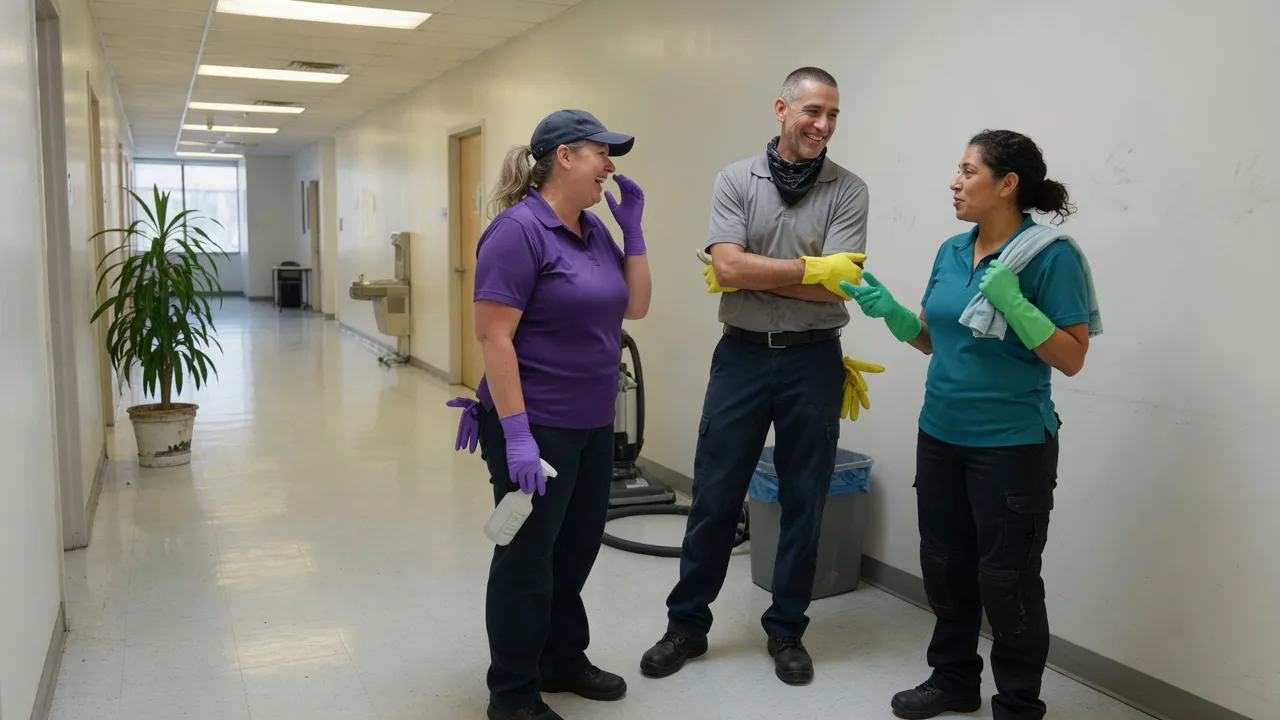
Customer story
“I have 25 employees who all work in different locations. Now I have labor cost totals at my fingertips.”
Philip Norton
President, Alpha Cleaning Corporation of Illinois
Verified customer
After clock-in
Write the message once and connect it to the work it belongs to. Employees see it after clocking in for that work.
Clockspot matches the update to what each employee clocks into.
Employees can open the details again later from Inbox.
Require confirmation and follow up with anyone still waiting.
 Diana Castaneda
Lincoln School
Use the south entrance starting tomorrow.
Time clock rules
Ask for a checklist at clock-out, choose whether employees may finish it later, and round times only if you choose.
Limit clock-ins to scheduled shifts, and set a grace period before the alert goes out.
Saved payroll export files can go out the same way, and clock activity alerts reach you in-app, by email, or by text.
Prepare payroll
Marcus Brown38h of 40h · ThursdayAlert sentThe federal weekly rule and state presets like California are built in, or set custom rules. Threshold alerts warn you before an employee reaches overtime.
Marcus Brown42hKeisha Williams24hApproveThe queue shows who is waiting on review, who never submitted, and who is done. Approve people one at a time or everyone who is ready at once.
Approved hours come out with regular time, overtime, double time, and PTO separated, ready for your payroll system or a flexible CSV.
Clockspot for ChatGPT
Use AI to check who is working, explain report totals, correct timesheets, finish setup, and get ready for payroll. ChatGPT can link each answer to the relevant Clockspot record and ask for confirmation before important changes.
Example ChatGPT conversation with four Clockspot questions.
User: Who is clocked in right now? ChatGPT: As of 9:54 PM PDT on August 23, 2026, 6 employees are clocked in: Sofia Reyes — 5:28 PM · 4h 26m · Meal Break Francisco Mendez — 5:40 PM · 4h 14m · Travel Between Sites Roberto Vega — 5:46 PM · 4h 8m · Training Esmeralda Vargas — 6:05 PM · 3h 49m · Travel Between Sites Adriana Cortes — 6:32 PM · 3h 22m · Harbor Mall, Huntington Beach · Work Site: Harbor Mall, Huntington Beach Maria Acosta — 7:28 PM · 2h 26m · Travel Between Sites Open Time Entries in Clockspot.
User: Francisco's clock-in should be 5:30 PM, not 5:40 PM. Can you correct it? ChatGPT: I prepared Francisco Mendez’s clock-in correction from 5:40 PM to 5:30 PM. Review and approve it in Clockspot. The time entry is unchanged. Review correction in Clockspot.
User: I approved it in Clockspot. Check the result. ChatGPT: Clockspot’s saved result confirms Francisco Mendez’s clock-in changed to 5:30 PM. His clock-out, breaks, job and Work Site stayed the same. Open Francisco’s time entry.
User: Are we ready for payroll for the last two completed workweeks? ChatGPT: Payroll is not ready for the last two completed workweeks, August 3–16, 2026 (Monday–Sunday workweeks, America/Los_Angeles). Blockers: 9 · Warnings: 49 · Total issues: 58. I can show you each blocker and what to do next. Open Payroll Readiness in Clockspot.
User: What should I finish before employees can use the kiosk? ChatGPT: Name the kiosk, choose the eligible employees, generate a time-limited setup code, and enter it on the shared device. Each employee also needs a kiosk PIN. Open Kiosks and the setup guide.
Common questions
See the pricing page for Clockspot's current plan, free-trial terms, and billing details.
See pricingAll of them, with every account. Payroll Summary, Hours Summary, Overtime, Breaks, Schedule vs Actual, Job Hours, Labor Cost, Work Checklists, Timesheet Audit, and more, each one filterable, exportable, and emailable on a schedule.
See every reportNo. Clockspot works from any phone or computer with internet. Employees can also dial in from a job site using our phone clock-in number.
Yes. Owners can choose Assigned employees and select exactly which employees each Administrator can view and manage. Their access follows schedules, timesheets, approvals, time off, reports, and exports.
See manager permissionsYes. Employees manually record the date, distance, business purpose, origin, destination, and optional job or work site. Administrators get one searchable, exportable history for preparing mileage records. Clockspot does not track routes automatically or calculate reimbursements.
Yes. Attach a checklist to a job or work site and it opens when an employee clocks out from their account. Each step can be marked done or flagged, with a note or a photo. You choose whether it is required before clock-out.
More on work checklistsYes. QuickBooks Online connects directly: after you review the pay period, approved hours go over as Time Activities. For any other provider, download a payroll import file for ADP RUN, Gusto Smart Import, Paychex Flex, SurePayroll, or QuickBooks Desktop IIF, or a CSV.
Explore the QuickBooks Online integrationYes. Set up each location as a work site with its own GPS area, see who is clocked in at each one, and run hours and coverage reports by site while payroll stays in one place.
More on multiple locationsSet up in a few minutes, invite your employees, and this week's clocked hours become payroll-ready records.