Work Site Overview
Scan each Work Site's worked hours, time-entry volume, and employee activity before opening a site for more detailed review.
Questions this report answers
- Who worked at a specific site, and for how long?
- How many hours, time entries, and employees did each site have?
- Which locations had the most activity?
No login required. Opens in one click.
What this report shows
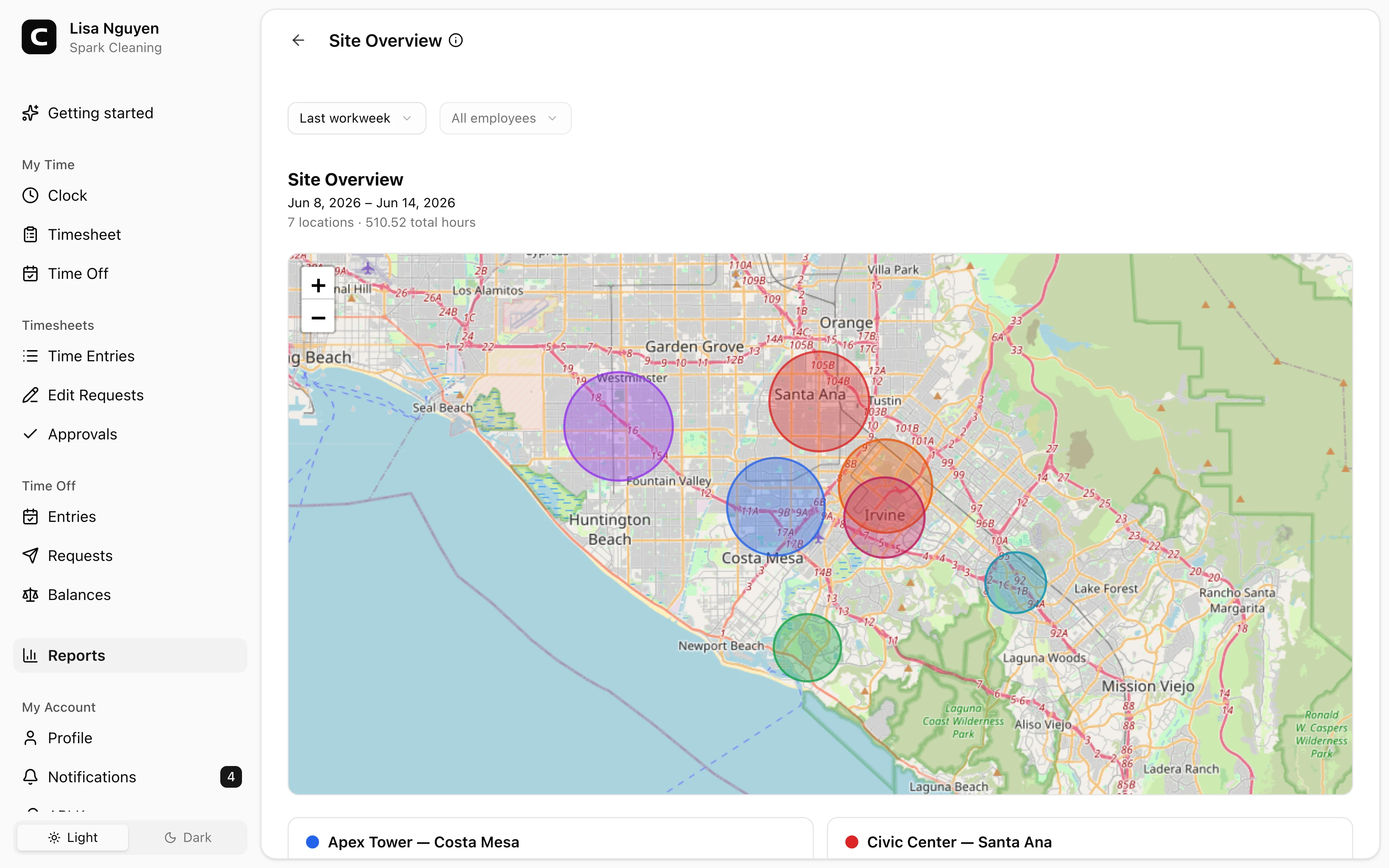
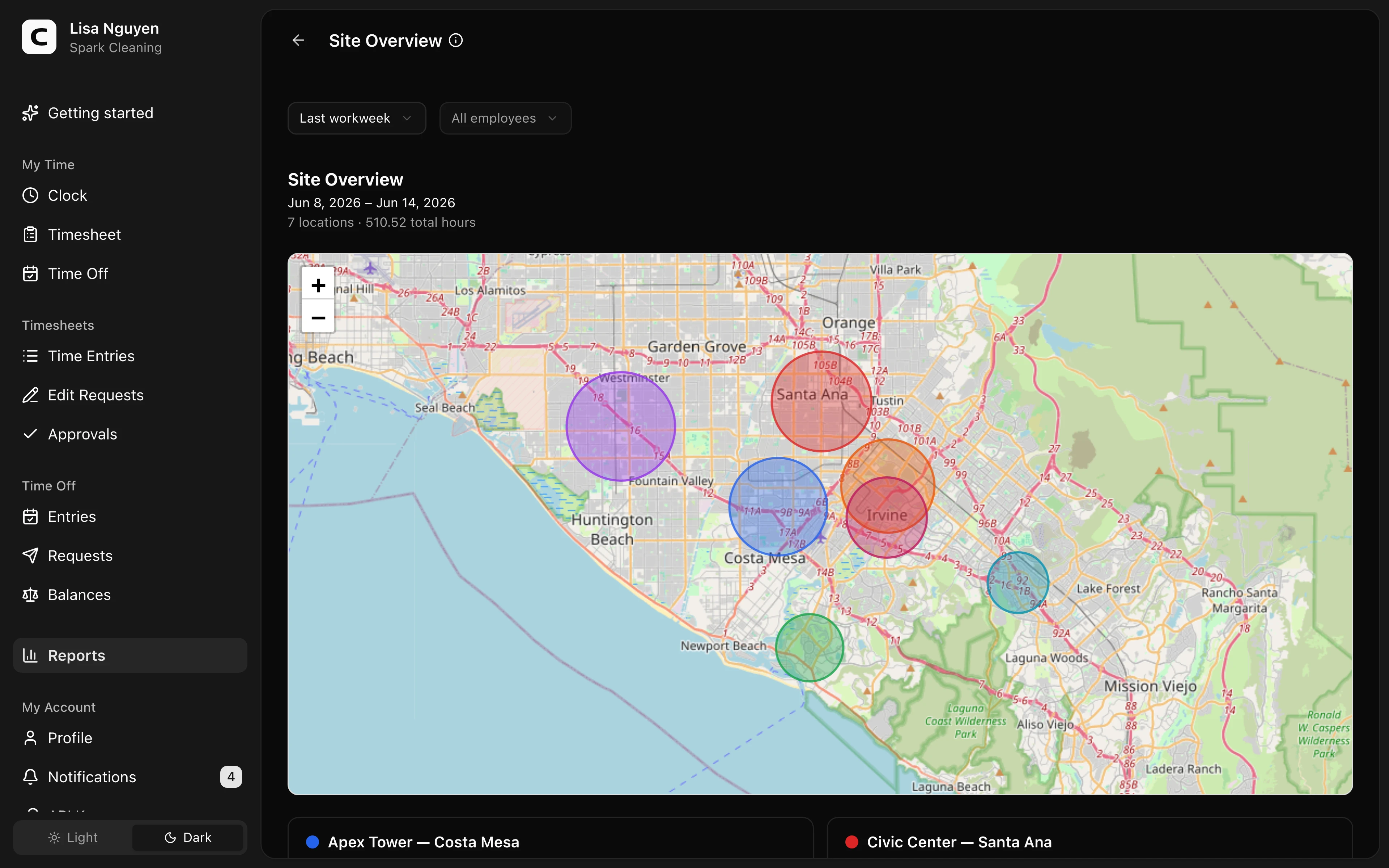
A Work Site list beside a map. Attributed Work Sites remain in the list even when they have no GPS area. Each colored map pin uses the center of the Work Site's configured GPS areas; larger bubbles represent more hours.
Each Work Site in the list includes:
- Hours attributed to the Work Site
- Time entries — the number of attributed clock-ins
- Employees — how many distinct people worked there
- The top 3 employees and how many hours each spent, with +N more for the rest
Select a Work Site to focus it on the map. The map detail shows its hours, time entries, employee count, and top employee.
Filters
Date range, Work Site, and employee in the toolbar.
Exporting
Open the Export menu and choose Download CSV or Download Excel. The export includes site totals and the full employee-hours breakdown for each site.
When to use a different report
- Detailed hours per Work Site with employee breakdown → Work Site Summary
- Every clock-in/out event with Work Site attribution → Work Site Activity
- Each employee's Work Sites by day → Work Site Coverage
- Map of every individual clock event → Clock Activity Map
- Unverified events or conflicting Work Site approvals → Clock Verification
Common questions
- Why is a Work Site listed without a map pin?
The Work Site has attributed time but no configured GPS area. Add a GPS area from Work Sites when it should appear on the map.
- Only 3 employees show under a Work Site — where are the rest?
The list shows the top 3 by hours; +N more is the count of additional employees. Export the report for the full employee-hours breakdown, or switch Work Site Summary to its By Work Site view.
Clockspot keeps clock-ins, corrections, approvals, and payroll-ready hours connected so owners and managers can review the workweek before payroll.
Want to simplify how your team tracks time? See how Clockspot works.