Clock Verification
Find clock events that did not match a configured approval and time entries attributed to different Work Sites at clock-in and clock-out.
Questions this report answers
- Which clock-ins or clock-outs have verification issues?
- Which time entries have Work Site verification problems?
- Which employees have Work Site verification problems?
No login required. Opens in one click.
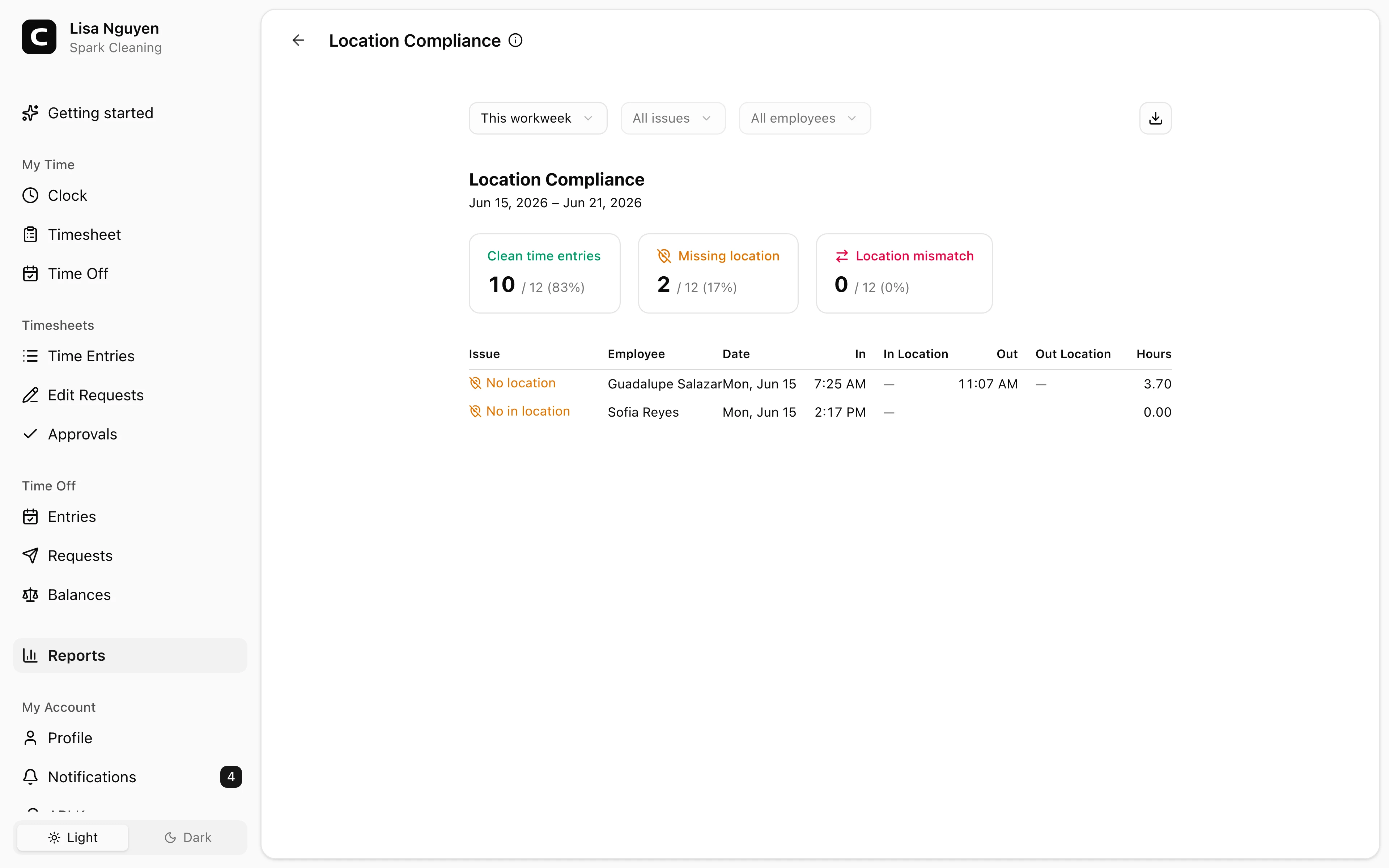
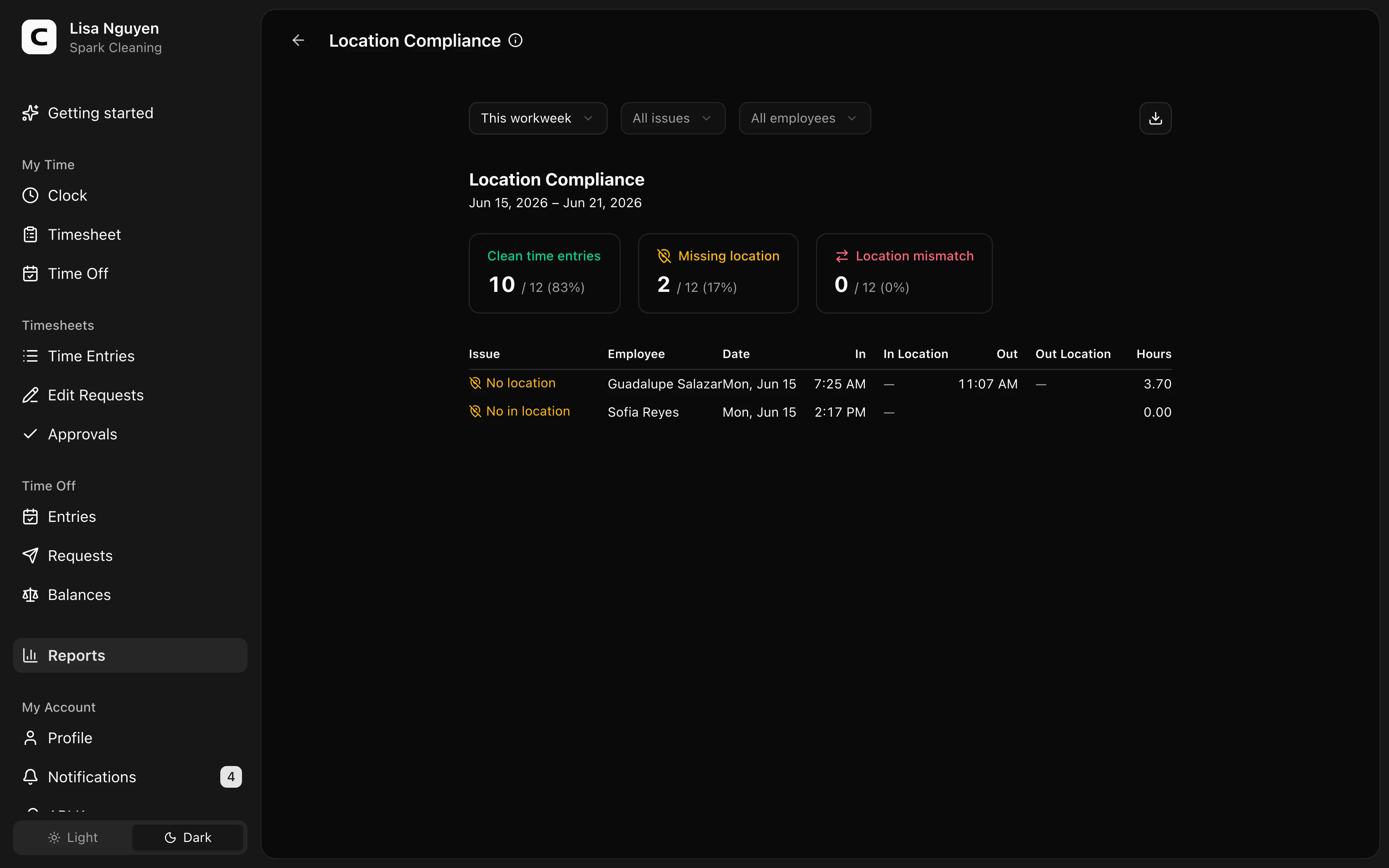
What this report shows
Clock Verification reviews completed time entries for three issue types:
- Unverified clock event — a clock-in, clock-out, or both had applicable clocking approvals but did not match any of them.
- Conflicting Work Site approvals — one clock event matched approvals associated with more than one Work Site.
- Verification unavailable — the entry has no recorded verification outcome, which can occur for a manual or older entry.
Work Site attribution and clock verification are independent. A row may show a Work Site even when the event was unverified, because the employee's job or explicit Work Site choice established the place. An event can also be verified by an unassociated approval and have no Work Site.
The report does not treat Not checked as unverified. That outcome means no applicable approvals were configured for the event's channel. Verification unavailable is also not a failed verification; it means Clockspot cannot evaluate that entry from its recorded data.
Reading the summary
The summary counts Total entries, No exceptions, Unverified events, Approval conflicts, and Unavailable. Verification percentages use only entries with a recorded outcome or same-event approval conflict. The unavailable percentage uses all completed entries in the selected period.
When a time entry has both a Work Site approval conflict and an unverified event, it appears once as Conflicting Work Site approvals. Different clock-in and clock-out Work Sites are valid event-specific facts and are not a verification failure. Use Verification Exceptions when you want each clock-event exception listed separately alongside missing kiosk photos and phone voice recordings.
Filters and approval coverage
Use date range, issue type, Work Site, and employee in the toolbar. Timesheet approval shows whether the employees represented in the period have approval covering the full period and identifies any employee, date, and status behind a gap.
If no clocking approvals are currently set up, the report displays a setup notice. Add GPS areas from Work Sites, internet connections or browsers from Clock-in Verification, kiosks from Kiosks, or approved caller IDs from Phone Clocking. The notice describes current setup; it does not reinterpret historical outcomes.
The report reviews recorded entries, not refused attempts. If an unverified clock-in is blocked, no time entry is created and no row appears here. Clock-out is never blocked by the web clock verification policy, so an unverified clock-out can still appear.
Exporting
Open Export and choose Download CSV, Download Excel, or Download PDF. The export includes the same issue and clock-in and clock-out Work Site columns shown in the report.
Common questions
- What is the difference between Unverified and Not checked?
Unverified means applicable approvals existed but none matched. Not checked means there were no applicable approvals for that clocking channel, so there was nothing to match against.
- Why does an unverified row have a Work Site name?
The job or employee's Work Site choice can establish where the work belongs even when the separate GPS, network, browser, kiosk, or caller-ID verification does not match.
- Can I change a historical verification result?
No. It records how the original clock event compared with the approvals configured at that time. Editing a time entry can correct its time or job but does not rewrite the captured clock-event evidence.
Clockspot keeps clock-ins, corrections, approvals, and payroll-ready hours connected so owners and managers can review the workweek before payroll.
Want to simplify how your employees track time? See how Clockspot works.