Verification Exceptions
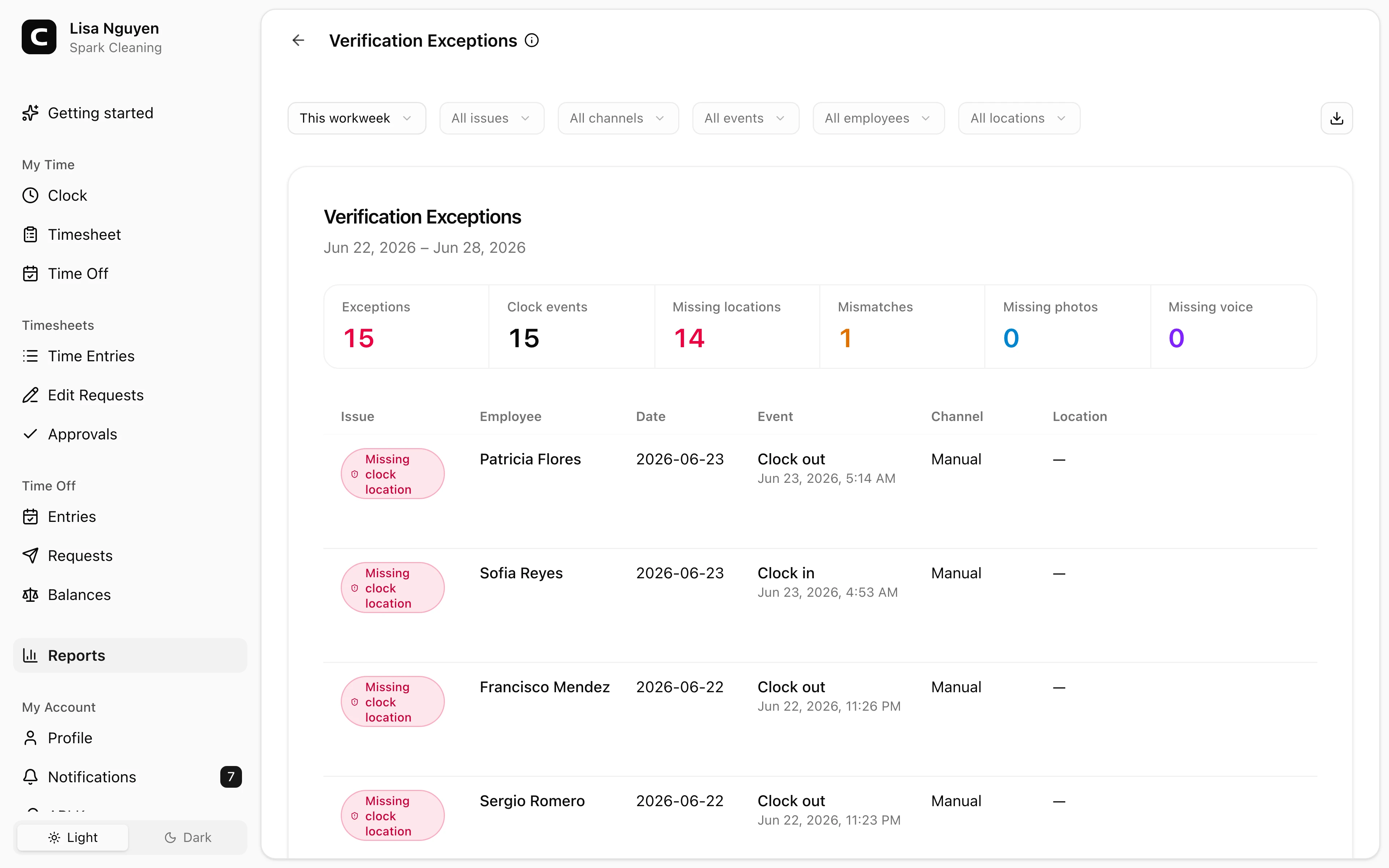
Review unverified clock events, conflicting Work Site approvals, missing kiosk photos, and missing phone voice recordings that may need follow-up.
Questions this report answers
- Which clock-ins or clock-outs are missing required verification?
- Which clock-ins or clock-outs have verification issues?
- Which employees have time-clock verification issues?
No login required. Opens in one click.
What this report shows
Verification Exceptions brings several kinds of clock-event evidence that may need follow-up into one report:
- Unverified clock event — applicable clocking approvals existed for that channel, but the event did not match any of them.
- Verification unavailable — an older punched event has clock context, but its verification outcome was not recorded.
- Conflicting Work Site approvals — one clock event matched approvals associated with more than one Work Site.
- Photo missing — a kiosk expected a clock-event photo, but none was stored.
- Voice recording missing — a phone clock event has no voice-authentication recording.
The report does not treat every missing Work Site as failed verification. A punch can be verified by an unassociated network, browser, kiosk, or phone number and still have no Work Site. It can also be attributed to a Work Site through a selected job while its separate verification outcome is Unverified.
Events marked Not checked and manual entries without a clock event are not listed as unverified. Historical punched events whose result was not recorded are listed separately as Verification unavailable, so they are not mistaken for successful matches.
Reading the report
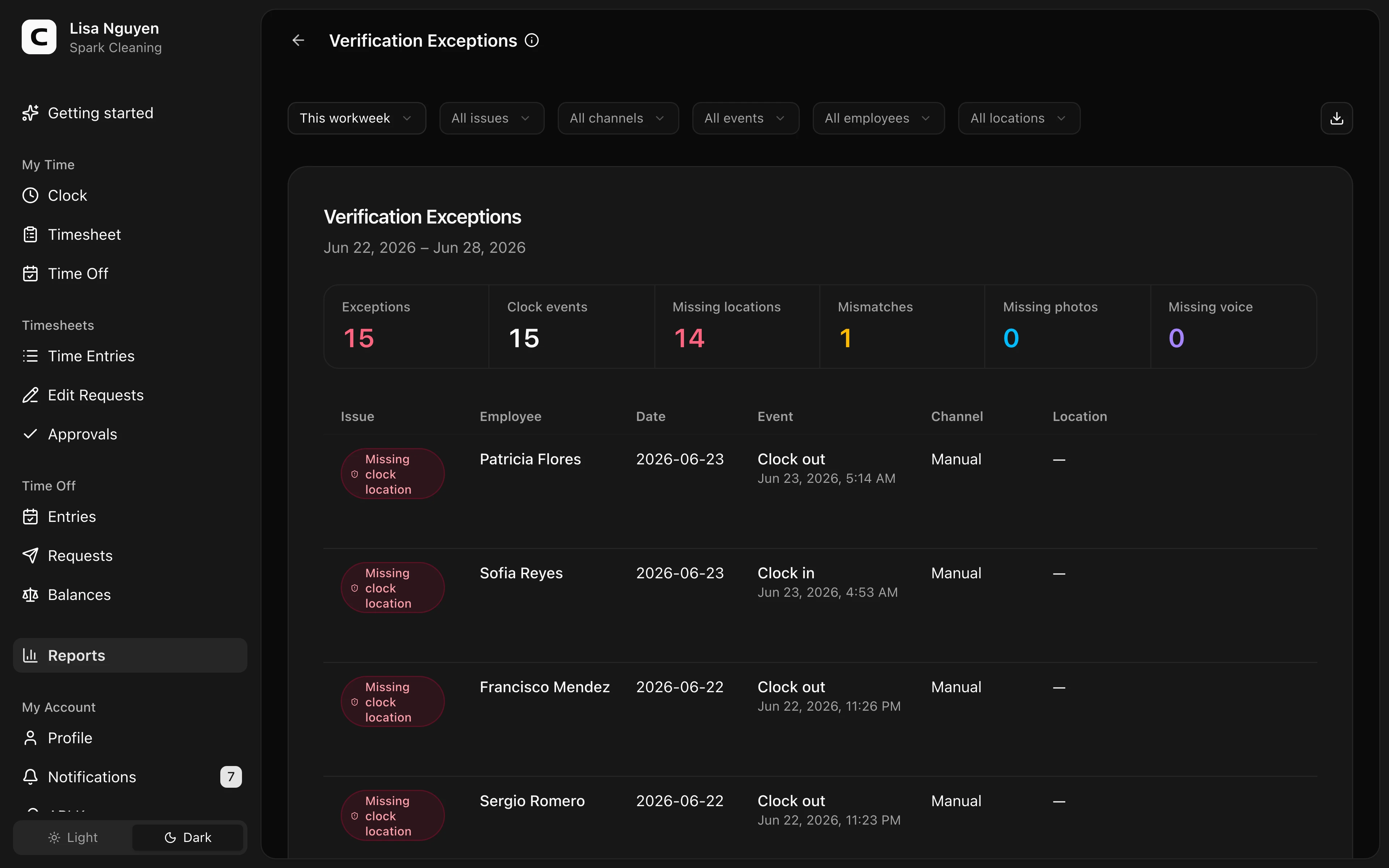
The summary counts Exceptions, affected Clock events, Unverified events, Unavailable, Approval conflicts, Missing photos, and Missing voice. One clock event can contribute more than one exception.
The table shows Issue, Employee, Date, Event, Source, Work Site, matched approval methods, matched Work Sites, and Why it’s listed. Source is Time Clock page, Kiosk, Phone, or Manual entry. A conflict row names the Work Sites associated with the approvals that matched the same event.
Filters
Use date range, All issues, All sources, All events, All employees, and All Work Sites. The Work Site filter can match the event's attributed Work Site or a Work Site associated with a matched approval. Choose (No Work Site) to focus on unassigned records.
What to do with an exception
Open Time entries to review the event's captured context and verification result. For future events:
- Add or adjust GPS areas from Work Sites.
- Add recognized internet connections or browsers from Clock-in Verification.
- Review kiosk or caller-ID setup from Kiosks or Phone Clocking.
Verification evidence is historical and cannot be rewritten by editing the time entry. A manager can correct the recorded time or job, but that does not turn the original clock event into a verified event.
Exporting
Open Export and choose Download CSV, Download Excel, or Download PDF. The export uses the same issue, source, event, Work Site, and explanation shown in the report.
Common questions
- Can clock-in and clock-out have different Work Sites without an exception?
Yes. Clock-in and clock-out are separate events and can legitimately occur at different Work Sites. An approval conflict means one event matched approvals tied to multiple Work Sites.
- Why can an unverified event still show a Work Site?
Work Site attribution and clock verification are separate. A selected job can establish the Work Site even when GPS, network, browser, kiosk, or caller-ID approvals do not match.
- Why is an event with no Work Site not listed?
Missing Work Site attribution is not itself an exception. The event is listed as unverified only when applicable approvals existed and none matched.
Clockspot keeps clock-ins, corrections, approvals, and payroll-ready hours connected so owners and managers can review the workweek before payroll.
Want to simplify how your employees track time? See how Clockspot works.