Team Update Acknowledgments
Review explicit confirmations and outstanding recipients for required Team Updates you published.
Questions this report answers
- Who has acknowledged the Team Updates I published, and who is still waiting?
- Which employees still need to acknowledge a required Team Update?
- What share of their required Team Updates has each employee acknowledged?
No login required. Opens in one click.
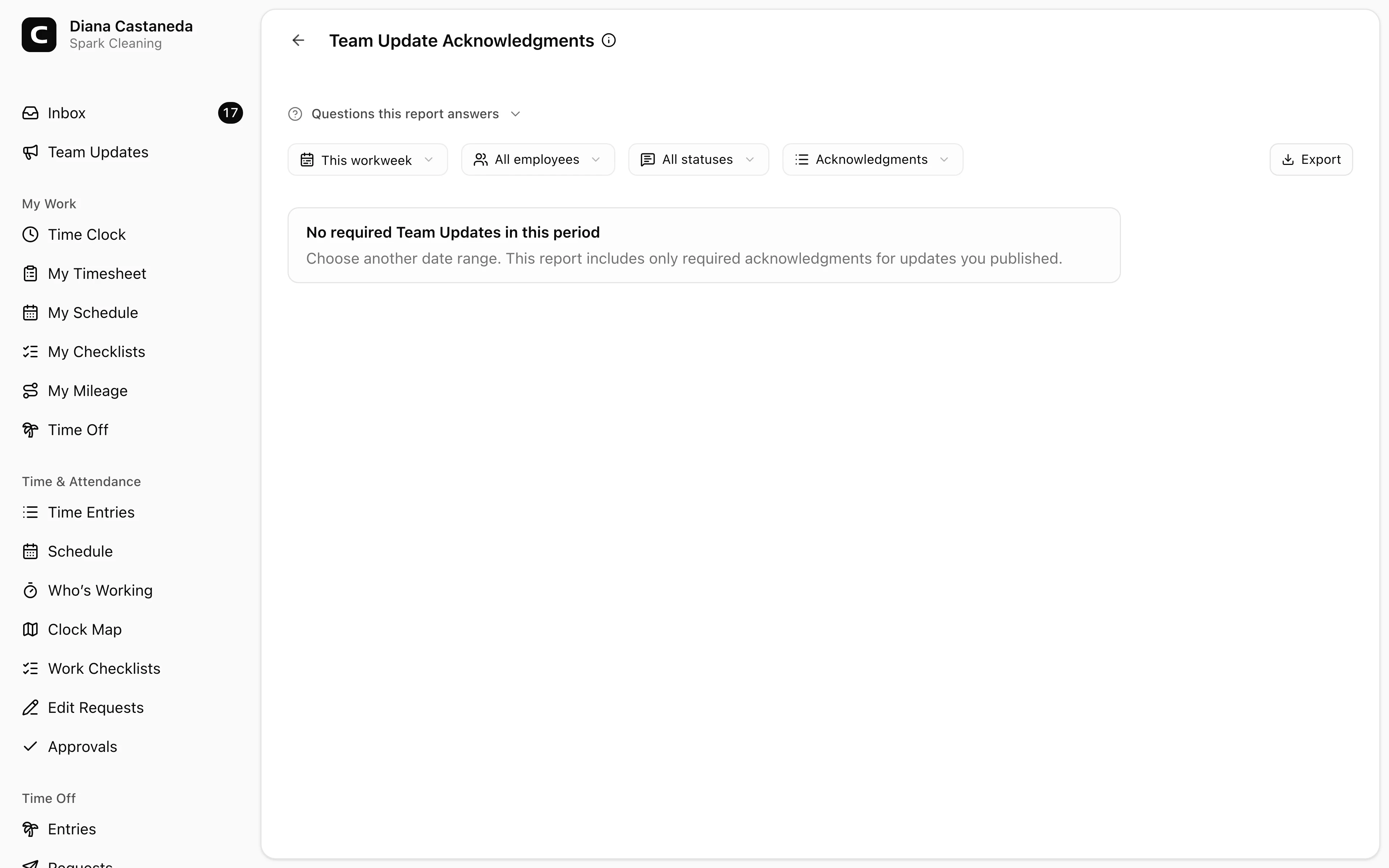
What this report shows
Use Team Update Acknowledgments to follow up on required updates you published. The report shows each recipient as Acknowledged or Waiting, plus when the update was published, when it was delivered to the employee, and when the employee confirmed it.
The date range selects updates by publication date. Acknowledgment status is current when the report runs, even when an employee confirms after the selected period.
What acknowledgment means
Clockspot records an acknowledgment only when an employee presses the confirmation action. Opening or viewing an update does not count, and acknowledgment records visibility rather than agreement with the message.
The report includes only Team Updates that you published with required acknowledgment. Updates from another publisher and updates that did not ask for confirmation are not included.
Filters and views
Choose a date range, then narrow the report by Employee or Status.
- Acknowledgments shows one row per recipient and update.
- By update shows the number acknowledged and waiting for each update.
- By employee summarizes each employee's required updates.
The acknowledgment percentage is based on the required acknowledgments shown after filters are applied. One employee with two required updates counts twice. A dash means the selected updates do not have recipients yet, which can happen before an update shown at clock-in reaches a matching employee.
Following up
The report is read-only. Open Team Updates to review the published message and View delivery and acknowledgments for its recipient list. Employees can confirm from Team Updates, Inbox under My to-dos, or a matching prompt after clock-in.
Exporting and scheduling
Open Export to download CSV, Excel, or PDF. Each file includes recipient detail plus summaries by update and employee.
You can also add Team Update Acknowledgments to Scheduled reports. Each scheduled file stays scoped to updates published by the subscriber.
Common questions
- Why is an employee still marked "Waiting" after viewing the update?
Viewing is not acknowledgment. The employee must use the confirmation action before Clockspot records the update as Acknowledged.
- Why is a Team Update missing from this report?
The update may fall outside the publication date range, may not require acknowledgment, or may have been published by someone else.
- Can an acknowledgment change after the report period ends?
Yes. The period selects when updates were published, while acknowledgment status is current when the report runs.
Clockspot keeps clock-ins, corrections, approvals, and payroll-ready hours connected so owners and managers can review the workweek before payroll.
Want to simplify how your employees track time? See how Clockspot works.