Qualification Status
Review accepted employee qualifications as of a selected date, including records that start later, end soon, have expired, or have been revoked.
Questions this report answers
- Which employee qualifications are ending soon or no longer valid?
- What is each employee’s qualification status on a selected date?
- Which qualification types have the most records ending soon or no longer valid?
No login required. Opens in one click.
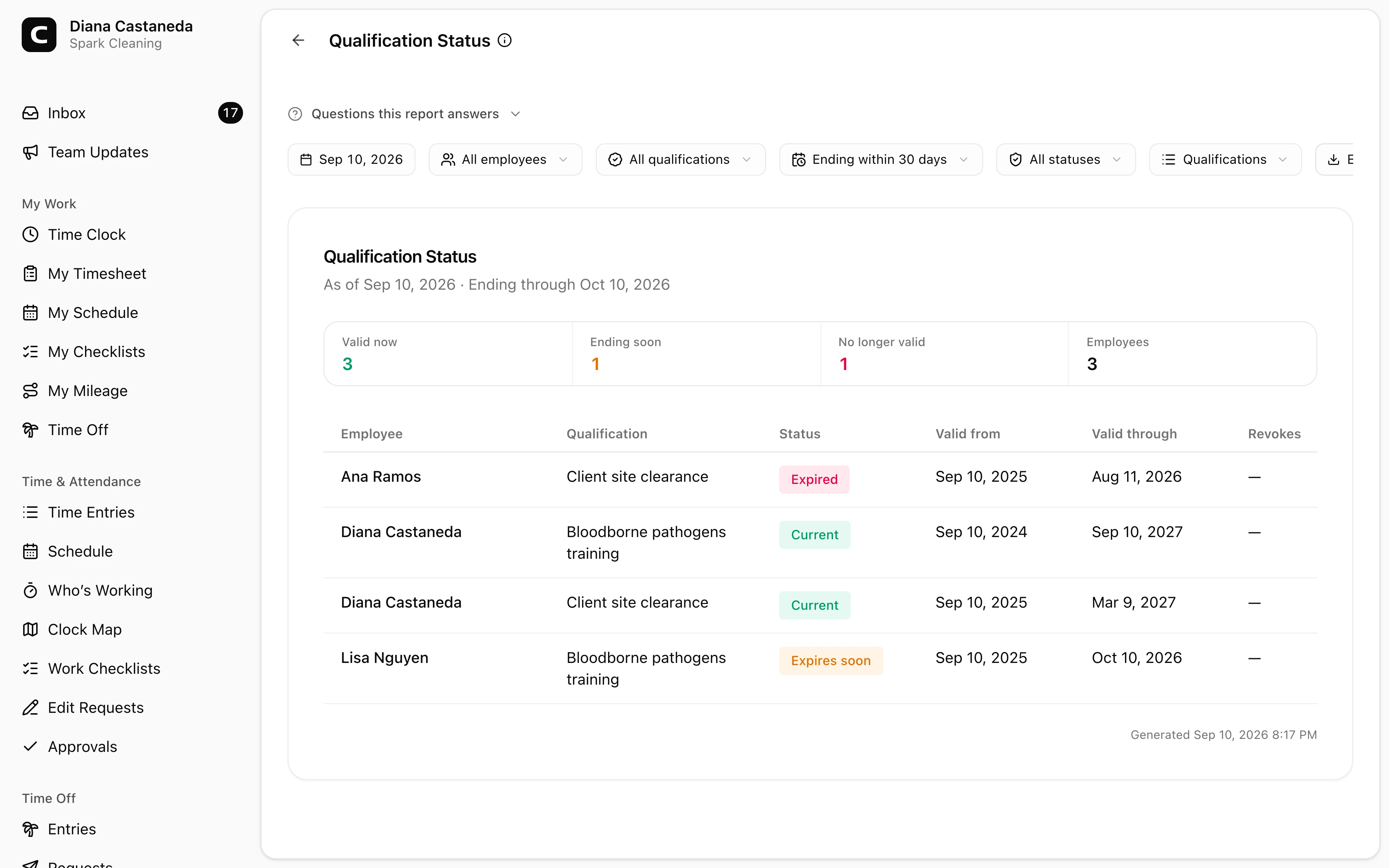
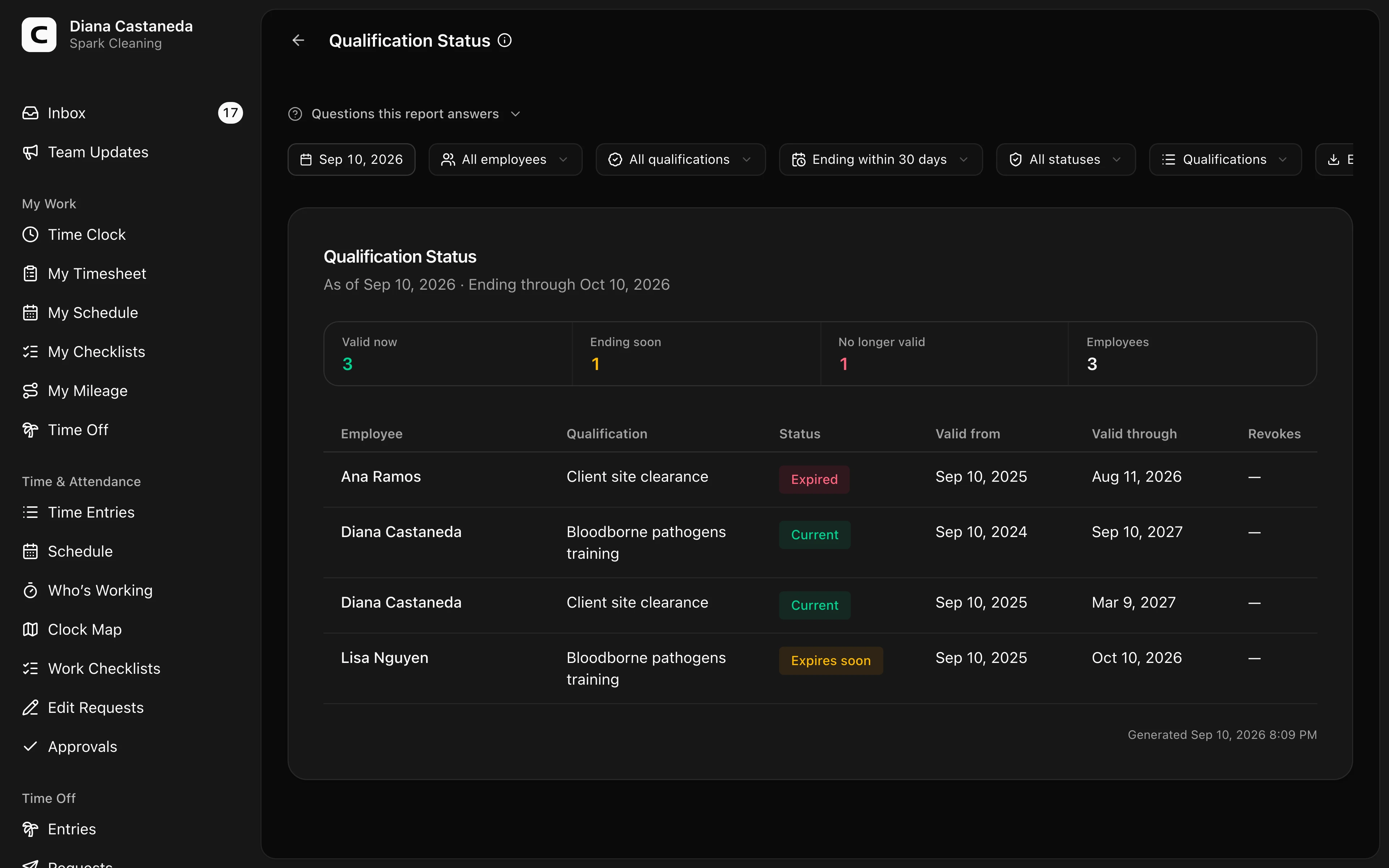
What this report shows
Qualification Status shows the effective state of each accepted employee qualification on the date you choose. Use it to find qualifications that are valid now, start later, end soon, have expired, or have been revoked.
This is an operational record report, not a legal compliance determination. Clockspot reports the qualification records added for your employees; it does not decide whether a license, training, or clearance satisfies an outside rule.
How Clockspot chooses the status
Every row uses the qualification's effective dates as of the selected date.
- Current means the record is valid and does not end inside the selected ending window.
- Starts later means its valid-from date is after the report date.
- Expires soon means its valid-through date falls inside the selected ending window.
- Revokes soon means a future revocation takes effect inside that window.
- Expired means the valid-through date has passed.
- Revoked means the revocation date has taken effect.
A valid-through date is inclusive: a qualification remains valid through that date and becomes expired the following day. A future revocation remains future until its effective date. Voided records never count as valid, so they stay in employee qualification history and are excluded from this report.
When the same employee has overlapping records for one qualification, Clockspot shows one row so renewals are not counted twice. It chooses a record valid on the report date first, otherwise the next record that starts later, otherwise the most recently ended record. The other records remain in qualification history.
Filters and views
Choose an As of date, then choose Ending within 7 days, Ending within 30 days, Ending within 60 days, or Ending within 90 days. Narrow the report by Employee, Qualification, or Status when you need a smaller review list.
- Qualifications shows one row per employee and qualification, including its dates.
- By employee summarizes each employee's records.
- By qualification shows which qualification types have the most records ending soon.
Filter choices come from the whole employee scope before the other filters are applied, so a selected status does not make valid Employee or Qualification choices disappear.
Correcting a record
The report is read-only. Select an employee's name to open Employee Details on the Qualifications tab. Press View qualification history to review all records. Administrators can use Add qualification for a renewal or open a record's menu to choose Revoke or Void entry. A revocation can start on a future date; voiding says the record never should have counted. Rerun the report after the change.
The report includes active employees. Historical qualification facts for archived employees remain in Employee Details rather than keeping inactive people in the operational review list.
Exporting and scheduling
Open Export to download CSV, Excel, or PDF. Each export includes the qualification rows plus the employee and qualification summaries.
You can also add Qualification Status to Scheduled reports. The scheduled result uses its run date and the ending window you selected.
Common questions
- Why is a qualification marked "Revokes soon" instead of "Revoked"?
The revocation date has not arrived yet. It changes to Revoked on the first date the qualification is no longer valid.
- Why is a voided qualification missing?
Voiding says the record never should have counted. It remains in employee qualification history for audit purposes but is excluded from report rows and totals.
- Does this show employees who are missing a required qualification?
No. This report summarizes qualification records already added for employees. Scheduling evaluates actual Work Type, Job, and Work Site requirements when a shift is published.
Clockspot keeps clock-ins, corrections, approvals, and payroll-ready hours connected so owners and managers can review the workweek before payroll.
Want to simplify how your employees track time? See how Clockspot works.