Settings
Find workspace setup for company details, employees, pay, time rules, alerts, jobs, clocking, or billing.
No login required. Opens in one click.
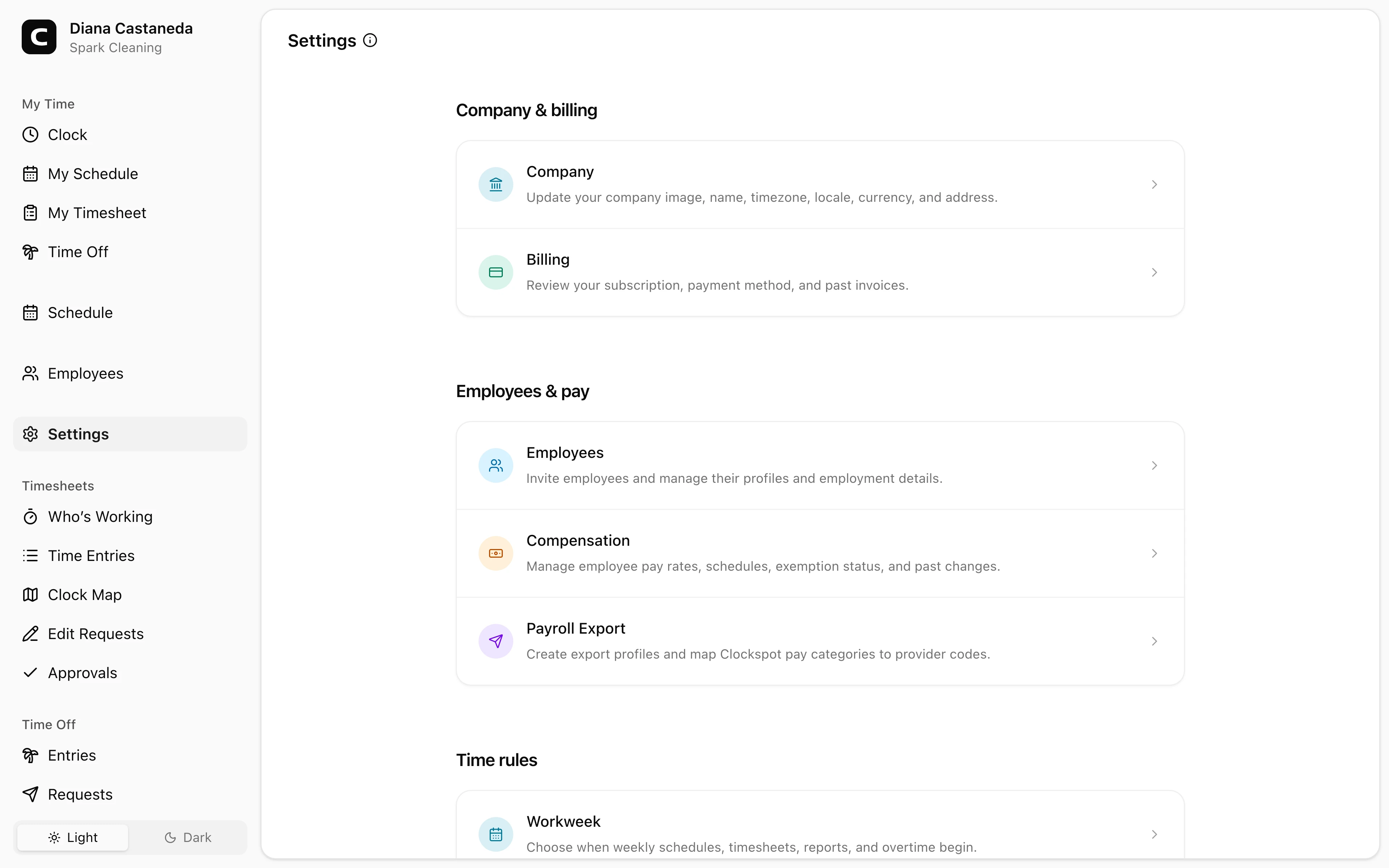
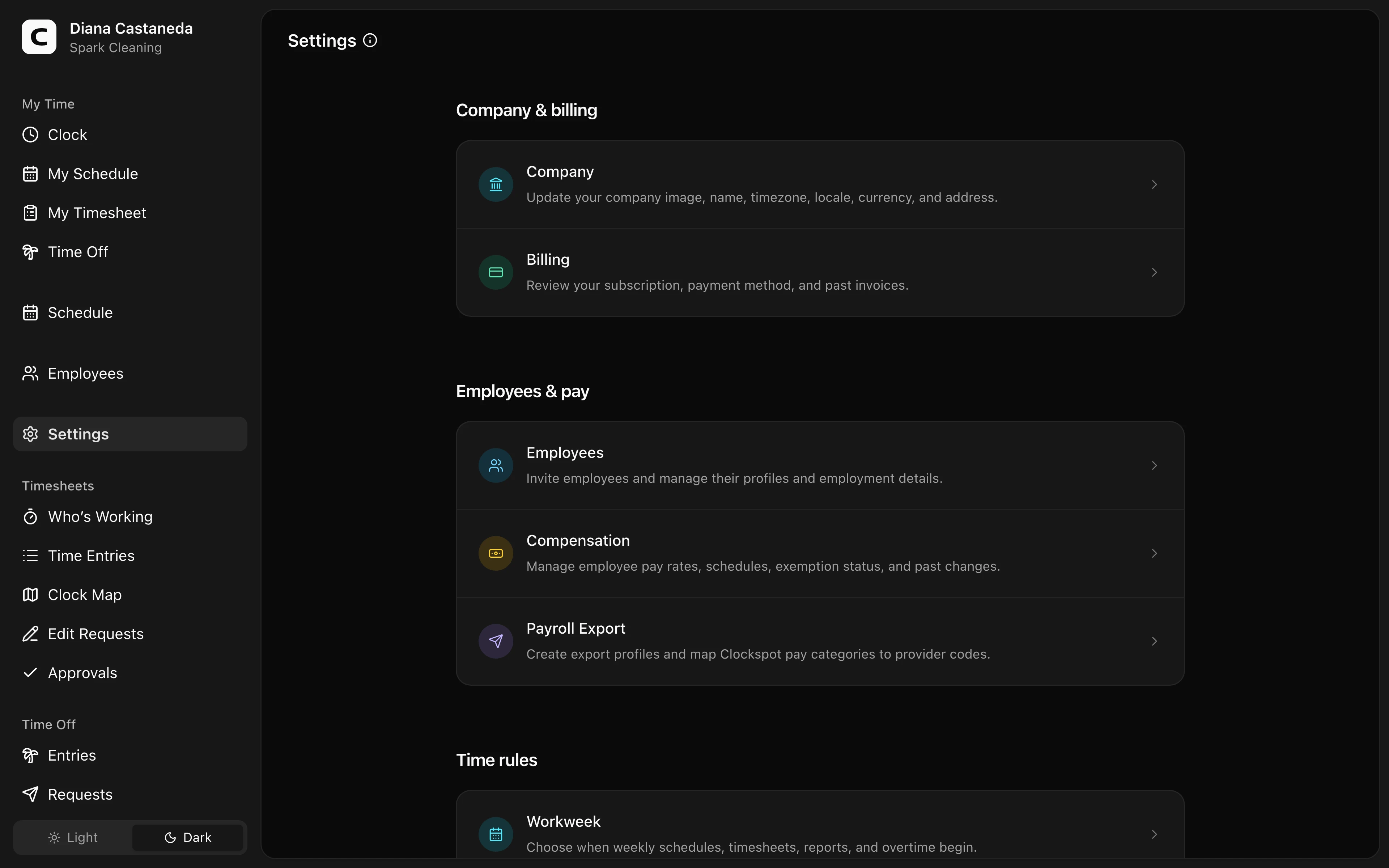
What this page is
Settings is the directory for workspace setup. Open the area you need; the settings themselves are edited on the page that opens.
Find a setting
Open Find a setting at the top of the page when you know what you want to change but not which area controls it. Type a setting name or describe the change in your own words, or choose a common task such as making employees choose a job when they clock in.
A task shows its Recommended setting first and any Related setting beneath it, each with a short reason. Search results are ranked the same way: a matching setting name first, then the settings a matching task recommends. Only the areas you can already open appear. Press Browse all settings or Find a setting to return to the directory.
Company & people
- Employees — invite employees and manage their profiles and employment details.
- Company Profile — update the company image, name, timezone, locale, currency, and address.
Pay & payroll
-
Payroll rules — set the payroll calendar and record rules with effective workweeks.
-
Employee Pay — manage employee pay rates, schedules, exemption status, and pay history.
-
Payroll Files — create files that map Clockspot pay categories to payroll-provider codes.
Apps & integrations
- ChatGPT — connect Clockspot to ChatGPT so it can answer questions about employee time and make approved corrections.
- QuickBooks Online — send approved employee time directly to your connected QuickBooks company. This card appears when the connection is available for your workspace.
Time rules
- Time Entry Rules — choose required job selection, shift notes, clock-time rounding, and schedule-based clock-in restrictions.
- Alerts & Reminders — choose when Clockspot creates automatic clocking, shift, timesheet, and overtime notifications.
- Breaks & Lunches — define meal and rest break types, paid treatment, minimum durations, automatic deductions, and reminders.
- Time Off Types — define paid and unpaid time off policies and accrual rules.
Work & clocking
- Clients — group jobs and work sites by customer or organization.
- Jobs — create the work employees can select when recording time and optionally link it to Work Sites.
- Work types — add optional service or task detail within a job.
- Qualifications — track employee credentials and spot missing or expired records before scheduling.
- Work Sites — define physical places and optional GPS areas without combining them with jobs or every clocking approval.
- Mileage — record employee work trips, distances, and business purposes.
- Clock-in Verification — manage recognized internet connections and browsers, then choose what happens when none matches a clock-in.
- Kiosks — set up shared clock-in devices and employee kiosk PINs.
- Phone Clocking — manage dial-in clocking, approved caller numbers, and employee phone clock PINs.
Billing
- Subscription & Billing — review the subscription, payment method, and past invoices. Owners see this page.
Published shifts are created on Schedule. Reports are opened from Reports. Those operational pages stay in the main menu rather than moving into Settings.
Common questions
- I know what I want to change but not where it is.
Open Find a setting and type the change in your own words, such as "employees keep forgetting to clock out". The result names the setting that controls it and the exact option to change.
- Why can't I see Subscription & Billing?
Subscription & Billing is available to Owners. Administrators can use the other Settings areas but do not see this card.
- Where do I set employee pay?
Use Employee Pay for employee pay type, hourly rate, exemption status, and pay schedule. Use Pay on Jobs when a job has its own pay rule.
- I changed an overtime rule. Will older reports change?
Adding rules with a later effective week preserves earlier rules. Correcting or voiding an earlier version can change calculations for the weeks it covered.
Clockspot keeps clock-ins, corrections, approvals, and payroll-ready hours connected so owners and managers can review the workweek before payroll.
Want to simplify how your employees track time? See how Clockspot works.