Employee Pay
Set an employee's pay type, hourly rate when applicable, exemption status, and pay schedule while preserving the effective-dated history behind payroll calculations.
No login required. Opens in one click.
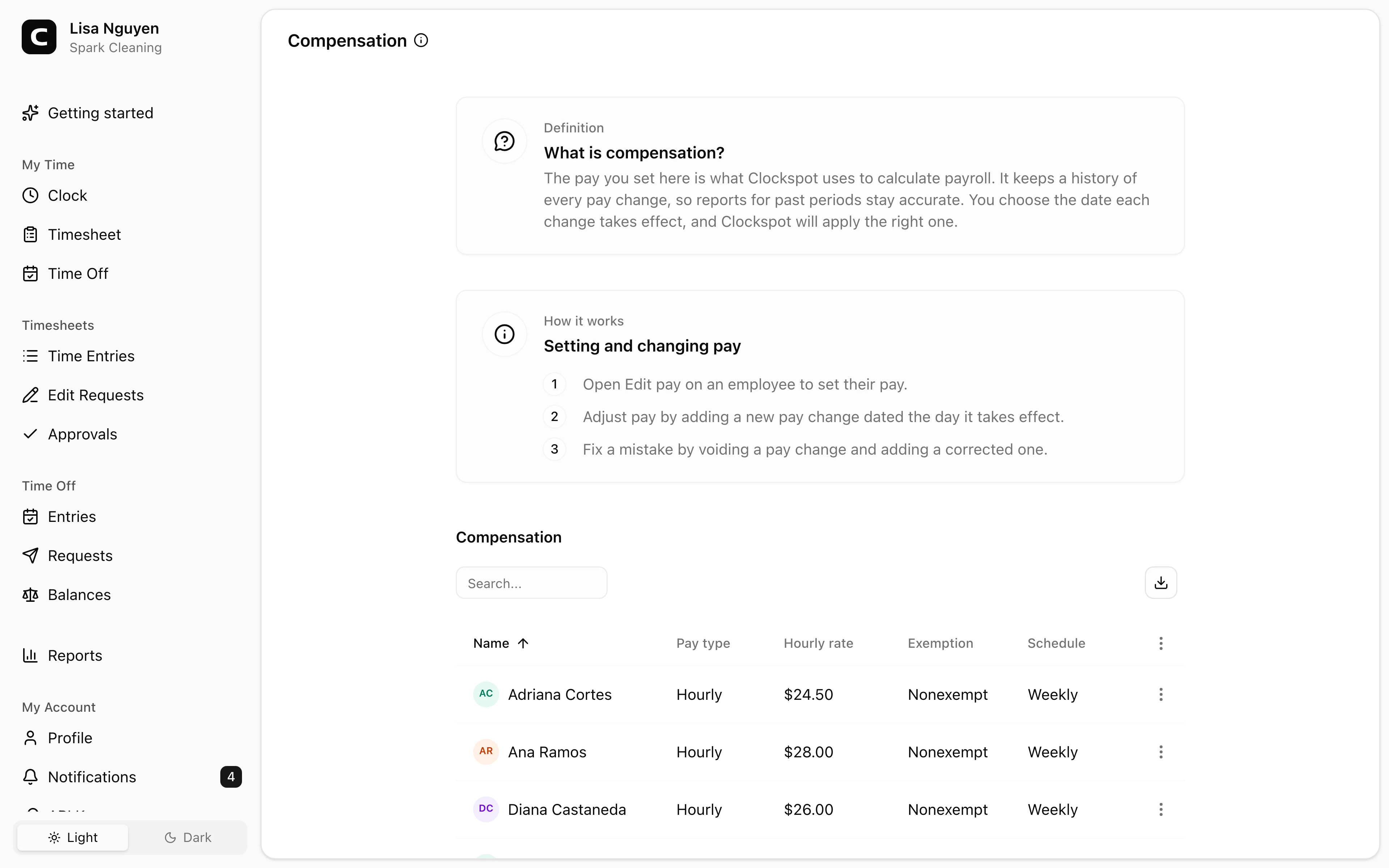
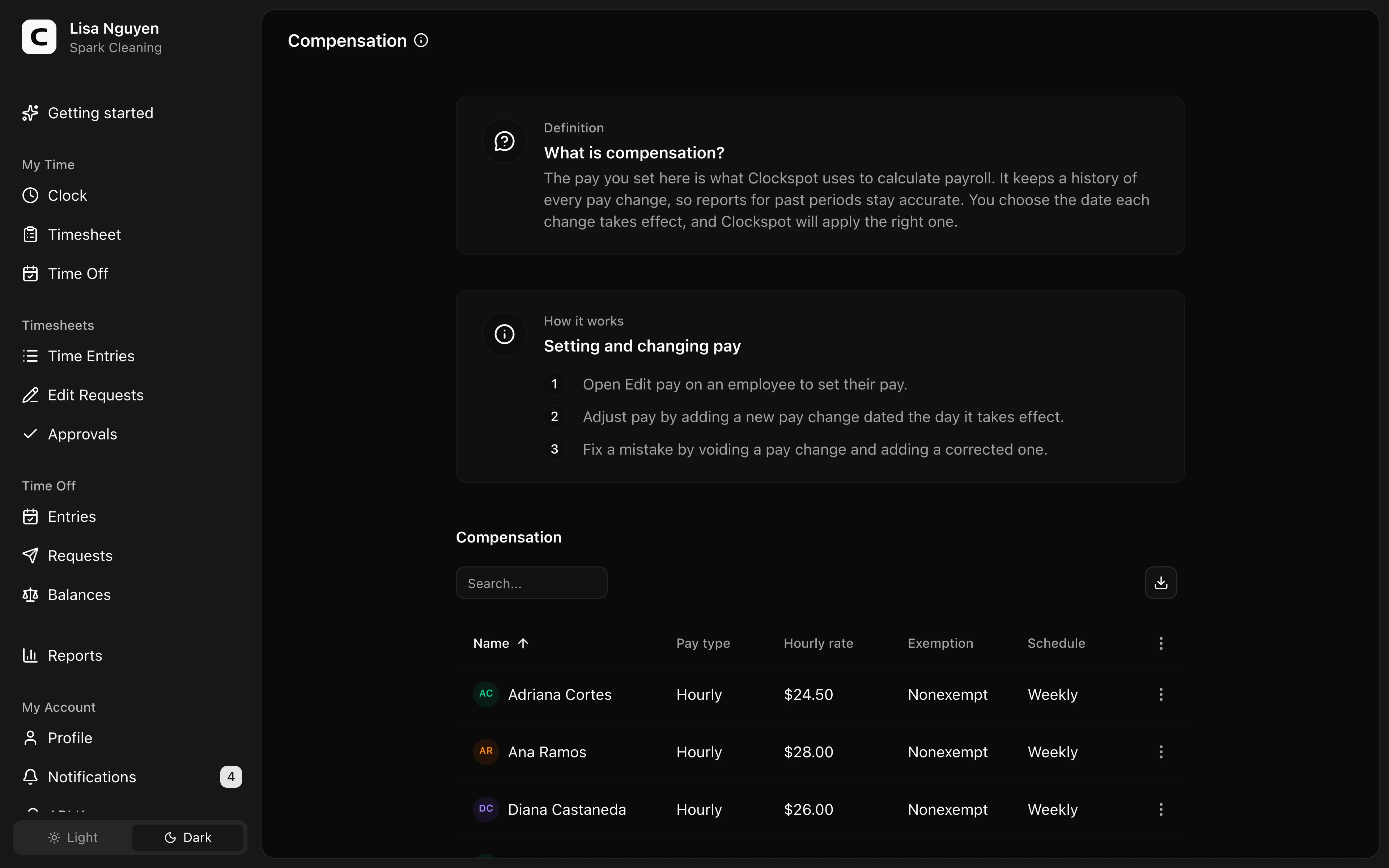
Employee Pay is where you keep pay setup for active employees. Each employee shows here with their current pay; open Edit pay in the row menu to set it or change it.
What each employee's pay setup covers
- Pay type — Hourly or Salary.
- Hourly rate — the rate used when the pay type is hourly.
- Overtime eligibility — Eligible or Not eligible under your configured overtime rules.
- Schedule — how often they are paid: weekly, biweekly, semi-monthly, or monthly.
An employee with no effective pay has blank pay columns. Their hours still record, but Payroll Summary needs effective hourly pay to calculate gross pay. Salary pay changes stay in Pay history, but Payroll Summary marks salary rows Needs review instead of calculating a gross amount.
Employee overtime rules
Company rules are the default. To set different rules for one employee, open Employee overtime in their row menu on Employee Pay. You need permission to manage employee pay to save changes.
Press Change rules and choose Effective week starts on the company payroll calendar. Select Company rules to follow the company version effective for each week, Custom rules to replace those rules with employee-specific thresholds and multipliers, or No overtime to keep eligible work as regular hours. Employee and company rule sets are not combined. Press Save version.
An employee version starts at a complete workweek and continues until the next active employee version. The employee uses the company payroll timezone and workweek start day. If their dated Overtime eligibility is Not eligible, their work still stays as regular hours. A correction or void needs a reason and may change live calculations; saved approvals and exports keep their recorded basis.
Pay changes and history
Each entry is a pay change with an effective date. A pay change starts on its effective date and applies until the next one, so a raise is just a new pay change dated the day it takes effect. Older entries stay in the employee's pay history for your records.
To fix a mistake, open Pay history, choose Void pay change on the wrong pay change, then open Edit pay and add a corrected one for the same effective date. Voiding keeps the entry in history but removes it from pay calculations.
Common questions
- An employee's pay columns are blank.
Open Edit pay and add their first pay change with the pay type, hourly rate when hourly, overtime eligibility, and pay schedule. Until then their hours record but Payroll Summary can't calculate gross pay.
- How do I give someone a raise?
Open Edit pay and add a new pay change dated the day the new rate takes effect. The previous rate still applies to hours worked before that date.
- I entered the wrong rate.
Open Pay history, choose Void pay change on the wrong pay change, then open Edit pay and add the corrected one for the same effective date.
- Where do I set how often employees are paid?
Pay schedule is part of each employee's pay here. The workweek used for schedules, timesheets, reports, and overtime starts on the Workweek start day of your payroll calendar.
Clockspot keeps clock-ins, corrections, approvals, and payroll-ready hours connected so owners and managers can review the workweek before payroll.
Want to simplify how your employees track time? See how Clockspot works.