Schedule Changes
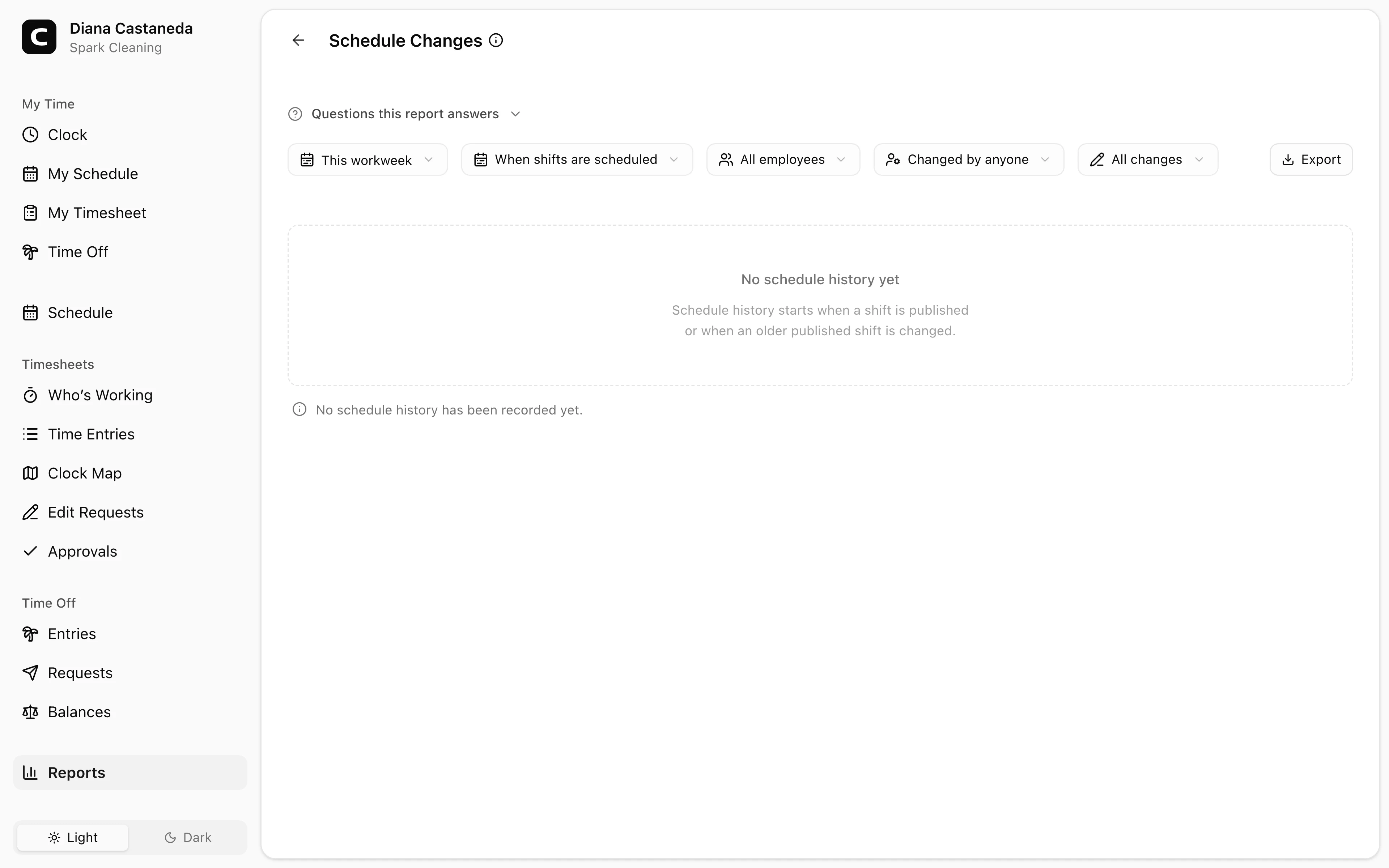
Review who changed published shifts, what changed, when, why, and which shifts changed together.
Questions this report answers
- Who changed a published schedule, and what changed?
- Why was a published shift changed or cancelled?
- Which published schedule changes were made during a period?
- Did a shift’s Job, Work Type, or Work Site change after it was published?
No login required. Opens in one click.
What this report shows
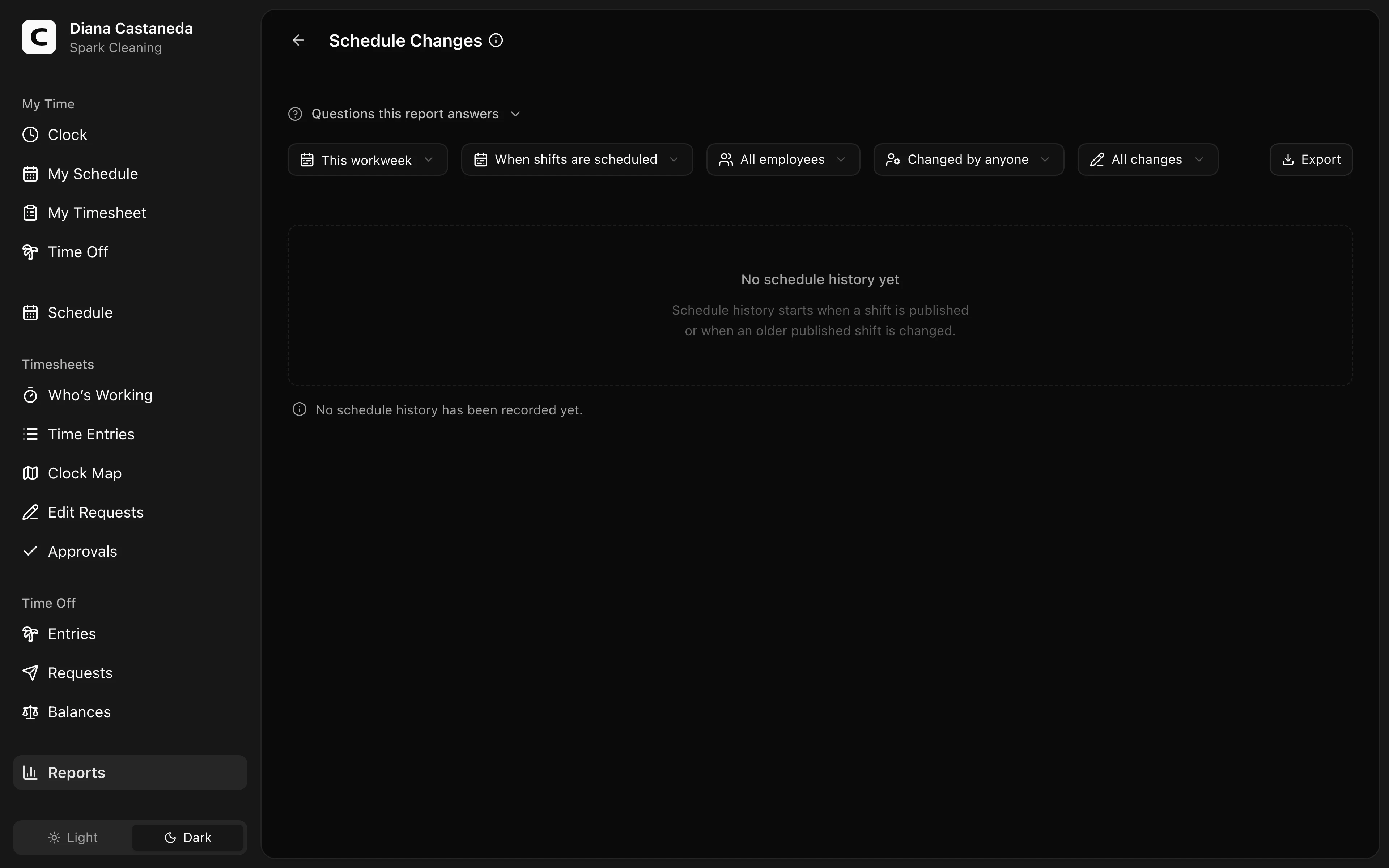
Schedule Changes shows who published, updated, or cancelled a published shift, when they did it, why, and what changed. Each shift includes its client, job, work type, and work site when those details are set.
Each line is one action, such as “Priya Shah updated 3 shifts.” Press it to see the affected employees, shifts, and field changes.
Choose the date basis
Shift date finds changes that affected shifts scheduled in the selected period. A shift moved into or out of the period still appears.
Change date finds actions made during the selected period, no matter when the shifts were scheduled.
Filters
Use the date range, Date basis, All employees, Changed by anyone, and Change type controls. All changes includes publications, updates, and cancellations. Choose Earliest recorded state only when you need the first available state of an older published shift.
History coverage
A short note appears below the report only when the selected period starts before this workspace's schedule history. Clockspot does not automatically delete recorded schedule history.
Exporting
Open Export and choose Download CSV or Download Excel. Exports keep one row per shift and include who made the change, when it happened, the reason, changed fields, previous and resulting client, job, work type, and work site details, and timing values.
Common questions
- Why does a published shift have no history?
Drafts do not create history, and an older published shift may be from before history was available. When that shift is first changed, Clockspot saves its current state first so later changes have a starting point.
- Why is the person listed as unavailable?
The action stays in schedule history even if the person's account was permanently removed. Clockspot does not relabel that person as System.
- Why are timing values included in the export?
Some organizations compare when a change was made with when the shift starts. The export provides that raw difference in minutes for both the previous and resulting start. Positive values mean the action happened before the start; negative values mean it happened after. Clockspot does not apply a policy or legal rule to those values.
- Does this report decide whether a schedule change follows a law or policy?
No. It provides recorded dates, times, reasons, actors, and shift states. Your organization applies its own policies and any rules that affect it.
Clockspot keeps clock-ins, corrections, approvals, and payroll-ready hours connected so owners and managers can review the workweek before payroll.
Want to simplify how your employees track time? See how Clockspot works.