Clockspot is now on iPhone and Android
Open your existing Clockspot.com workspace from the new iPhone and Android apps.
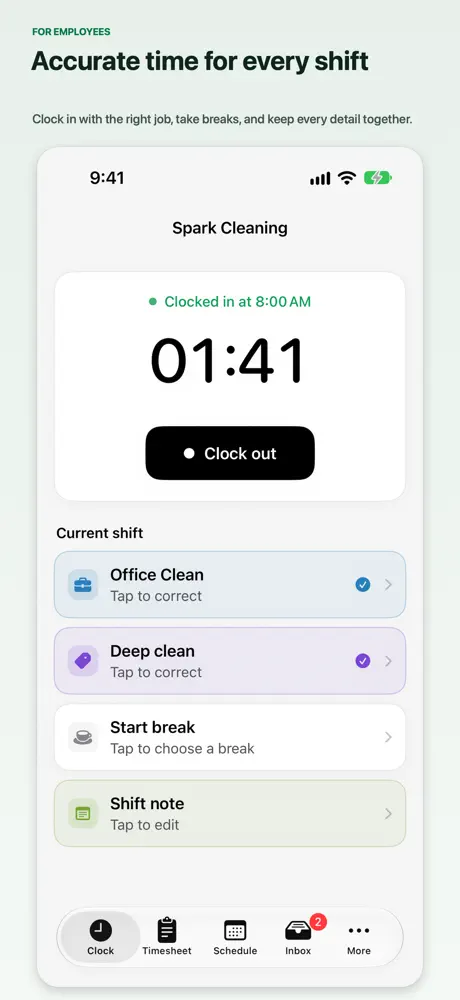
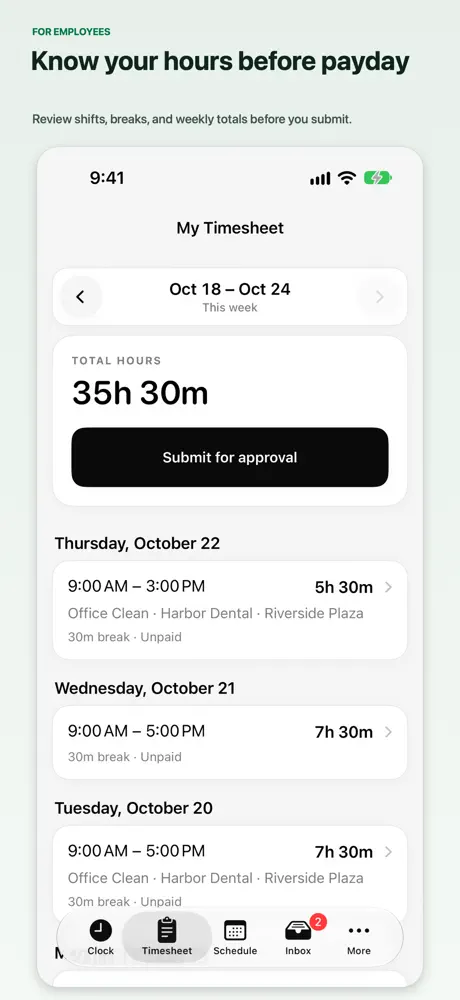
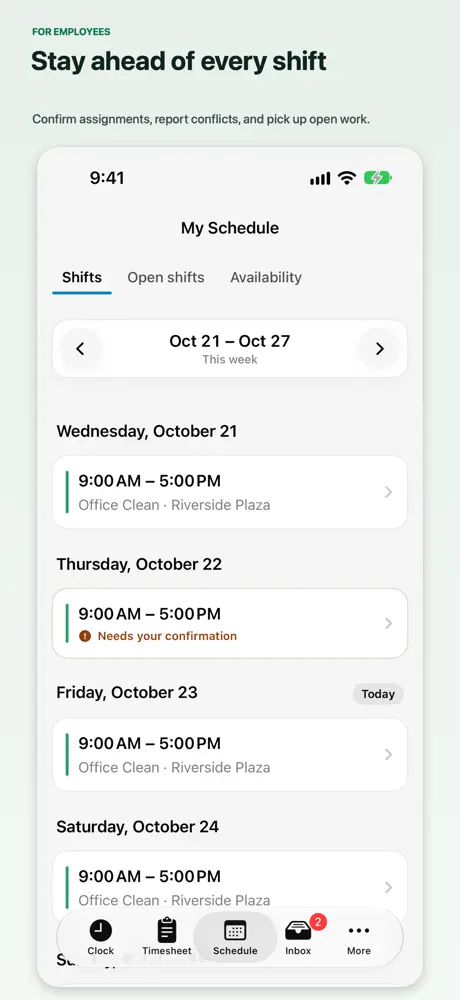
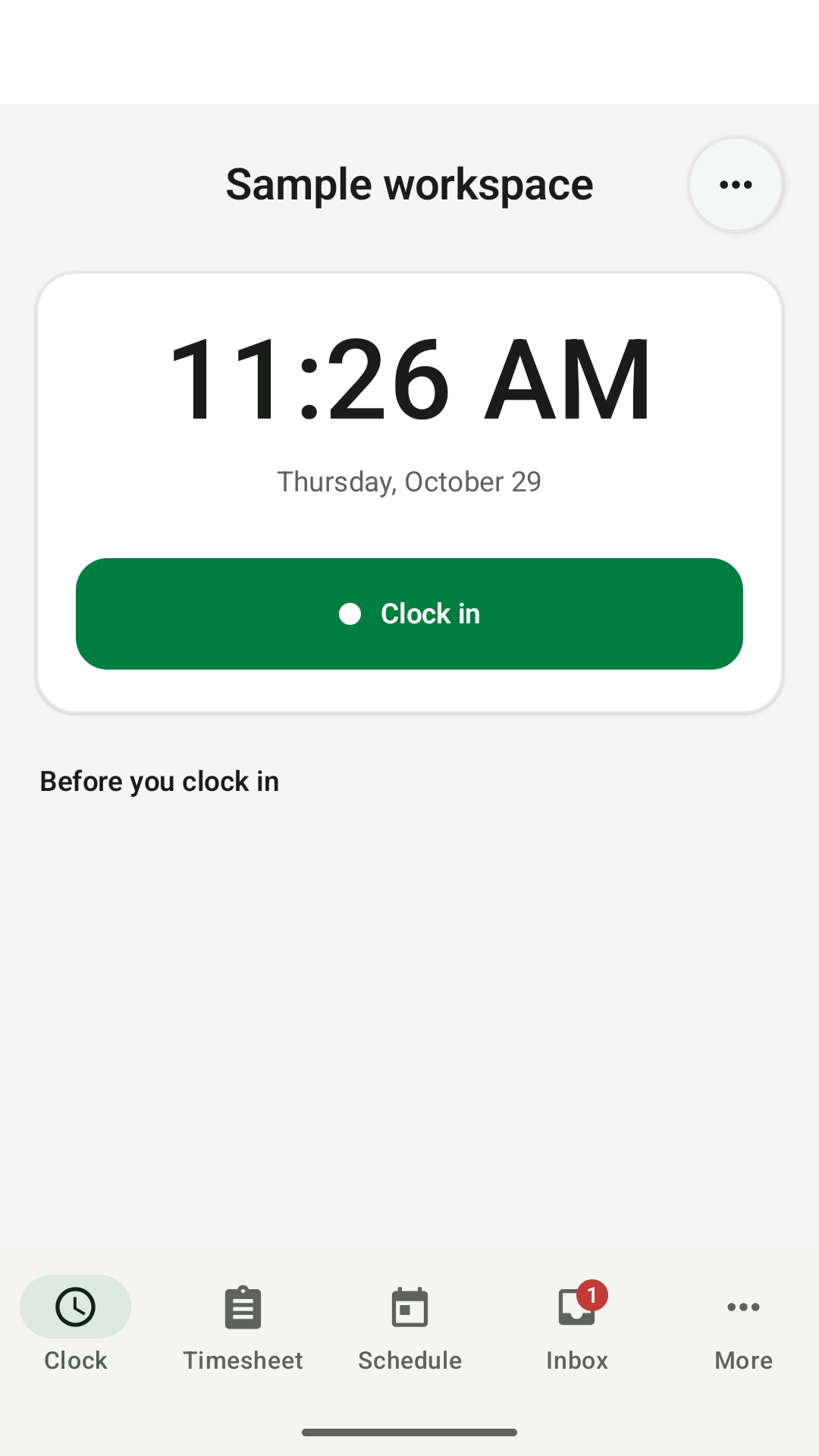
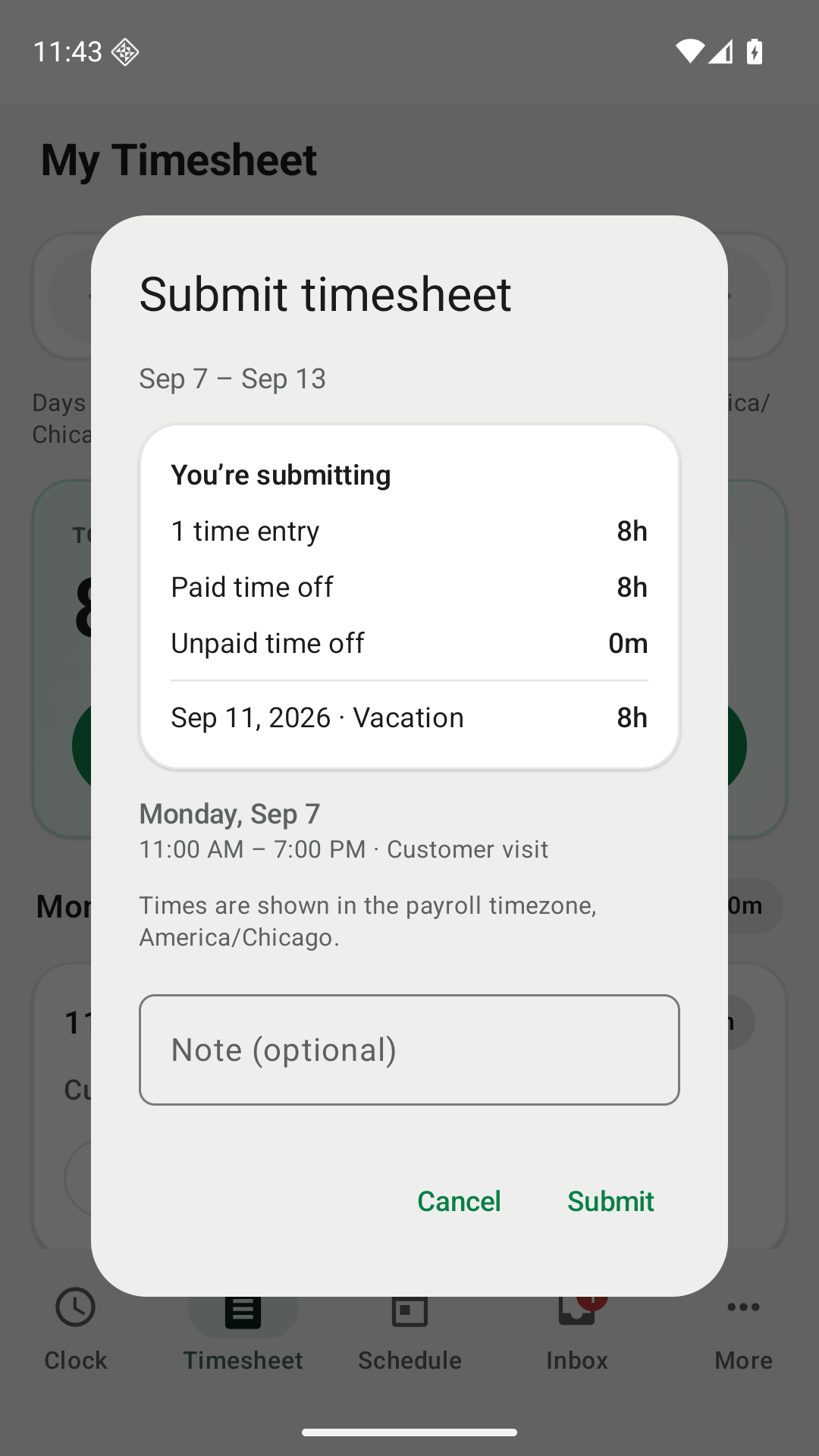
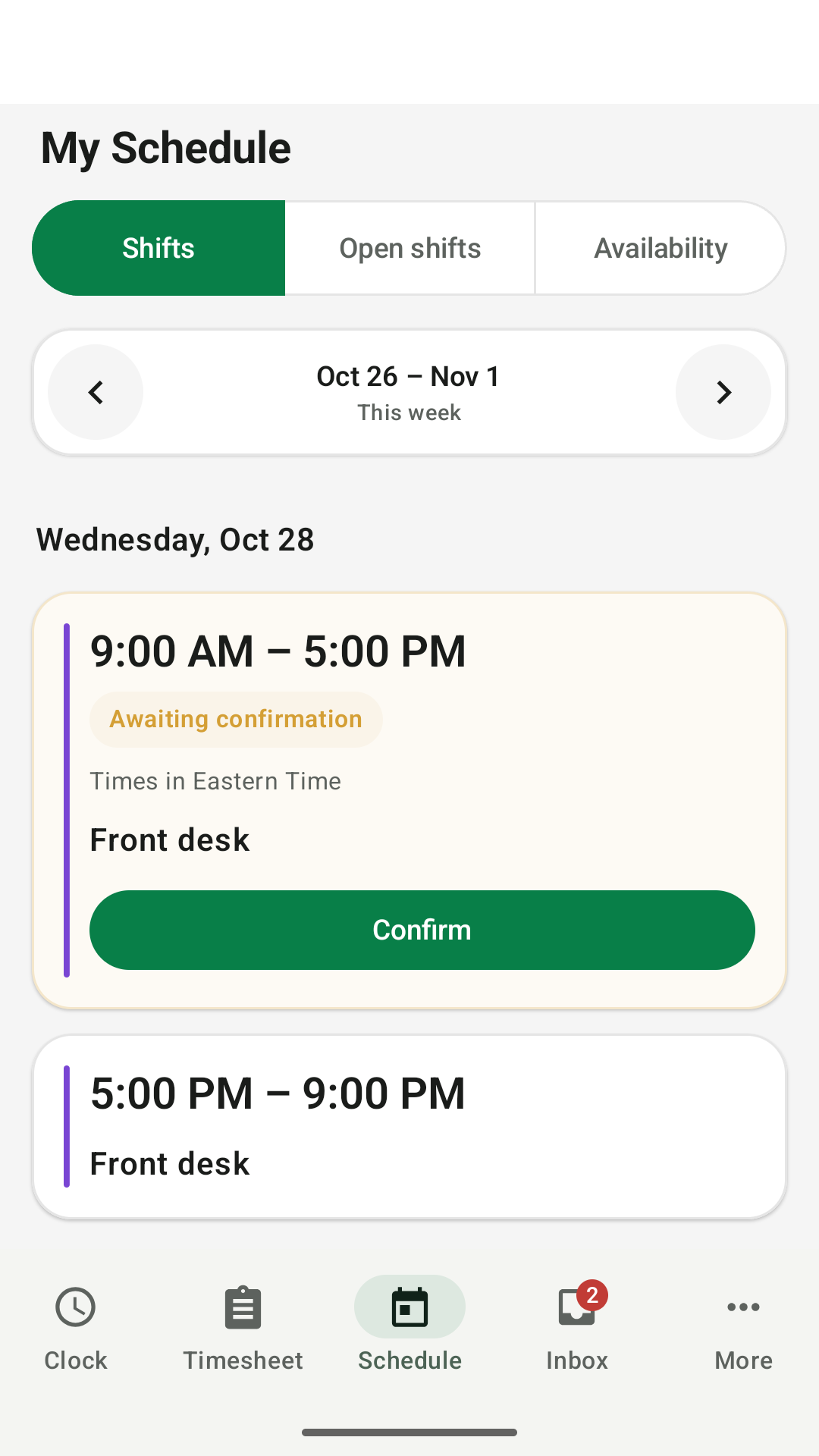
Clock in, check your hours, and see your schedule from your phone.
Get started
- Download Clockspot from the App Store for iPhone or Google Play for Android.
- Open the app and enter the email address you use for Clockspot.
- Check your email and enter the six-digit code in the app. Choose your workspace if asked.
Employees: Use the email address your employer has on file in Clockspot. If you need access, ask your manager.
Employers and managers: Sign in with your own account to review employee hours and requests. Share this page with your employees when you’re ready.
Both apps are available in the U.S. stores. You can keep using Clockspot in your browser.
On iPhone
On Android
Need help signing in?
See the sign-in guide or contact us.