Time Off Balances
Review each employee's current balance by time off type, make a documented adjustment, and understand how the change affects available hours.
No login required. Opens in one click.
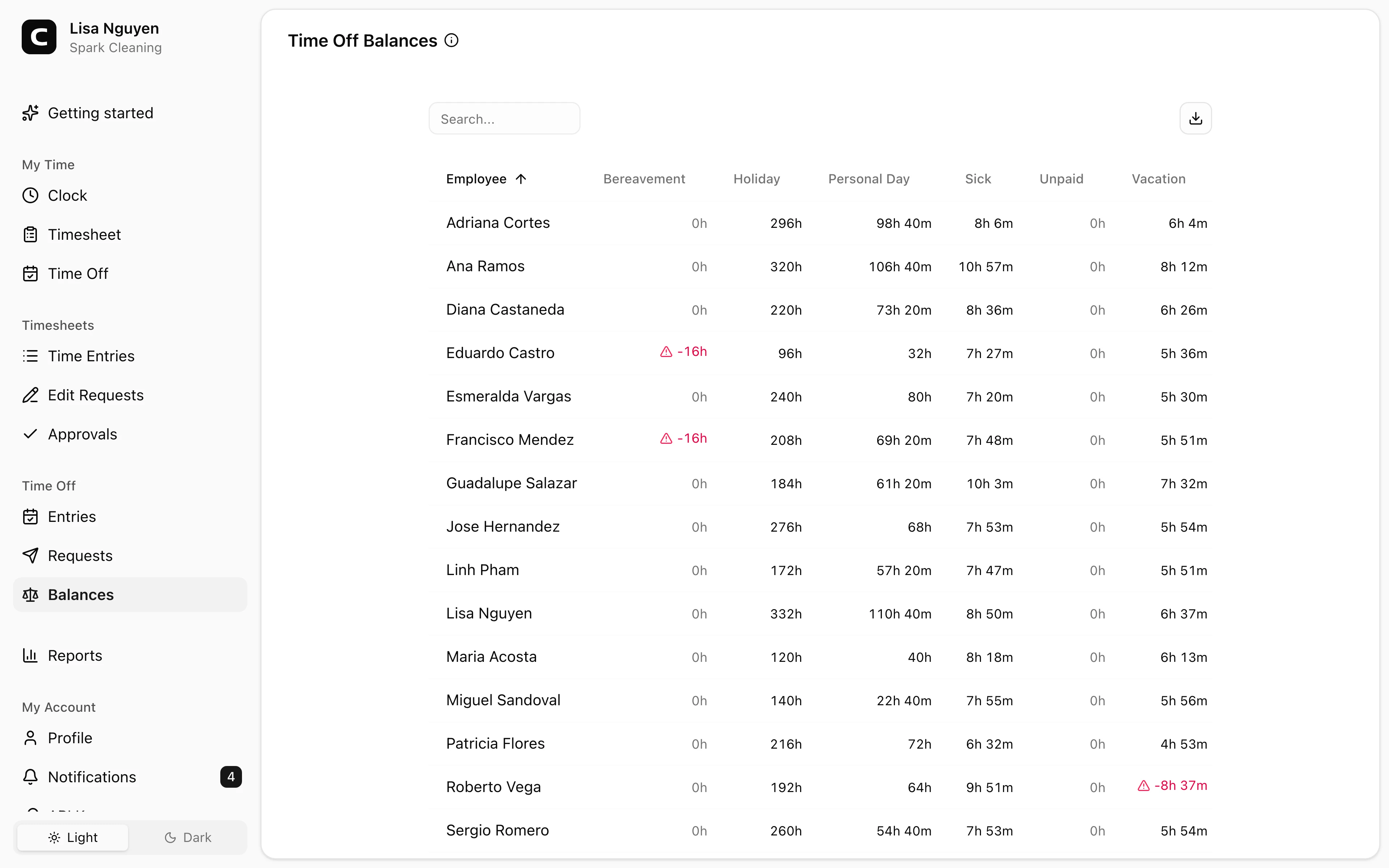
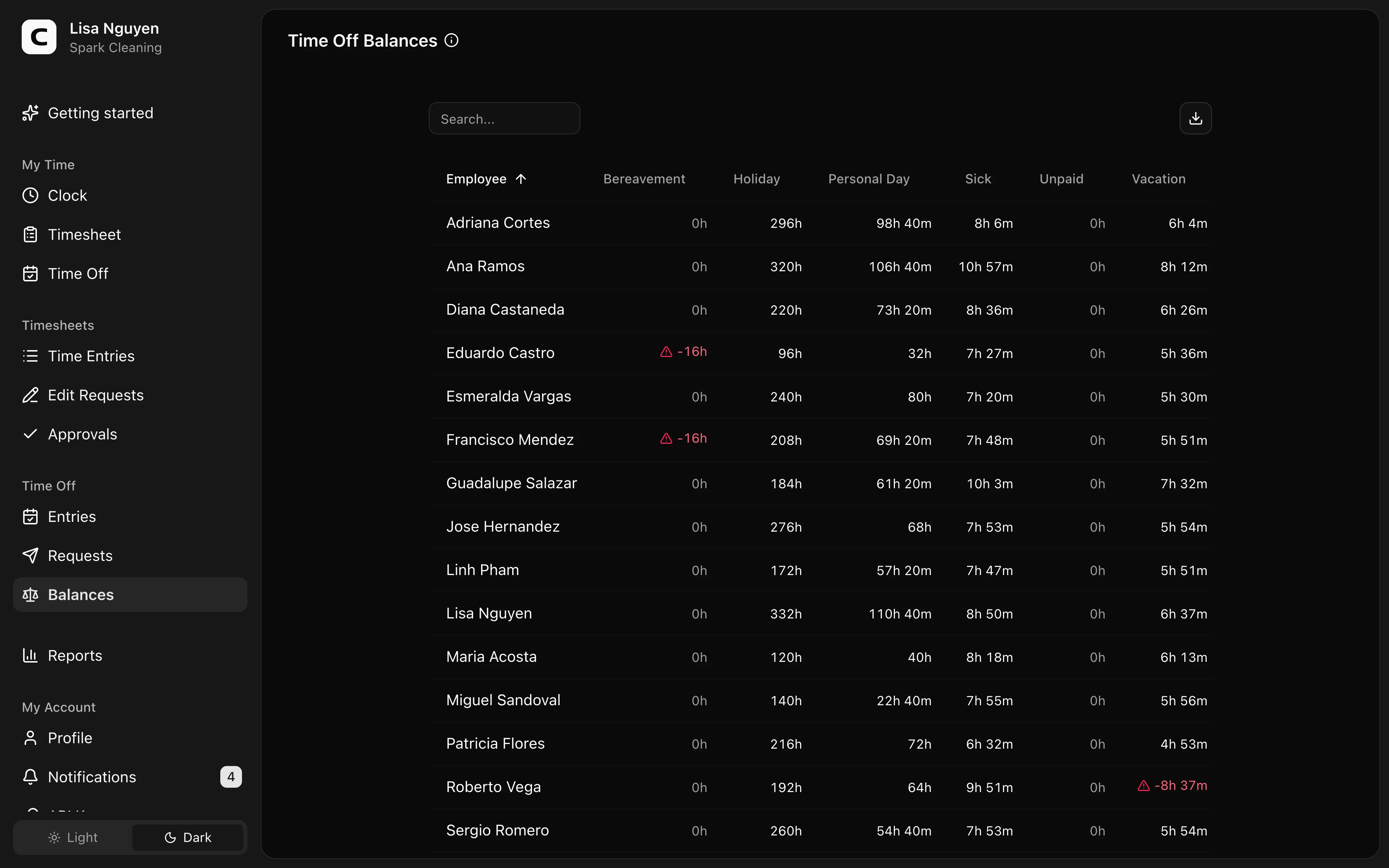
What this page shows
Choose a time off type to see each employee's available balance. Use Search employees to find an employee by name or email.
Available time is the current balance minus time reserved for approved future time off. Reserved time is shown separately; a pending request does not reserve time. Future-dated grants and deductions take effect on their dates.
The balance appears beside the employee:
- Below zero appears in red when the balance is negative.
- Low balance appears in amber when the balance reaches the configured negative allowance.
- available appears beside balances that do not need attention.
If the page says No balance is configured, that type has no earning-policy history. This message alone does not prove that no manual adjustments have been recorded. Stopping an existing earning policy retains its earlier balance and history.
Reviewing balance activity
Press View activity beside an employee to see available time and dated accruals, usage, carryover, and adjustments, most recent first. When time is reserved, the summary also shows the current balance and the reserved amount. The activity retains reversals when an automatic calculation changes.
Making an adjustment
From the activity dialog, press Adjust balance. Enter Hours — positive to add, negative to subtract — and a required Reason explaining the adjustment. Set an Effective date if the adjustment should post on a specific day. The adjustment appears in the activity and updates the balance.
Use adjustments for one-off grants, corrections, or a starting balance. Enter the amount to add or subtract, rather than the desired final balance: to change 80 available hours to 20, enter −60 when no time is reserved. Check the amount and effective date before saving, then return to the activity to verify the result.
A manual grant can exceed the Max balance or Max accrual per year limit for automatic earning. It does not change the earning policy. Automatic earning pauses while the balance is at or above its cap; carryover and usage limits apply separately.
An adjustment adds a dated activity entry and preserves earlier entries. Correct an erroneous adjustment with an opposite adjustment and an explanatory reason.
When to use a different page
- Approved time off entries → Time Off Entries
- Pending time off waiting for review → Time Off Requests
- Accrual rules per time off type → Time Off Types
Common questions
- A balance looks wrong.
Choose the time off type, press View activity beside the employee, and scan the dated accruals, usage, carryover, and adjustments for an unexpected change.
- An employee says they earned more time off than shown.
Check the accrual rule for that time off type on Time Off Types, then open the employee's balance activity to see which accruals have already posted.
- Does changing a balance change how much everyone earns?
No. A manual balance adjustment changes only that employee’s recorded time for that type. Earning rules remain separate and keep their effective dates.
Clockspot keeps clock-ins, corrections, approvals, and payroll-ready hours connected so owners and managers can review the workweek before payroll.
Want to simplify how your employees track time? See how Clockspot works.