My Profile
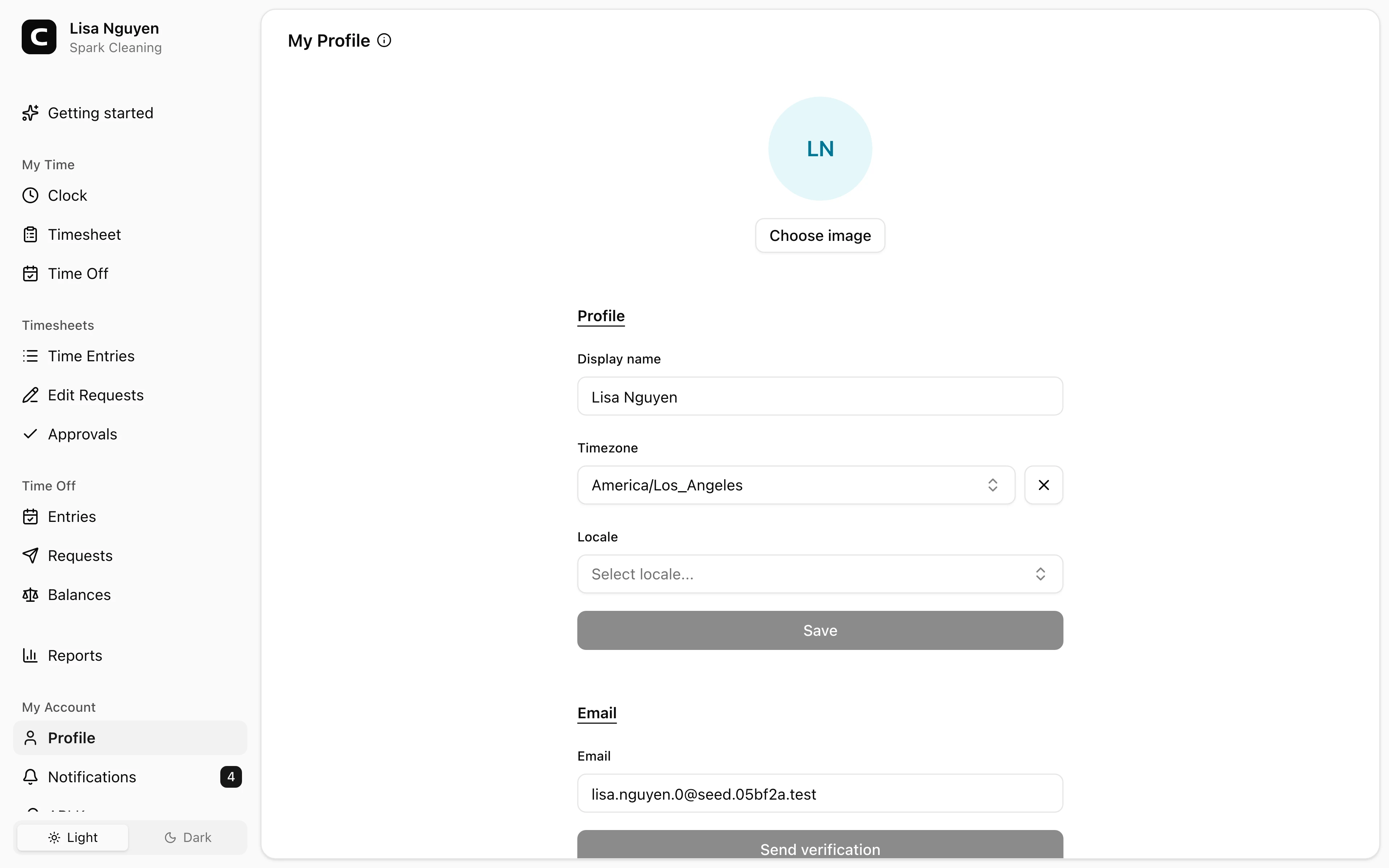
Update your name and contact information, choose your personal display preferences, and keep the details associated with your Clockspot sign-in current.
No login required. Opens in one click.
What you can change
- Photo — your avatar; it's cropped to a square automatically, so any image works.
- Display name — the name shown across the workspace.
- Timezone — used to display times in the app.
- Locale — controls how numbers, dates, and other formats appear for you.
- Email — your sign-in email. Changes require confirming a link sent to the new address.
- Phone — can be verified with a 6-digit SMS code.
- Address — your mailing address.
Changing your email
Edit the email field and press Send verification. A confirmation link goes to the new address; click it to switch. Your existing email keeps you signed in until you confirm.
Verifying your phone
Enter your phone number, then press Send verification. Clockspot sends a 6-digit code by SMS; enter it to confirm the number.
Common questions
- The email confirmation link expired.
Re-enter the email on this page and press Send verification for a fresh link.
- My phone verification code didn't arrive.
Confirm the number is correct (including country code) and try again. SMS delivery can take a minute or two.
- Can I change my display name?
Yes. Edit the Display name field and save.
Clockspot keeps clock-ins, corrections, approvals, and payroll-ready hours connected so owners and managers can review the workweek before payroll.
Want to simplify how your team tracks time? See how Clockspot works.