Minutes to Decimal Hours Converter
Enter minutes, HH:MM, or decimal hours. The other side updates instantly. Toggle 2- or 3-decimal precision to match your payroll system.
A free tool from Clockspot, employee time tracking for small businesses.
Formula: decimal hours = minutes ÷ 60, rounded to 2 places. Reverse: minutes = decimal hours × 60, rounded to the nearest minute.
| Minutes | Decimal (2) | Decimal (3) |
|---|---|---|
| 0.00 | 0.000 | |
| 0.08 | 0.083 | |
| 0.10 | 0.100 | |
| 0.17 | 0.167 | |
| 0.25 | 0.250 | |
| 0.33 | 0.333 | |
| 0.50 | 0.500 | |
| 0.67 | 0.667 | |
| 0.75 | 0.750 | |
| 0.83 | 0.833 | |
| 0.90 | 0.900 | |
| 0.98 | 0.983 | |
| 1.00 | 1.000 |
Click a minutes value to load it into the converter.
How Clockspot fits
Move from a one-off answer to recorded time
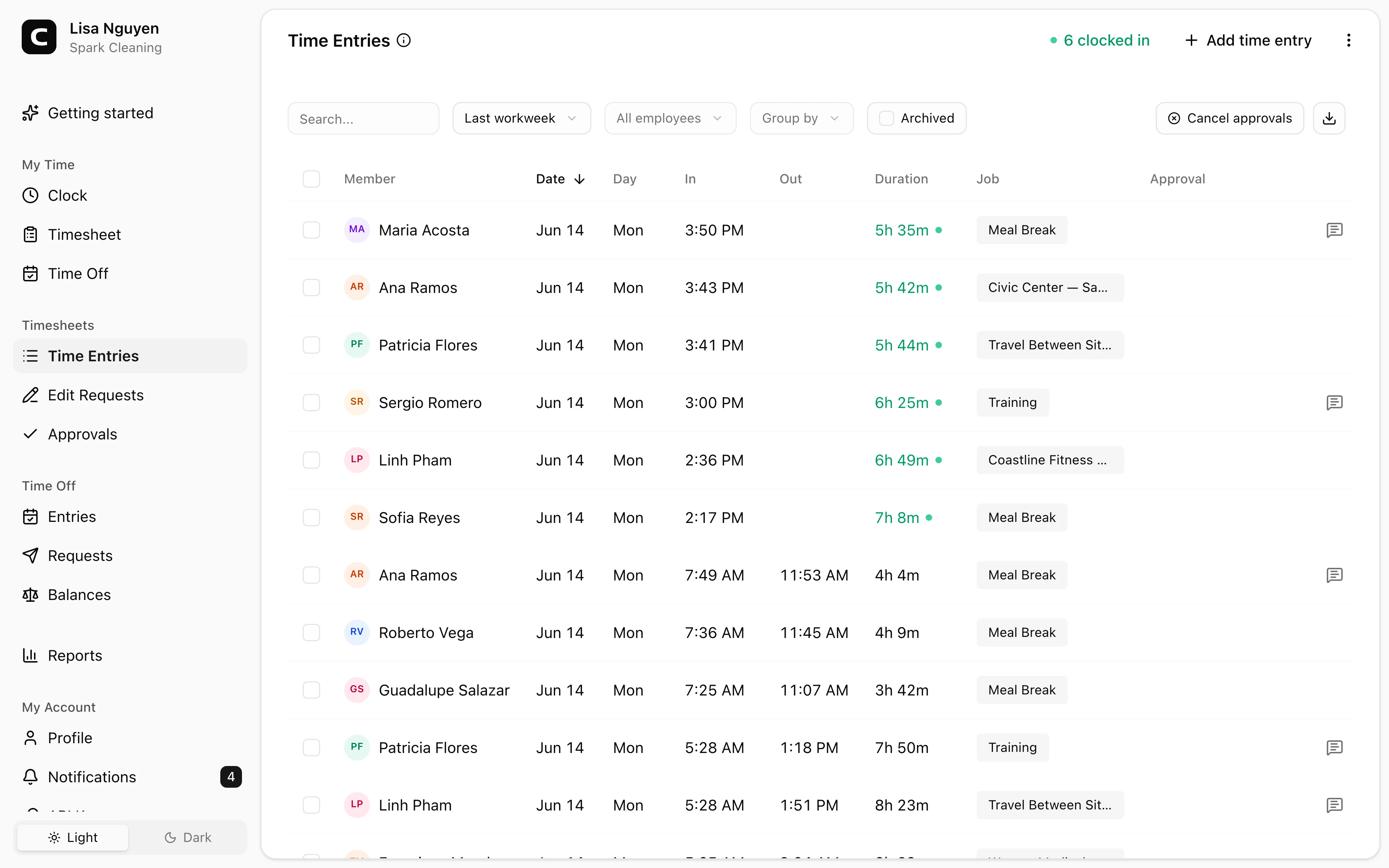
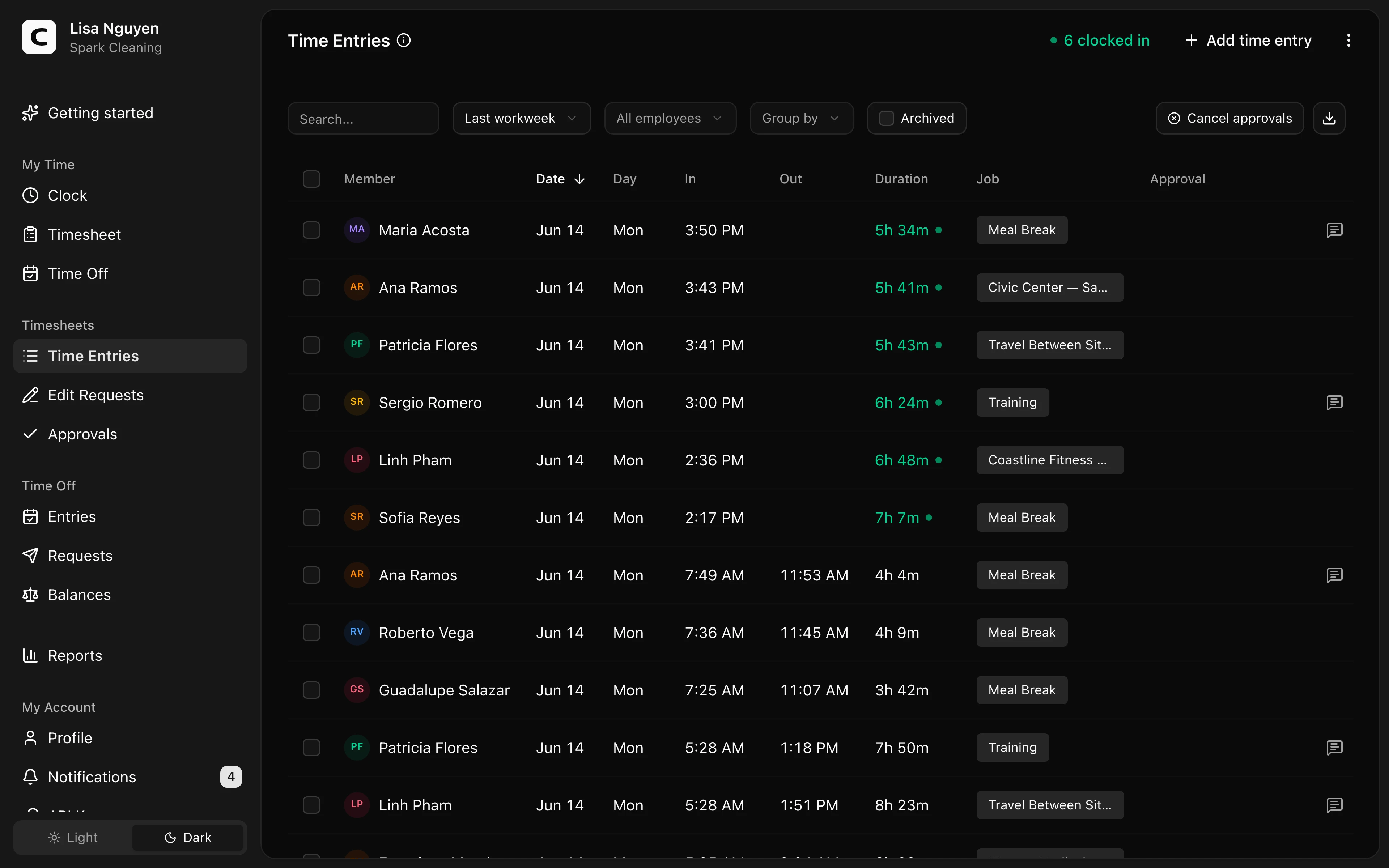
A converter handles one total. Clockspot collects clock-ins, breaks, and weekly hours so decimal totals land in payroll without retyping minutes by hand.
Common questions
How do I convert minutes to decimal hours for payroll?
Divide total minutes by 60, then round to the number of decimal places your payroll system uses. Example: 30 minutes ÷ 60 = 0.50 hours; 7 hours 30 minutes is 450 minutes ÷ 60 = 7.50 hours. Most payroll systems display two decimal places; some keep three before final pay-stub rounding. This converter does both.
What is 7 minutes in decimal hours?
7 ÷ 60 = 0.1166… hours. Rounded to two decimal places that is 0.12; to three decimal places it is 0.117. The reverse (0.12 × 60) returns 7 minutes when rounded to the nearest minute. Small minute values are where two-decimal rounding is most visible — use three decimals if your system stores finer resolution.
What is 15 minutes, 30 minutes, and 45 minutes in decimal hours?
Exact quarter-hour landmarks: 15 minutes = 0.25 hours, 30 minutes = 0.50 hours, 45 minutes = 0.75 hours, 60 minutes = 1.00 hour. These divide evenly by 60, so two- and three-decimal precision show the same values (trailing zeros aside).
How do I convert decimal hours back to HH:MM?
Multiply decimal hours by 60 to get total minutes, then split into hours and remaining minutes. Example: 7.5 × 60 = 450 minutes = 7 hours 30 minutes (7:30). This converter rounds to the nearest whole minute on the reverse path.
Is decimal-hour conversion the same as time-clock rounding?
No. Decimal conversion is only a unit change (minutes ↔ hours). Time-clock rounding under 29 CFR §785.48 changes the underlying minutes to the nearest 5-, 6-, or 15-minute interval before pay is calculated. Convert after any rounding policy has already been applied, or use the Time Card Calculator when you need punch-level rounding and weekly totals together.
Why do some payroll systems use two decimals and others three?
Two decimal places (hundredths of an hour) is the common paycheck and timesheet display. Three decimal places (thousandths) reduces intermediate rounding error when systems store fine-grained minutes and only round for display. Neither is mandated by federal wage-and-hour law; both are payroll-system conventions. Match the precision your payroll provider documents.
Does the converter save my entries?
No. Inputs live only in your browser tab. Closing the tab clears the data. Nothing is sent to a server. For ongoing timesheets that persist, approve, and export to payroll, use a time-tracking system rather than a one-off converter.