If employees boot computers, open software, or log into your systems before they clock in, those minutes can be paid work — not free setup.
The problem rarely shows up as one dramatic unpaid hour. It shows up as five to fifteen minutes a day: wait for the machine, wait for the VPN, open the POS or EMR, check the schedule, then hit the time clock. Across a year, that pattern is overtime, back pay, and a records fight you do not want.
Federal law does not ban every unpaid minute before the shift. The Portal-to-Portal Act leaves ordinary commuting and many preliminary activities outside paid time. But once an activity is integral and indispensable to the job, or once the workday has already started, the minutes count. California and a handful of other states go further with a broader control test and less patience for "it's only a few minutes."
This guide is the employer checklist for boot-up, login, and pre-shift computer time: when it is paid under federal rules, where stricter states change the answer, what records decide the dispute, and what to fix this week. For the full off-the-clock framework — security checks, donning and doffing, after-hours messages — see off-the-clock work laws by state. The underlying sources live in off-the-clock work research.
Quick reference
- Federal floor: ordinary commute and many preliminary/postliminary activities are excluded under the Portal-to-Portal Act. Time that is integral and indispensable to the principal job, or that falls inside the continuous workday after the first principal activity, is hours worked.
- Pre-shift system login often starts the workday. Logging into the timekeeping system, POS, EMR, CRM, dispatch app, or VPN so the employee can do the job is the classic continuous-workday trigger — not "personal prep."
- Boot-up and app launch for required tools are usually paid when the employee cannot do the principal work without that machine and software. The question is whether the work can be done without the activity, not whether the employer labeled it "setup."
- California is stricter. "Subject to the control of an employer" reaches required pre/post-shift activities that federal law might exclude, and California rejects the federal de minimis rule for regular off-the-clock minutes.
- Incomplete records favor the employee. Under the Mt. Clemens rule, weak timekeeping lets employees prove unpaid time with a "just and reasonable inference." System logs, VPN timestamps, and badge data become exhibits either way.
The 5 Most Expensive Boot-Up and Login Mistakes
-
Clock-in at scheduled start while login started earlier. The employee opens the POS, EMR, or dispatch tool at 8:52, waits for screens to load, and clocks in at 9:00. Federal continuous-workday analysis treats the first principal activity as the start of the workday. Those eight minutes are not a rounding courtesy; they are hours worked when login is required to perform the job.
-
Calling boot-up "preliminary" because it happens before customer-facing work. Preliminary activities are excluded only when they are not integral and indispensable. Opening the systems the job requires is not the same category as walking from the parking lot. If the employee cannot perform the principal activity without that computer and software, the startup sequence is usually part of the job.
-
Assuming a few minutes never matter. Federal law has a limited de minimis doctrine for irregular, tiny amounts. California rejects that doctrine for regular off-the-clock work. Daily boot-up and login patterns — even four to ten minutes — accumulate into real back pay and class exposure in strict states.
-
Relying on a handbook ban on off-the-clock work while supervisors expect early readiness. "No work before clock-in" does not defeat liability when the employer knew or should have known employees were logging in early. Constructive knowledge includes supervisors who expect machines to be "up" at the scheduled start, or who receive messages that only make sense if the employee was already on systems.
-
Ignoring parallel system logs. VPN, SSO, email, POS, EMR, and badge systems record when work actually began. When those stamps sit before the time card, and you have no explanation, Mt. Clemens burden-shifting makes the employee's estimate of unpaid minutes hard to rebut. Pay what the logs show, or keep a defensible process for reconciling them.
Federal baseline: Portal-to-Portal, integral work, continuous workday
The FLSA defines employment broadly — employers must pay for work they suffer or permit. The Portal-to-Portal Act of 1947 narrows that for two categories:
- Ordinary travel to and from the place where principal work is performed (the commute).
- Activities that are preliminary or postliminary to the principal activity.
The exclusion stops where the activity is an integral and indispensable part of the principal work. The Supreme Court framed that test tightly in Integrity Staffing v. Busk: an activity is integral and indispensable if it is an intrinsic element of the principal activities and one the employee cannot dispense with if they are to perform those activities. Security screenings that protect the employer but are not intrinsic to warehouse picking failed that test under federal law. Donning specialized protective gear that is required to do the job passed it in other cases.
Translated for computer work:
- Usually unpaid: the ordinary drive or walk to the workplace, and optional early arrival that is truly free time.
- Usually paid: starting the computer and launching the applications the employee must use to perform the principal job, when that setup is required and not optional personal convenience.
- Always check continuous workday: once the first principal activity begins, time through the last principal activity is part of the workday.
Continuous workday — why 8:55 login and 9:00 clock-in both matter
Under IBP v. Alvarez and the continuous-workday rule, the workday begins with the first compensable principal activity and continues until the last. Research on off-the-clock work calls out a pattern employers miss every week:
An employee who logs into the timekeeping or POS system at 8:55 a.m., is clocked in for the shift at 9:00 a.m., and continues working until 5:30 p.m. has a workday from 8:55 a.m. The five-minute gap is compensable under federal law and under California's control test. Most employers never capture the system-login timestamp that would prove either side of the dispute.
That is the boot-up and login problem in one sentence. The time clock is not always the start of work. The first required system activity often is.
The same logic shows up in field and home-care patterns: a nurse who logs into the EMR or scheduling app before driving to the first patient has started the workday; subsequent travel can become paid under continuous-workday and travel-time rules. See travel time pay when login starts the day and the drive follows.
When boot-up and login time is paid
Treat these as high-risk unpaid patterns until your policy and records say otherwise.
Required workstation startup for in-office non-exempt staff
Call-center agents, clinic front desk, retail cashiers on POS terminals, warehouse clerks on WMS terminals, and office staff whose entire shift runs on employer computers usually need the machine and apps running before they can take the first call, patient, or transaction. Boot-up, login, and launch of required software is part of making the principal activity possible. Paying only from the scheduled shift start while requiring "be ready at 9" creates unpaid pre-shift work.
Pre-shift VPN, SSO, or remote desktop
Remote and hybrid non-exempt employees who must connect through employer VPN, SSO, or remote desktop to reach work systems are performing job-required access, not commuting. Once that login is a principal activity, continuous-workday rules can pull later activity into paid time. California remote employees of out-of-state companies remain under California's broader control framework for hours worked.
Logging into the time clock itself through the work system
If the only way to clock in is after booting the work PC and opening the timekeeping client, the minutes spent reaching the clock-in screen are not free. Designing the clock-in path so paid time starts only after unpaid setup is how small daily gaps become systematic underpayment.
Pre-shift software checks that the job requires
Opening the day's schedule in a dispatch app, syncing a CRM before the first sales call, or loading the first patient chart before the clinic opens is work when the employer expects it. The "voluntary early bird" label fails when supervisors treat early readiness as the real start time.
When it may not be paid (and the traps in the gray zone)
Not every pre-shift minute is automatic liability. Federal law still excludes ordinary commuting and many true preliminary activities. Optional early arrival that the employee can freely use as personal time, with no expectation of system readiness, is different from required setup.
Gray zones that still go wrong:
- "Be logged in by start time" policies. If the only way to comply is to boot and authenticate before the clock starts, you have required pre-shift work.
- Shared machines with long boot times. Slow terminals do not make the time non-compensable; they make the unpaid gap larger.
- Personal devices and home computers. Federal doctrine still focuses on whether the activity is integral to the principal work and whether the employer suffered or permitted it. Do not assume remote work on a personal laptop is unpaid just because the hardware is personal. California's control test is broader still when the employee is required to be on systems.
- De minimis assumptions. Even where federal de minimis might apply to irregular scraps of time, regular daily boot-up is the opposite of irregular. California rejects the federal de minimis doctrine for regular off-the-clock minutes after Troester v. Starbucks.
California and other stricter states
California uses a "subject to the control of an employer" test under the IWC Wage Orders. Time can be paid when the employer controls the employee even if federal law would treat the activity as non-integral. That is why mandatory exit bag checks were paid under California law in Frlekin v. Apple even though a similar security-screening theory failed federally in Integrity Staffing.
For boot-up and login:
- Required early presence at a workstation, required system readiness, and required pre-shift logins are control problems, not just "integral and indispensable" problems.
- California rejects the federal de minimis doctrine for regular off-the-clock patterns. Daily login gaps do not disappear because each day looks small.
- Waiting-time penalties and related California wage claims can stack when unpaid wages surface at separation.
Pennsylvania, Colorado, New York, Oregon, Washington, and Minnesota also treat some hours-worked questions more broadly than pure federal Portal-to-Portal analysis in ways that matter for pre/post-shift time. Multistate employers should not export a federal-only "setup is free" policy into those workforces. The state map and table live in off-the-clock work laws by state.
Scenarios employers recognize
Retail or QSR manager "gets the registers up" before clock-in. Opening POS, counting drawers, and launching required apps while still off the clock is pre-shift work when those steps are expected every day.
Clinic medical assistant boots the EMR before the first patient. Login and chart load before the scheduled start is continuous-workday time, not free prep.
Remote customer-support agent VPN connects at 8:50 for a 9:00 queue. Connection and software launch so the queue can open on time is work the employer required to run the shift.
Warehouse clerk waits ten minutes for a shared terminal, then clocks in. The wait and login sequence required to start assigned tasks is not the same as parking-lot walking time.
Home-health nurse opens the scheduling app at the kitchen table, then drives to the first visit. App login can start the workday; the drive may then be paid under continuous-workday and travel rules.
Records, Mt. Clemens, and what actually wins disputes
Anderson v. Mt. Clemens Pottery holds that when employer records are inaccurate or inadequate, the employee can prove unpaid work with a just and reasonable inference. The employer must then show the precise hours or defeat the inference.
For boot-up claims, the parallel records are usually better than the time card:
- VPN / SSO authentication timestamps
- POS, EMR, CRM, WMS, or dispatch access logs
- Email and chat send times before the official clock-in
- Badge-in vs. first application activity
- Device management or remote-desktop session starts
If those sources show systematic early work and your time cards do not, you have both exposure and the evidence trail. Capture actual start times, reconcile system logs in payroll review, and correct shortfalls the period you find them — see how to handle missed punches before payroll and how to approve employee time cards.
If you need a quick sense of how daily minutes add up across a pay period, use the time card calculator.
Explore the sample account
Carolina Home Services is an example contractor in Charlotte, North Carolina, with employee time cards, jobs and Work Sites, trade qualifications, approvals, and reports already filled in with sample data.
No login required. Opens in one click.
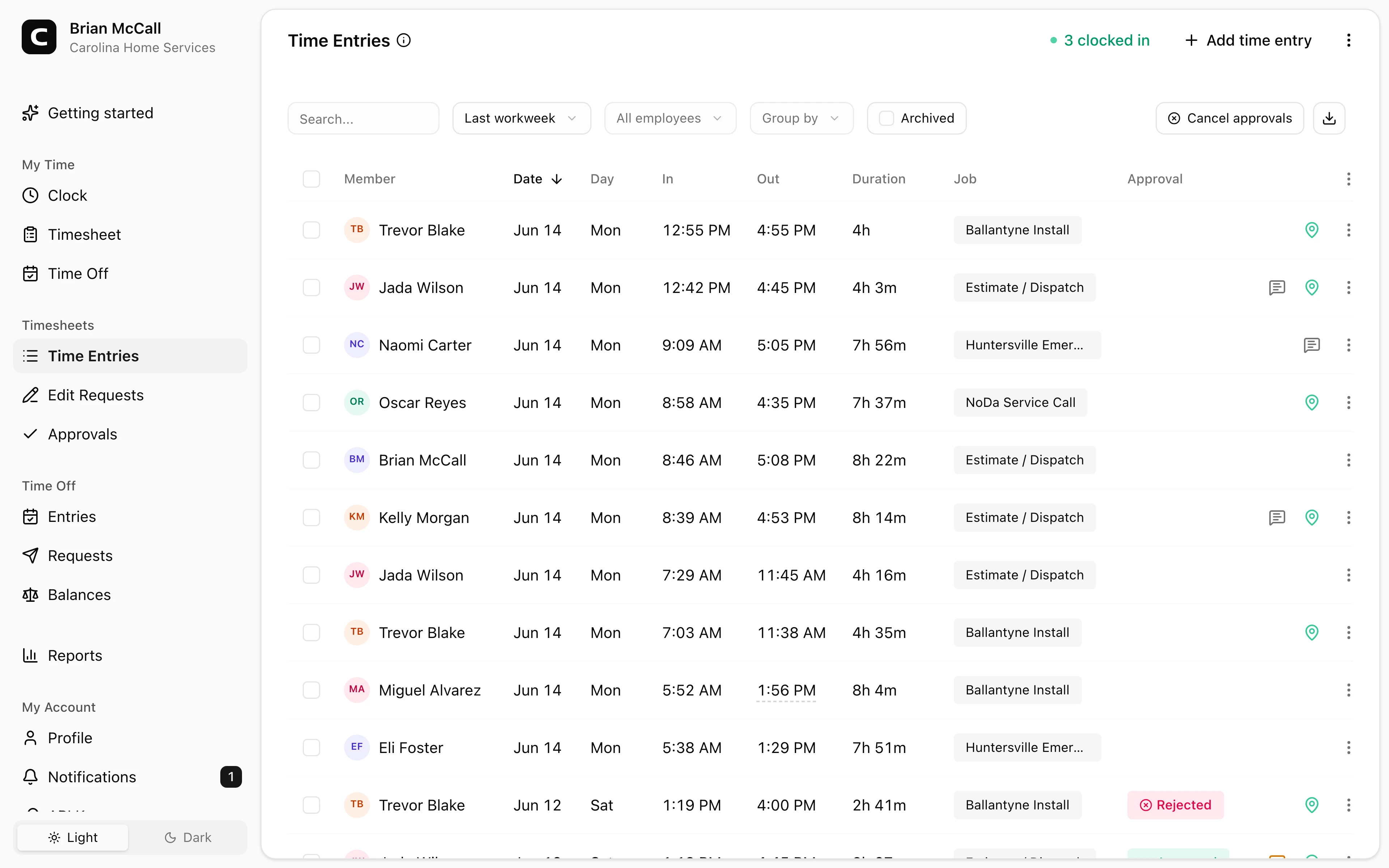
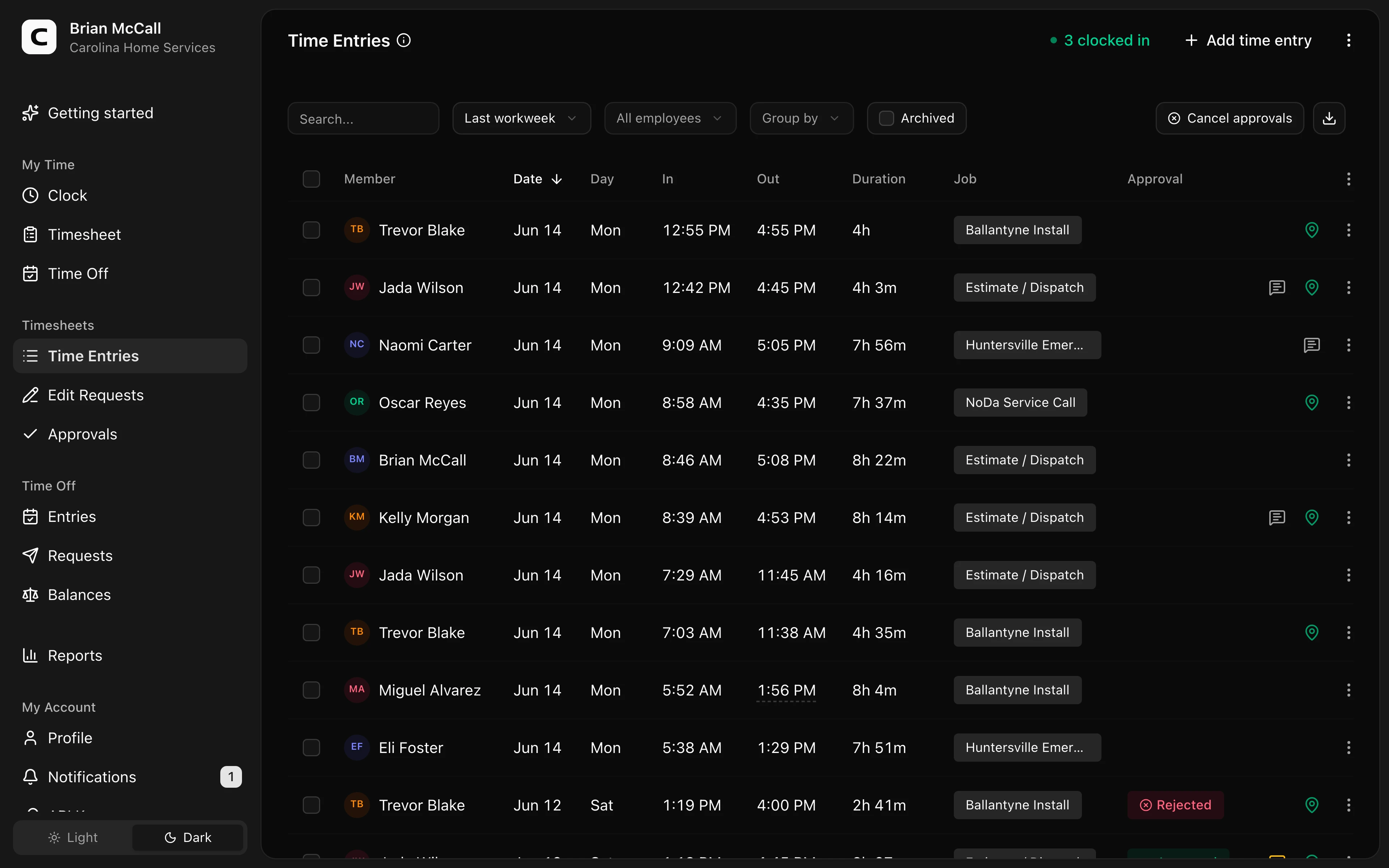
The demo shows how a time clock that records real start and stop times — not only the scheduled shift — keeps pre-shift work on the same record you will later approve for payroll.
Employer checklist: fix boot-up pay this week
- List the systems employees must open before they can do the job (POS, EMR, VPN, dispatch, time clock client, production software).
- Ask supervisors what "ready at start time" actually means. If readiness requires a live login, you are requiring pre-shift work.
- Compare last week's clock-ins to VPN/SSO or app logs for a sample of non-exempt roles. Look for systematic gaps.
- Change the process, not only the handbook. Either allow clock-in before boot completes and pay through setup, or redesign so paid time begins when required systems start — then enforce it.
- Ban unpaid early login in practice. Train managers not to praise "already on" status that does not appear on the time card.
- In California and other strict states, assume regular minutes count. Do not rely on "it's only five minutes."
- Correct unpaid time in the current pay cycle when you find it. Self-correction is not automatic legal immunity, but leaving known underpayment in the file is worse.
- Keep raw punches and system audit trails. Rounding and scheduled times do not erase boot-up exposure if exact logs tell a different story — see time clock rounding rules.
When to get help
Talk to employment counsel when:
- You have multistate non-exempt employees with different login expectations.
- System logs show months of systematic early work across a class of roles.
- You are in California (or another broad hours-worked state) and managers required early readiness without pay.
- You face a wage claim, agency inquiry, or class demand about pre-shift computer time.
- You are redesigning remote non-exempt schedules and need a defensible clock-in sequence.
This page is practical guidance for employers, not legal advice for a specific dispute.
Rule of thumb
If the employee cannot do the job without booting the machine and logging in, pay for that time — and capture it on the same record you use for payroll. Scheduled start is not the legal start when the workday already began at the login screen. For the one-minute version of this answer, see when boot-up time counts as paid work.
Clockspot keeps clock-ins, corrections, approvals, and payroll-ready hours connected so owners and managers can review the workweek before payroll.
Clockspot captures the minutes before the official shift starts — system logins, setup, and other pre-shift work that belongs on the time card. See how Clockspot tracks pre-shift time.