Manual time tracking looks free because there is no software bill.
The real cost shows up later: payroll mistakes, unpaid or overpaid overtime, manager hours spent reconstructing the week, weak records when someone questions pay, and last-minute fixes before the payroll file is due.
This page is for employers still using paper timesheets, shared spreadsheets, or handwritten totals who want a clear picture of what that process is actually costing — without inflated industry stats or a sales pitch.
What "manual" means here
Manual time tracking is any system where people write, type, or copy hours after the work happened, then someone else re-checks and re-enters those hours for payroll.
Common versions:
- Paper timesheets filled out at the end of the day or week.
- Spreadsheets emailed to a manager.
- Shared drive files anyone can edit.
- Managers writing hours from memory.
- Payroll retyping hours into a separate system.
Paper and spreadsheets can work for a very small, stable workforce. The hidden costs appear when the process has to support missed punches, overtime, breaks, job changes, approvals, and records you may need months later. For the full process comparison, read paper timesheets vs time clock software.
Cost 1: Payroll errors from re-entry and illegible totals
Every handoff is a chance to change the number:
- Employee writes or types hours.
- Manager rewrites or rekeys them.
- Payroll re-enters them again.
A five-minute addition error, a transposed start time, or a missing lunch can change a paycheck. One wrong entry is annoying. The same class of mistake across every pay period becomes a pattern employees notice.
Example math (not a study result): Suppose one missed 30-minute lunch deduction for a $20/hour employee. That is $10 in overpay for the shift. Across 10 similar mistakes a month, you are looking at about $100 in avoidable overpay — before you count the time spent finding and fixing it, and before overtime multiplies the error.
If you only need to total one week of clock-in and clock-out times with lunch while you review the process, use the free time card calculator with lunch.
Cost 2: Overtime leakage you only see at payroll close
Manual systems often show weekly totals late.
That means:
- Overtime risk is not visible during the week.
- A manager may not know an employee is already near 40 hours.
- Extra shifts get approved without the overtime cost in view.
- Corrections land after the period closes, when fixes are harder.
Example math: An employee at $18/hour works 44 hours. Federal overtime on the extra four hours is paid at 1.5×, so the OT premium is $9 per hour × 4 = $36 for that week. If three employees each pick up similar unplanned hours every week, the overtime is real money even before any dispute about whether the hours were recorded correctly.
The issue is not that overtime is always bad. The issue is paying for it without intending to, because the time record was assembled too late to manage the schedule.
Cost 3: Manager time spent reconstructing the week
Manual payroll close often becomes detective work:
- "Did you work Thursday?"
- "Who covered the late shift?"
- "Was lunch taken?"
- "Why is this total different from last week?"
That time is easy to ignore because it is unpaid management labor, not a line item. It still costs.
Example math: If a manager spends three hours every pay period chasing missing timesheets, clarifying totals, and reconciling spreadsheet rows for 20 employees, that is about 78 hours a year. At a $30 fully loaded hourly cost for that manager's time, you are spending roughly $2,340 a year on reconstruction alone — before payroll staff time and before any wage dispute.
For the exception workflow itself, read how to handle missed punches before payroll.
Cost 4: Buddy punching and "someone else filled it in"
When employees can write each other's time, or sign a sheet for someone who is late, the record can pay for hours that were not worked.
Buddy punching is not only a fraud story. It is also a record-quality problem: the timesheet says one thing, and the real shift may have been different. That weakens your position if pay is disputed later.
Do not assume every incomplete sheet is dishonest. Many gaps are honest misses. Treat the pattern as a process problem first: make self-clocking easy, require a reason for edits, and review exceptions before payroll. For the operational controls, read how to prevent buddy punching without micromanaging.
Cost 5: Compliance and dispute cost when records are weak
Covered employers must keep accurate records of hours worked and wages. Federal law does not require one specific time clock form. Paper can be legal if the records are complete and accurate.
The expensive part is what happens when they are not.
If an employee later disputes hours, and the only record is a scribbled total or a spreadsheet with no original start/stop times, the business has less to show. Reconstructing months-old shifts from memory is slower and less reliable than pulling a punch history.
Weak records also make routine requests harder: final pay questions, break disputes, audit requests, or simple "why was my paycheck different?" conversations. The cost is staff time, stress before payroll, and risk if a small disagreement becomes a formal claim.
This page is not a multi-state legal guide. For retention windows and the federal recordkeeping floor, use recordkeeping requirements by state.
Cost 6: Templates and files that never become a process
Blank templates help only if people fill them in on time, managers review them, and someone stores the final version.
A free template without a workflow still leaves you with:
- Late sheets.
- Incomplete days.
- Unapproved changes.
- Files scattered across email and shared folders.
- No clear "this is the approved pay-period record."
If paper is still the right short-term tool, start with structured forms and a written close process. Download free layouts from free timesheet templates, then decide whether the approval and storage steps are actually sustainable.
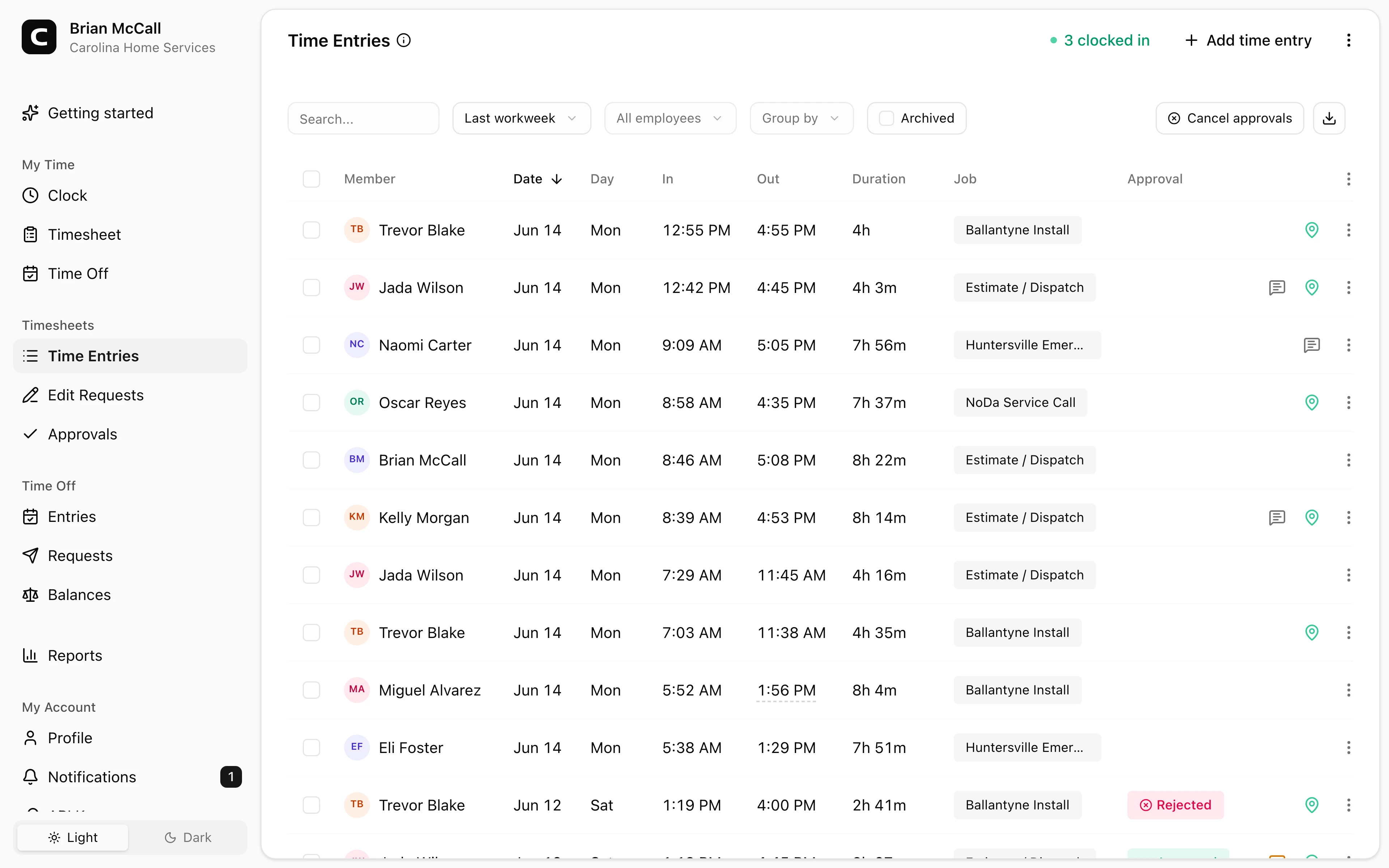
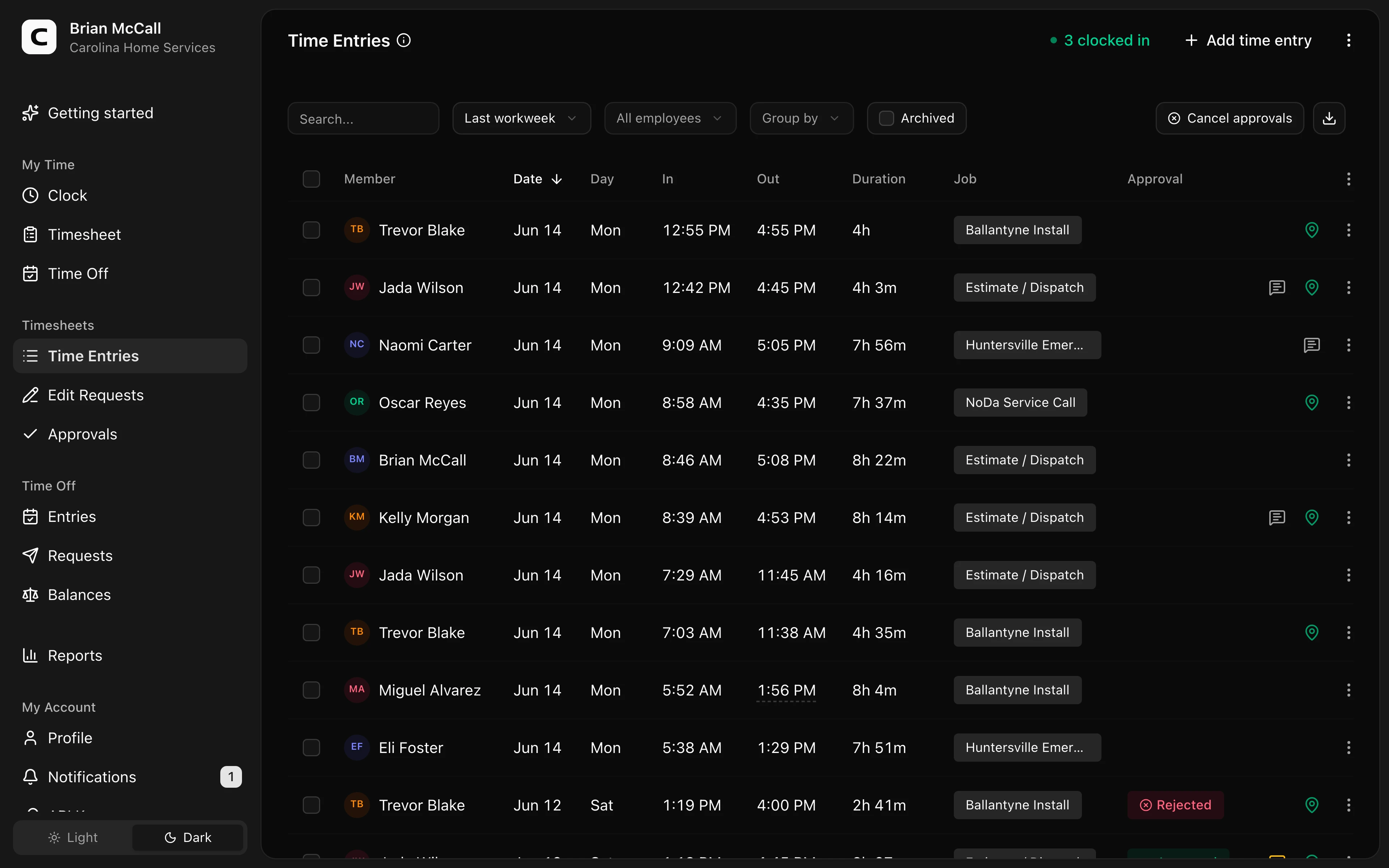
Explore the sample account
Carolina Home Services is an example contractor in Charlotte, North Carolina, with employee time cards, jobs and Work Sites, trade qualifications, approvals, and reports already filled in with sample data.
No login required. Opens in one click.
What a cleaner process usually costs less to run
A better process does not have to mean a large HR suite. It has to reduce the hidden labor:
- Employees record time when the work happens.
- Missing punches show up before payroll.
- Edits include a reason.
- Managers approve final hours.
- Payroll receives approved hours instead of retyping sheets.
- Records stay findable after the period closes.
That is the difference between a written total you hope is right and a time record you can explain.
When manual tracking is still reasonable
Keep paper or a simple spreadsheet when:
- The workforce is very small.
- Everyone works one location on predictable shifts.
- Overtime is rare.
- One person carefully reviews every period.
- You can still find last quarter's records when you need them.
In that case, tighten the process before buying software: daily entries, start/stop times instead of only totals, manager sign-off, and a stored copy after payroll.
When the hidden costs usually outweigh the "free" system
Consider changing the process when:
- Payroll regularly waits on missing or corrected sheets.
- Managers reconstruct weeks from memory.
- Overtime surprises you at close.
- The same errors repeat every period.
- Employees dispute hours and you cannot show the original times.
- Job or location detail matters for billing or cost tracking.
- You are hiring and the old process does not scale.
If those symptoms sound familiar, compare your current close to the demo above, then check Clockspot pricing or start a free trial.
FAQ
Are paper timesheets free?
They have no subscription fee, but they still cost manager time, payroll re-entry, error cleanup, and reconstruction when records are incomplete.
What is the biggest hidden cost for small employers?
Usually the recurring labor of chasing incomplete records and fixing mistakes right before payroll, not a single dramatic fraud event.
Do I need software to reduce these costs?
Not always. Some employers improve paper with better templates, daily entries, and a real approval step. Software helps when the process needs event-level records, exception review, and searchable history.
How do I estimate the cost for my business?
Add manager hours spent on time reconstruction, payroll re-entry time, known overpay/underpay corrections, and overtime you only discover at close. Use your own rates — example math on this page is illustrative, not a national average.
The bottom line
Manual time tracking is not automatically wrong. It is easy to underestimate.
When the "free" system consumes manager hours, leaks overtime, and leaves weak records, the hidden costs are already on the books — just not as a software line item. Measure the process against the payroll week you actually run, then decide whether templates, tighter approvals, or time clock software is the cheaper path.
Clockspot keeps clock-ins, corrections, approvals, and payroll-ready hours connected so owners and managers can review the workweek before payroll.
Clockspot helps small businesses replace paper and spreadsheet timesheets with clock events, edits, approvals, and payroll-ready records in one place. See how Clockspot reduces manual time-tracking work.