Reports
Attendance
See who worked each day, with hours, absences, and in/out times.
No login required. Opens in one click.
What this report shows
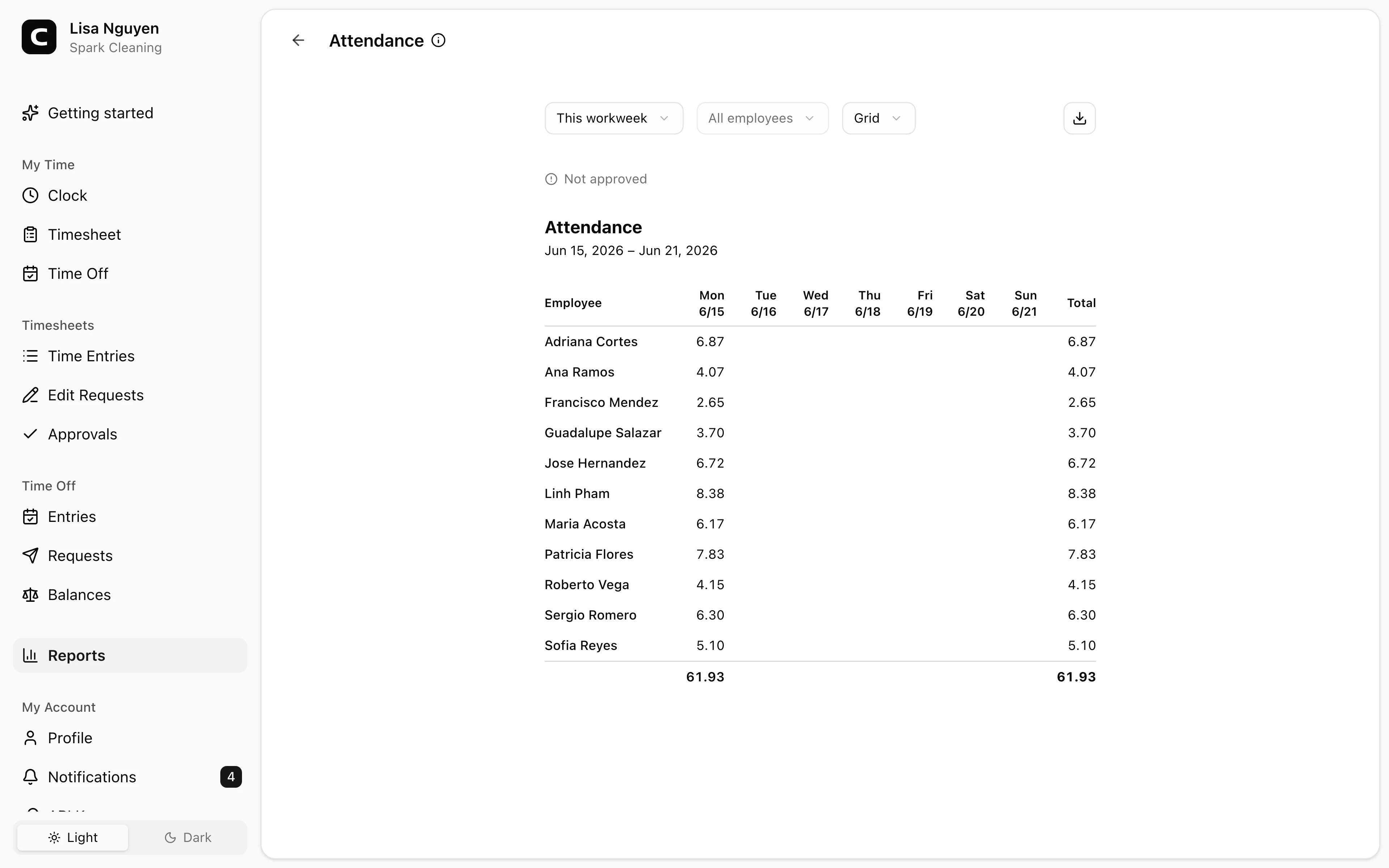
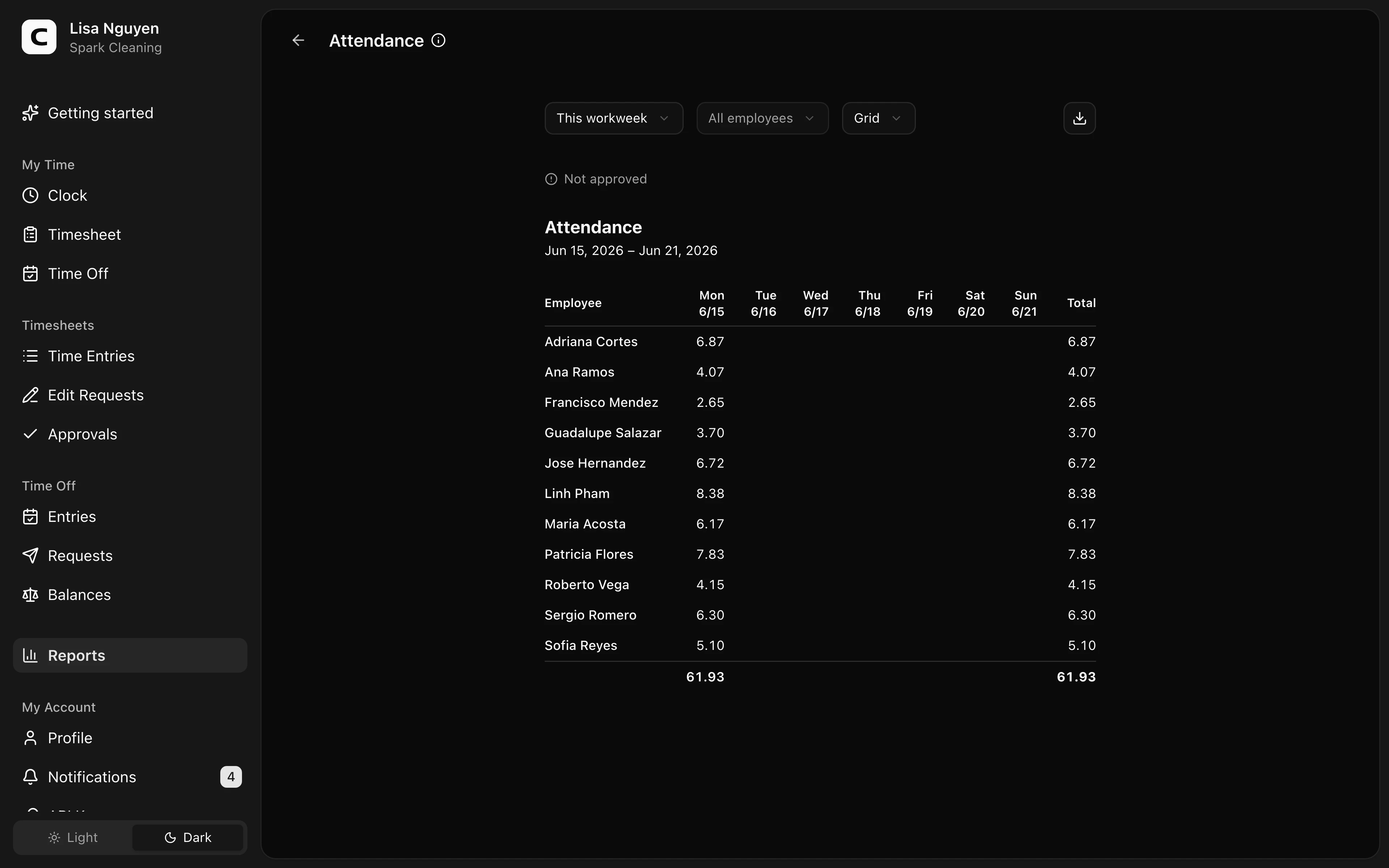
For each employee in the selected date range, this report shows hours per day, total hours, and scheduled workdays with no clock-in.
View modes
- Grid (default) — rows are employees, columns are days. Cells show hours worked; a dash (–) marks a scheduled workday with no clock-in. Non-workdays are blank. A trailing Absent column counts those missed workdays per employee.
- By employee — per-employee daily breakdown, with first clock-in, last clock-out, off-clock gaps, and total hours.
- By date — for each date, who worked and their times.
Filters
Date range and employee select in the toolbar. An inline status line above the report shows how many of the period's timesheets are approved, with a link to Approvals.
What counts as "absent"
A workday is set by the employee's work schedule (workspace default, with per-employee overrides in Employees). A scheduled day with no clock-in is marked absent. Non-workdays are blank — not absent.
Exporting
The export menu offers Download CSV, Copy to clipboard, and Print for the current view. The structure matches what's on screen.
Common questions
- Someone is showing as absent on a day they were on approved time off.
This report counts clock entries only — see the Hours Summary report for paid time off totals.
- Why are some employees missing on certain days?
Grid view only shows employees who either worked or were scheduled to work. Employees without a schedule have no "absent" markers — they appear only on days they actually worked.
- Can I see overtime or break detail here?
No. This report is for daily hours and attendance patterns. Use the Overtime report for overtime breakdowns, and the By employee view here for per-day in/out times and off-clock gaps.
Related
How overtime works
How Clockspot classifies overtime hours into report tiers.
Running payroll
The path from a closed pay period to numbers you can hand to your payroll provider.
Reports
Open the report that matches the hours, payroll, job, or clock-location question you need to review.
Hours Summary
See each employee's regular, overtime, and time off hours for the period.
Overtime
See who hit overtime each week, with the rule behind each tier.
Payroll Summary
See payroll-ready hours and pay per employee, ready to process.
Job Costing
See how employee hours break down by job and project.
Location Summary
See how hours and headcount break down across clock locations.
Location Activity
See the clock-in and clock-out location for every shift.
Location Compliance
Find time entries with missing or mismatched clock locations.
Location Coverage
Compare where each employee worked, by location and by day.
Location Map
See GPS-tagged clock events plotted on a map.
Site Overview
Scan hours, entries, and employees at each clock location.