Account & billing
Billing
Review your subscription, payment method, and invoices.
No login required. Opens in one click.
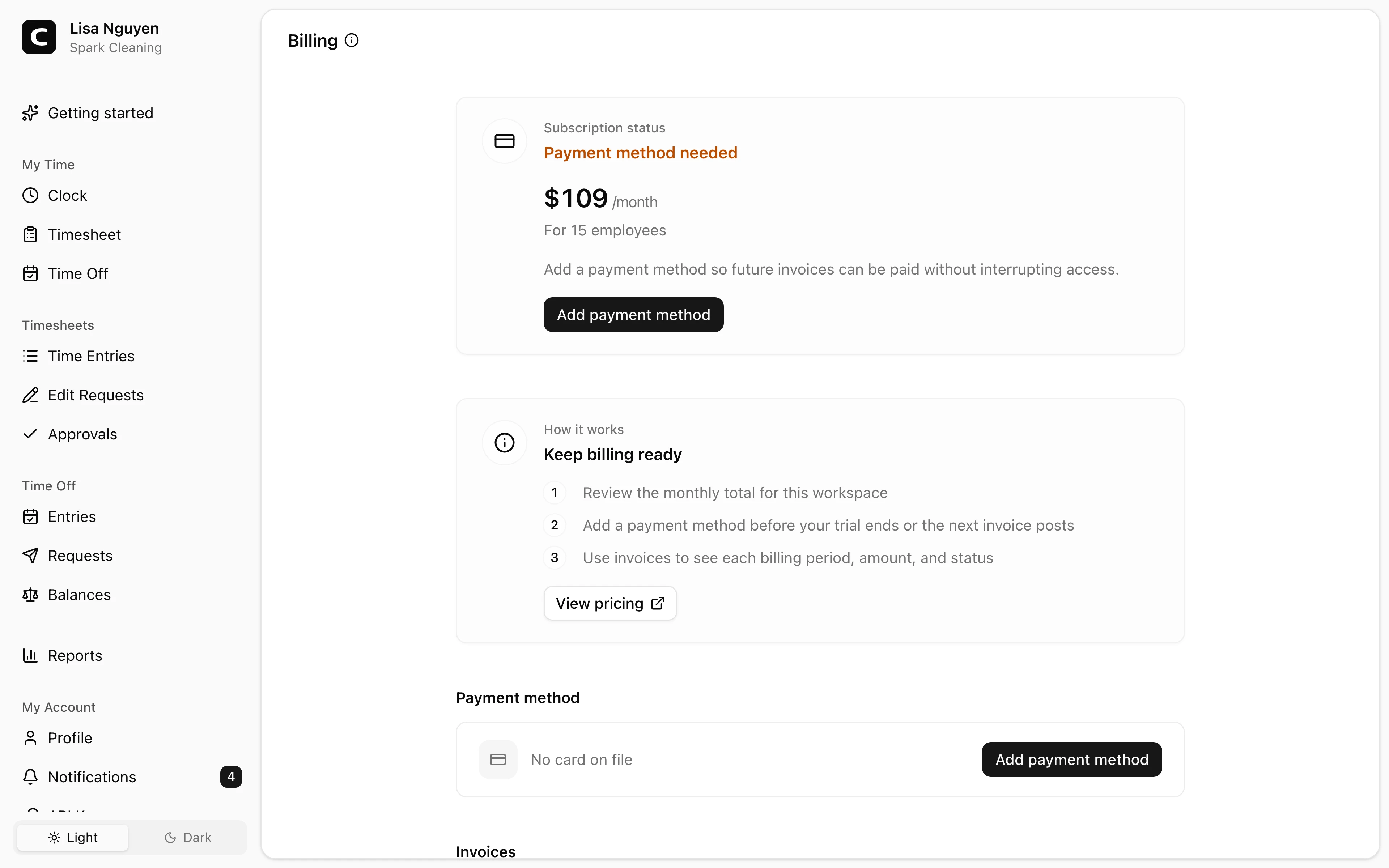
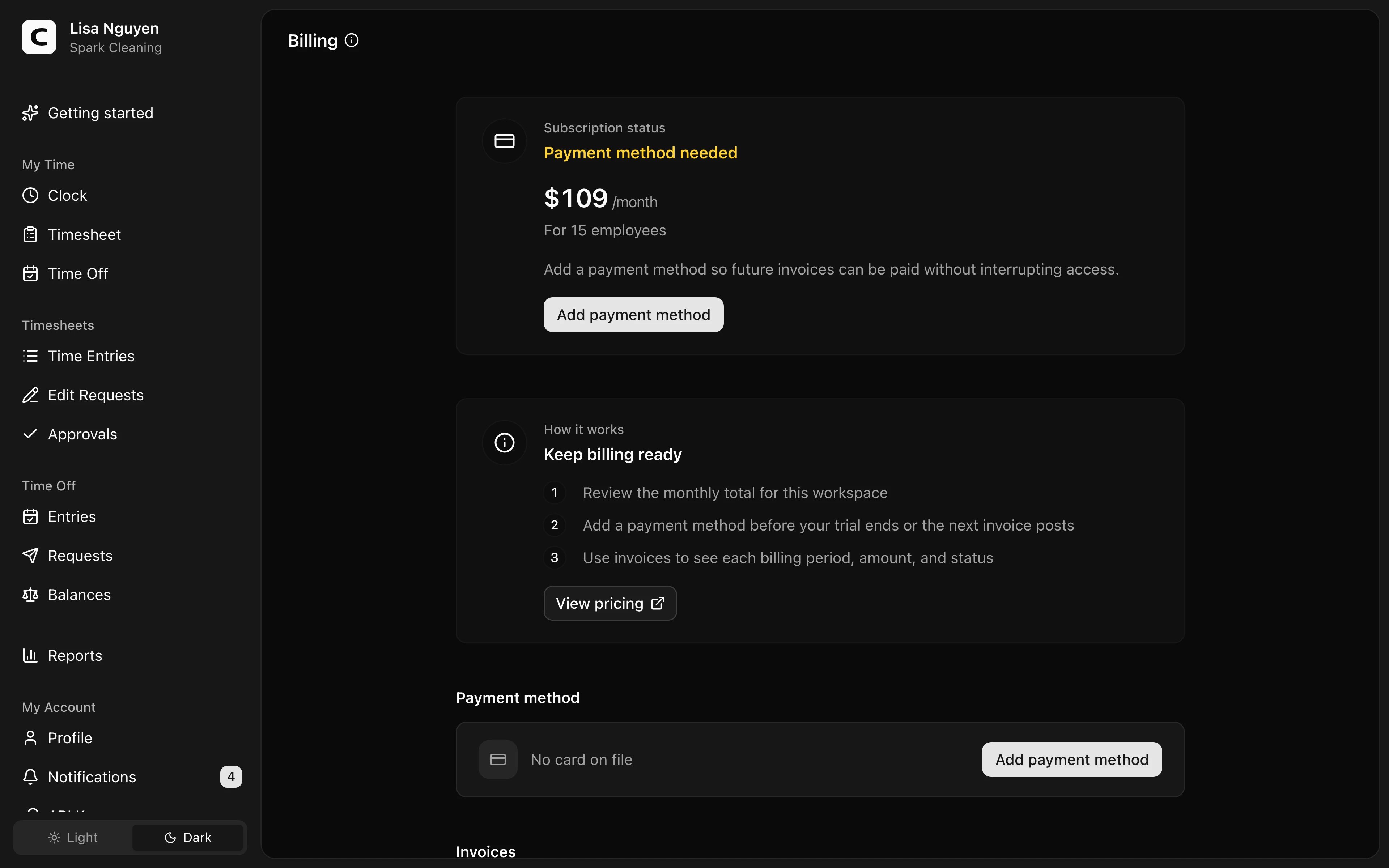
Subscription
The Subscription section shows:
- Status — Free trial during the trial, Active once you're paying, Past due — payment required after a charge fails, or Inactive — trial expired when the trial ends without a payment method.
- Trial ends — the date your trial expires, with the number of days remaining (shown only during the trial).
- Price — what the workspace pays each month: a monthly minimum that covers your owner account and first employee, plus a flat rate for each additional employee.
Payment method
Add a card with Add payment method, or Replace the one on file. Card details are entered in a secure Stripe form; Clockspot never sees or stores the full card number.
Remove takes the card off file. With no card available for a future charge, the workspace can move to Past due.
Invoices
The Invoices section lists every billing period under Period, with its Amount and Status — Paid, Failed, or Pending.
Common questions
- My trial is about to end and I haven't added a card.
Add one before the trial ends if you want the workspace to stay active after the trial.
- A charge failed.
The subscription status shows Past due. Replace the payment method so the workspace has a valid card on file.
- Why am I being charged this much this month?
The monthly price scales with how many people you have: a minimum that covers your owner account and first employee, plus a flat rate per additional employee. If the amount looks high, review who's listed on the Employees page and remove anyone who shouldn't be billed.
Related