Home services businesses need time records that follow the workday without turning into dispatch software.
A plumbing, HVAC, electrical, flooring, restoration, or repair business may have technicians starting at the shop, driving to a customer job, stopping for parts, helping another crew, or returning after an emergency call. Before payroll, the business needs the hours, the corrections, the job or location context, and the approval record in one place.
Start with the technician's day
Before choosing a time clock, decide what managers need to review:
- When the employee started paid work.
- When the employee stopped paid work.
- Which job, customer, shop, location, or crew the time belongs to.
- Whether travel, shop time, or job time needs separate review.
- Which missed punches or edits were corrected.
- Why each correction was made.
- Who approved the final time.
- Whether payroll received approved hours.
For job and location setup, read how to track employee hours by job or location.
GPS should support review, not run the business
GPS can help when employees move between jobs, shops, supply houses, and customer locations. It should help a manager review the time record; it should not be the only record or a substitute for a clear clock-in, clock-out, correction, and approval process.
For broader GPS guidance, read employee time clock with GPS.
Travel and job changes need clean records
Home services workdays often change after the day starts. A technician may:
- Leave the shop for a scheduled job.
- Stop for parts.
- Help another technician.
- Return to a customer for a callback.
- Move from a repair job to an emergency call.
- Finish paperwork after returning to the office.
If those details affect payroll review, capture them while the work happens. If they belong in dispatch, routing, invoicing, or customer management, keep them in that system.
For paid travel-time basics, read travel time pay.
When Clockspot is a good fit
Clockspot is a good fit when a home services business needs focused employee time tracking:
- Technicians, office staff, or crews clock in and out.
- Managers review missed punches, edits, GPS context, jobs, locations, and approvals.
- Approved hours are ready before payroll.
- The business keeps the record behind the paycheck.
Clockspot may be a poor fit if you need one system for dispatch, route optimization, inventory, estimates, work orders, invoicing, customer communication, payroll processing, HR, or accounting.
Explore the sample account
Carolina Home Services is an example contractor in Charlotte, North Carolina, with technicians, job locations, trade and site qualifications, GPS records, approvals, and reports already filled in with sample data.
No login required. Opens in one click.
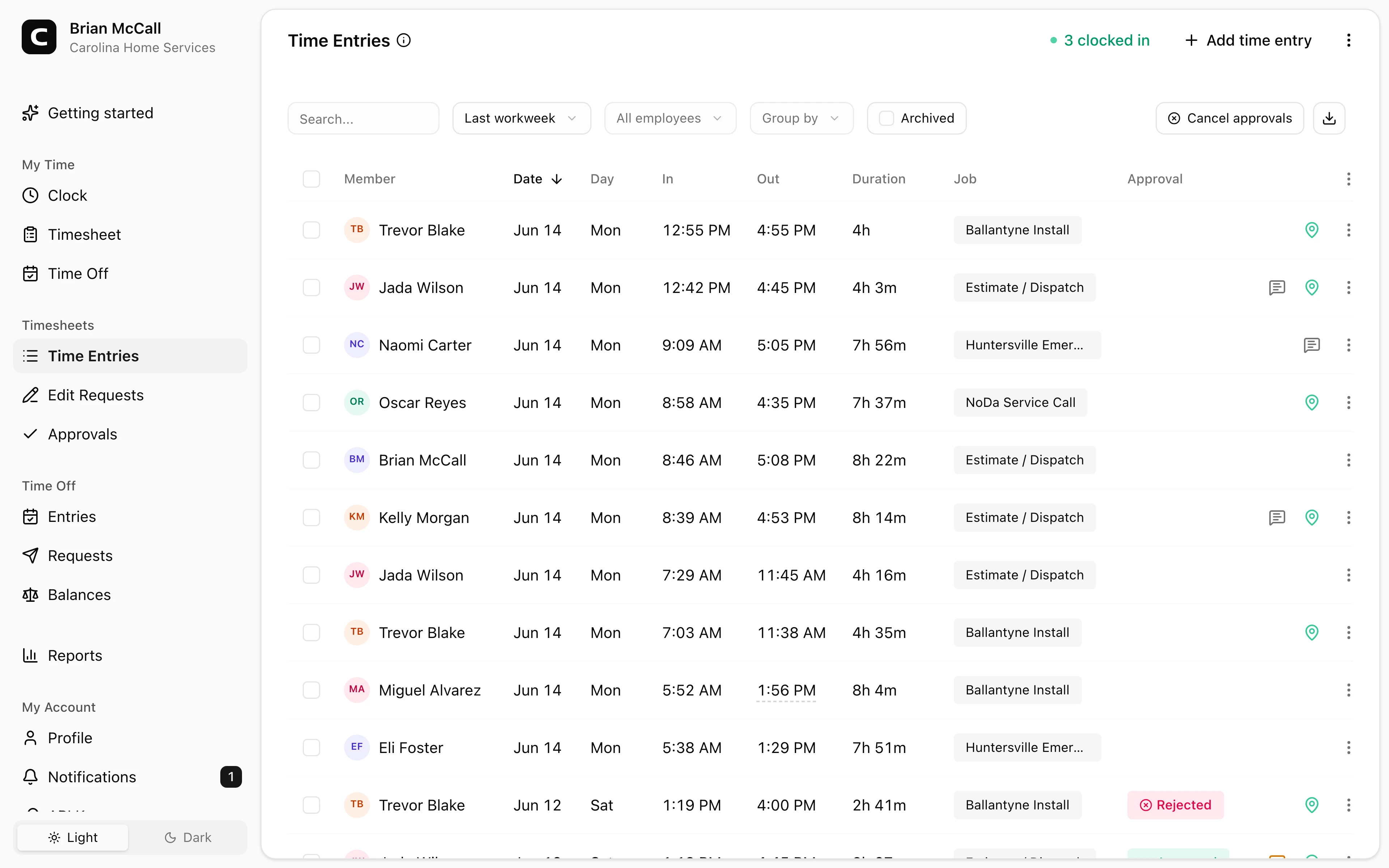
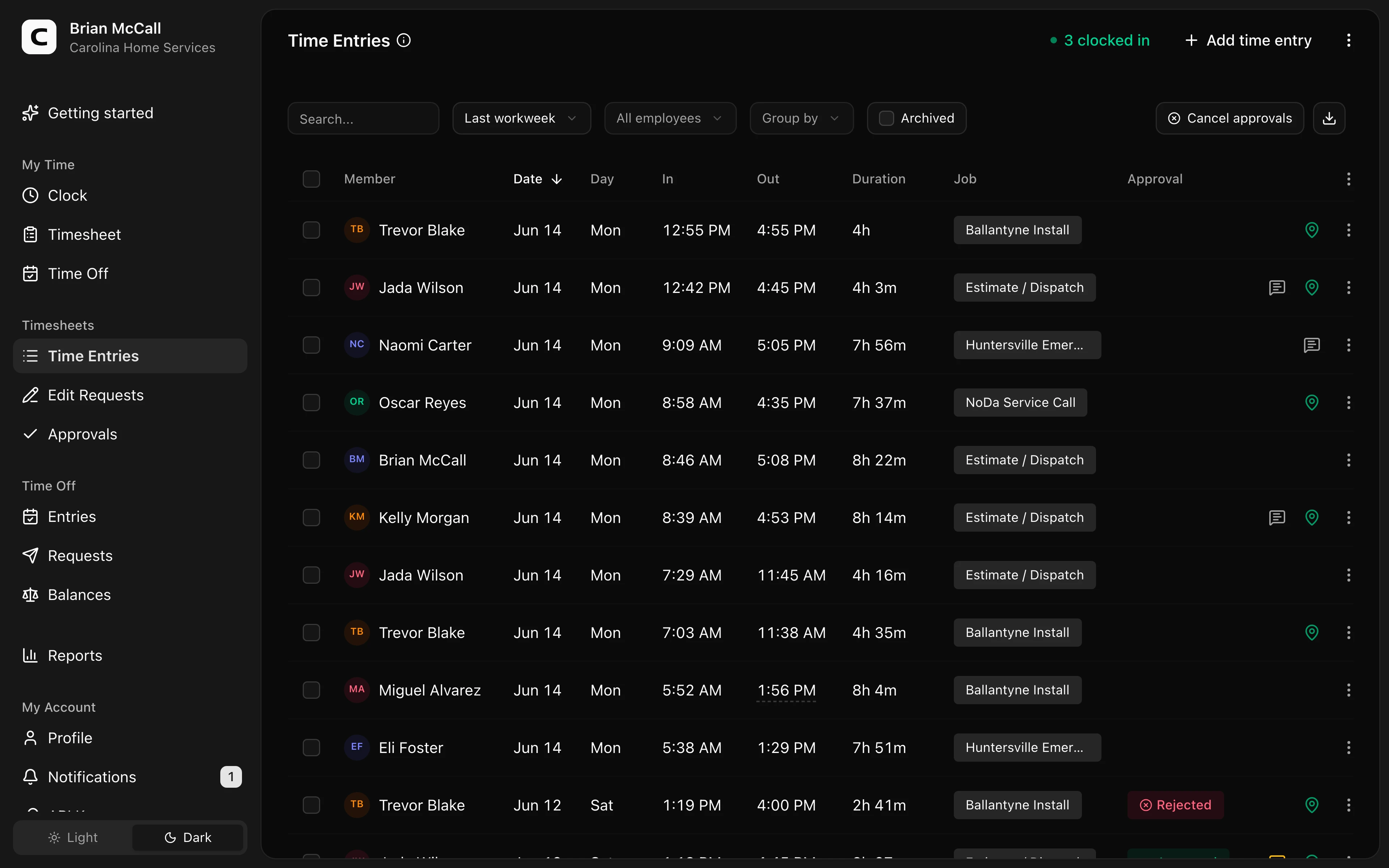
If this is the workflow you need, see the Clockspot home services time clock page, compare the time clock for multiple locations, open the demo above, then check Clockspot pricing or start a free trial.
FAQ
What should a home services time clock track?
It should track clock-ins, clock-outs, missed punches, corrections, edit reasons, approvals, and job or location detail when that helps managers review time before payroll.
Do home services businesses need GPS time tracking?
GPS can help when employees move between shops, jobs, supply stops, and customer locations. It should support review of the time record, not replace clear clock-ins, corrections, and approvals.
Does Clockspot replace dispatch or field service software?
No. Clockspot tracks employee time and payroll-ready records. Dispatch, routing, estimates, work orders, invoicing, customer communication, payroll processing, HR, and accounting are separate systems.
The bottom line
A home services time clock should make field hours easier to review before payroll.
Choose the system that keeps technician hours, job or location context, corrections, and approvals clear without forcing payroll to rebuild the day from dispatch notes.
Clockspot keeps clock-ins, corrections, approvals, and payroll-ready hours connected so owners and managers can review the workweek before payroll.
Clockspot helps home services businesses keep employee hours, job or location detail, corrections, approvals, and payroll-ready records together. See how Clockspot supports home services time tracking.