
Time tracking for
security companies.
Stop chasing hours
from every post.
Review guard hours across client sites in one place before payroll.
See how it works
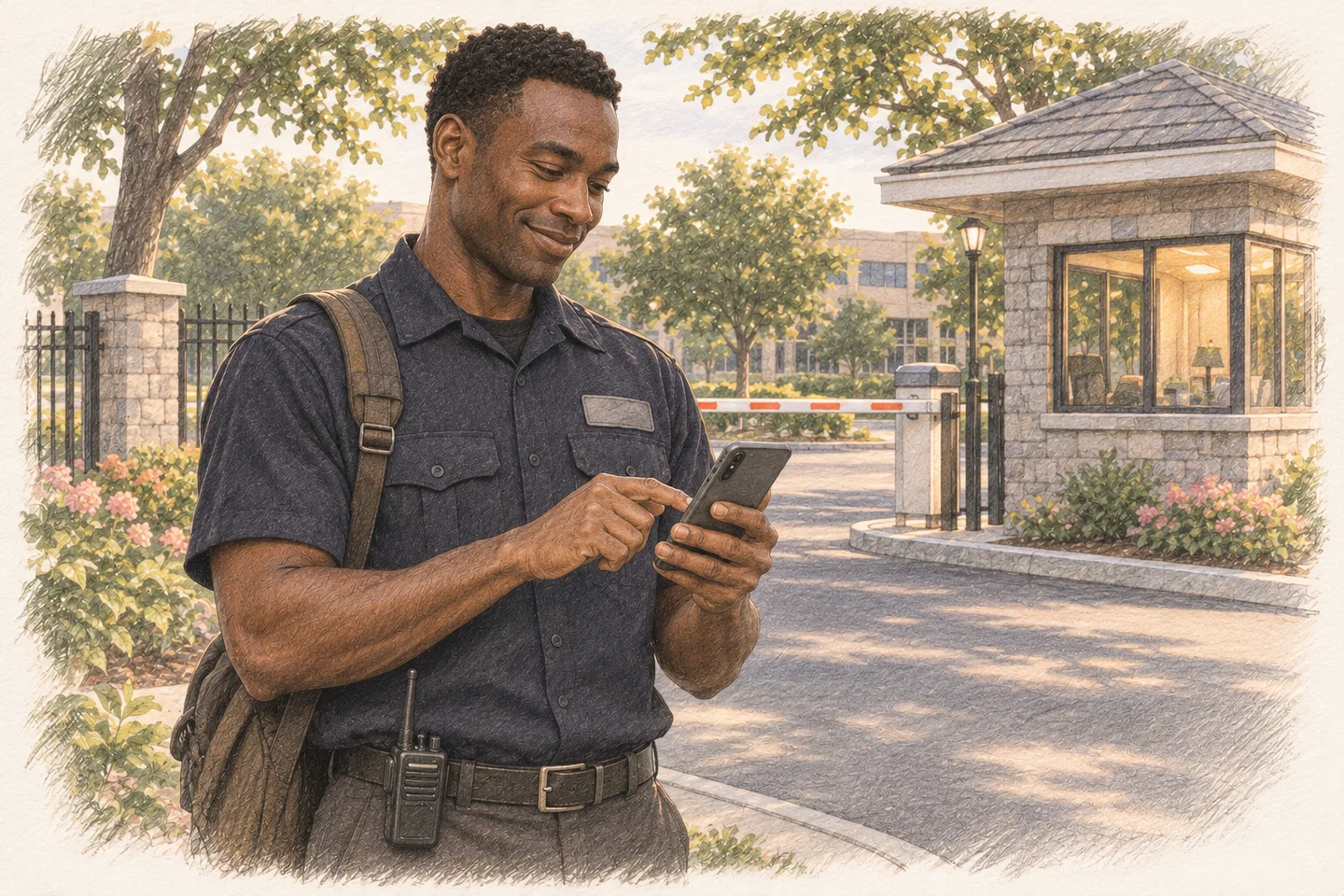
See where guards
clock in.
Guards clock in at their post. You see the recorded time and available GPS location, with controls over allowed clock-ins.
Time Clock
Stop adding up
overnight shifts.
Clockspot totals recorded hours across midnight and separates overtime using your settings.
Catch mistakes
before payroll.
Guards can request a correction and explain what happened. You review the original time before approving a change.

Edit Requests
 Cyrus McKinneyApproved
Desert Vista security contract
Started at the gate at 8 and forgot to clock in until 8:15.
Confirmed the start time with the post supervisor.
Review post hours.
Skip the sorting.
Compare recorded hours by client site without collecting and sorting separate timecards.

Job hours
Oct 19–25, 2026
| Job | Hours | Employees |
|---|---|---|
| Desert Vista security contract | 168h | 4 |
| Cactus Ridge security contract | 112h | 3 |
| Mesa Pavilion security contract | 84h | 3 |
Prepare payroll
without retyping.
Approve guard hours, then export them for your payroll system.

Explore the
security demo.
Try Clockspot in a sample account. One click opens the demo. No signup needed.
Open the security demoClock Activity Map
Oct 19, 2026
GPS accuracy: ±12 m
 Cyrus McKinney
Desert Vista security contract

Frequently asked questions
How much does Clockspot cost?
$25 per month includes your owner account and one employee. Each additional employee is $6 per month. Every feature is included. Estimate your monthly cost.
How does the free trial work?
Try every feature free for 30 days, with no credit card required. Add a payment method if you decide to continue. You can cancel anytime.
What do my employees need to clock in?
A phone or computer with a web browser. There’s no app to install. Employees can also use a shared kiosk or clock in by phone call.
Can I control where employees clock in?
Yes. For employees clocking in through their own accounts, you can allow only approved GPS areas, office networks, or browsers. Phone-call clock-ins can be limited to approved phone numbers. See clock-in controls.
Does GPS track guards throughout a shift?
No. Clockspot can record location at clock-in and clock-out when the device shares it. It does not continuously track guards or verify patrol routes.
Can Clockspot handle overnight shifts?
Yes. Clockspot calculates recorded hours across midnight and applies your configured overtime rules.
Does this replace our guard management system?
Clockspot handles employee hours and payroll preparation. Keep any specialist system you need for patrol tours, incident reports or dispatch.
Will it work with my payroll system?
Export approved hours, then import the file into QuickBooks Desktop, ADP RUN, Gusto, Paychex, or SurePayroll. CSV is available too. Check your payroll setup with us.
Can someone help me get started?
Yes. We can help you set up your account and employee clock-ins. Reply to the email that brought you here or get in touch. Ask us for help getting started.