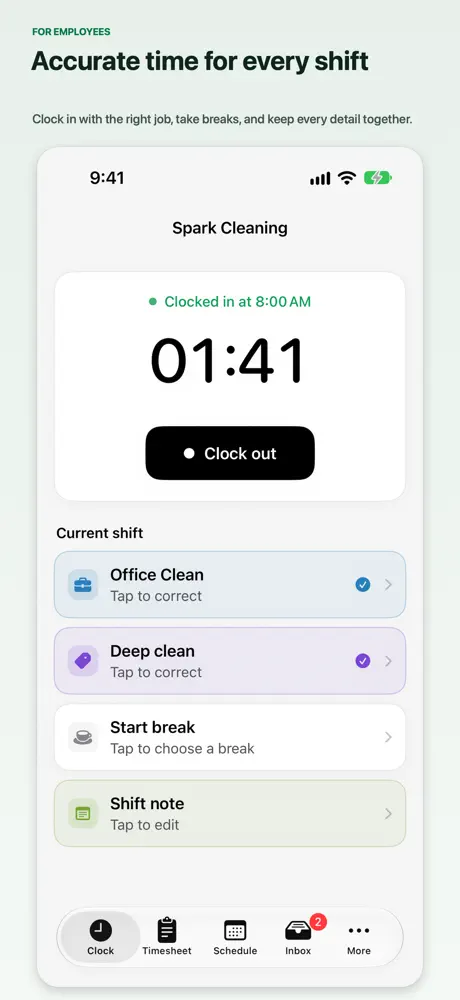
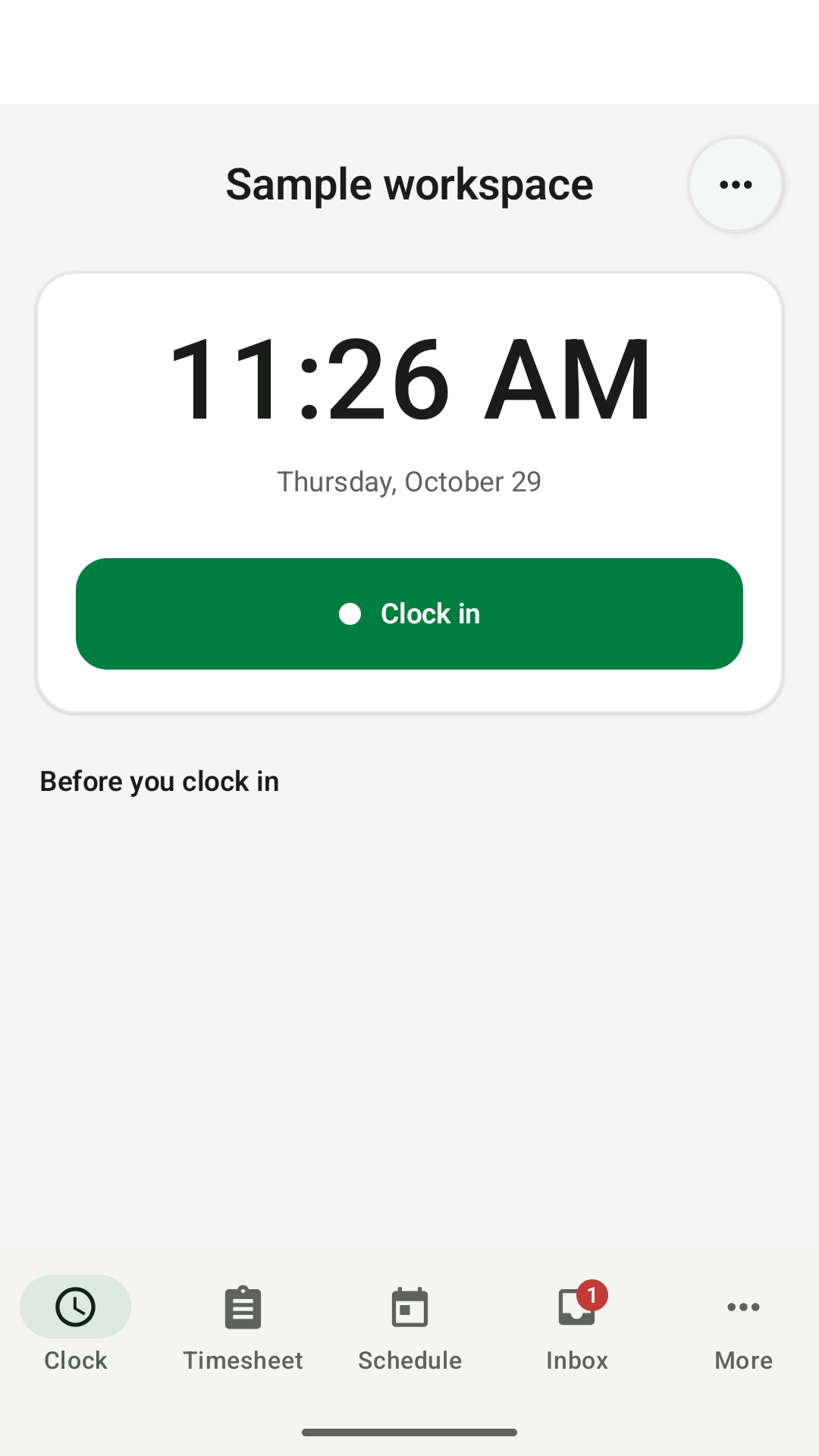
Clock in with the app or a browser
Use Clockspot for iPhone or Android, or sign in at clockspot.com. Your hours stay in the same account whichever you choose.
Mobile time clock
Employees can clock in with the Clockspot app for iPhone or Android, or use their phone’s browser. Track jobs, breaks, and location details, then review the hours before payroll.


Ways to clock in
Use Clockspot for iPhone or Android, or sign in at clockspot.com. Your hours stay in the same account whichever you choose.
 Keisha WilliamsOn the call0:42
Any cell phone or landline works, and the entry keeps caller and voice details.
Who is clocking in?
 Maria
 Ana
 Sergio
 Esmeralda
For crews without company phones, employees clock in with their PIN on a tablet or computer at the site.
What each clock-in keeps
Whichever method an employee uses, the entry keeps what that method captured.
GPS records on clock-ins from an employee’s own account with location sharing turned on.
Timesheets move from submitted to approved, and a wrong entry becomes a correction request you decide on.
Customer story
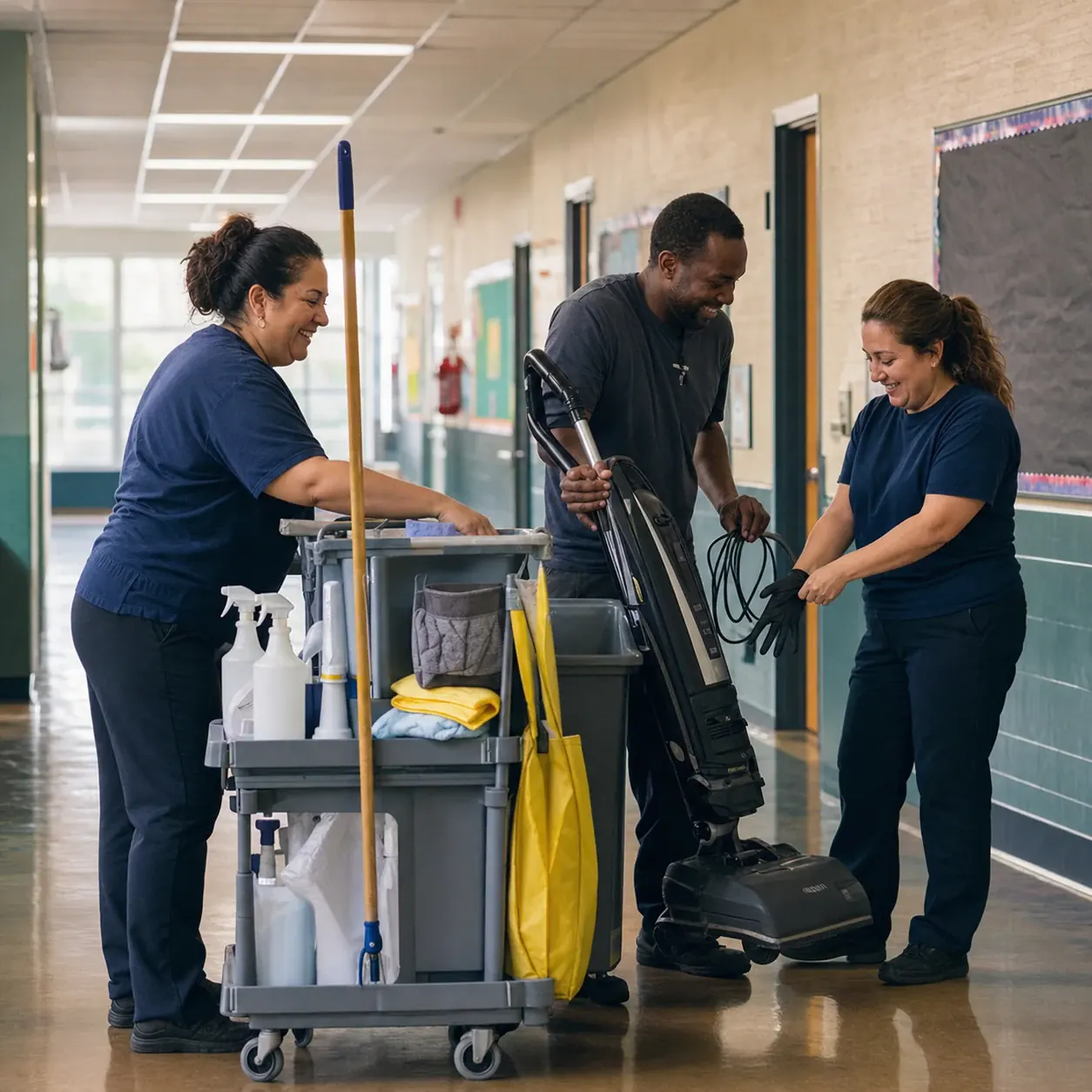
“I have a maid service and I love the feature to clock in by mobile phone.”
Live mobile clock-in demo
Follow one mobile clock-in across three screens: the clock-in on the phone, the clock event with the location it recorded, then the edit request a manager reviews before payroll.
No login or setup required.
 Marcus Brown4 AugTue8:02 amClocked in
 Priya Patel4 AugTue7:58 am11:05 am
 Angela Rivera4 AugTue8:24 amClocked in
 Keisha Williams3 AugMon8:37 am10:52 am
 Aaliyah Robinson3 AugMon8:45 am1:15 pm
 Sandra Ortiz3 AugMon9:01 am11:31 am
Common questions
No. Employees can use Clockspot for iPhone or Android, or sign in through a browser without installing anything. Both use the same account and timesheet.
GPS records when an employee clocks in or out from their own account with location sharing turned on. The entry shows what was captured either way.
How GPS verification worksYes. From the phone browser, employees can record a work trip’s date, distance, purpose, origin, destination, and optional job or work site. Managers get one searchable, exportable history for reimbursement or business-mileage preparation; Clockspot does not automatically track the route.
Yes. Configure clocking approvals such as Work Site GPS areas, approved IP networks, or approved browsers, then choose whether an unverified clock-in is allowed, warned, or blocked. Clock-out is never blocked.
More on time clock rulesThe apps and browser need an internet connection to record time. If job-site internet is unreliable, employees can call in from a cell phone or landline when phone clocking is enabled.
How phone clock-in worksEmployees use the iPhone or Android app, a browser, or a phone call. Each time entry keeps the details captured by that method for review.