
Time tracking for
cleaning companies.
Spend less time
chasing hours.
Your cleaners’ hours are in one place, ready to review for payroll.
See how it works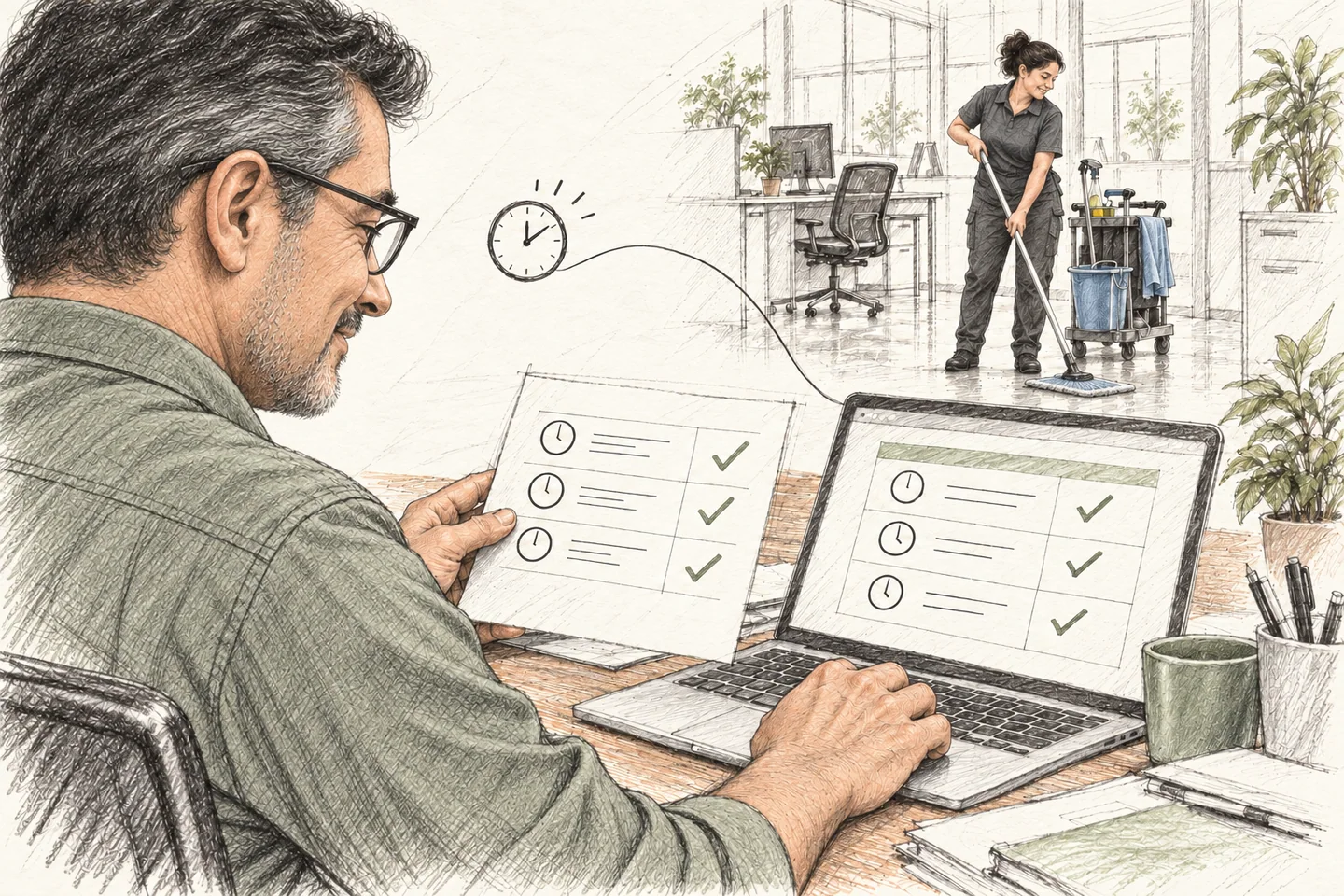
Know where your
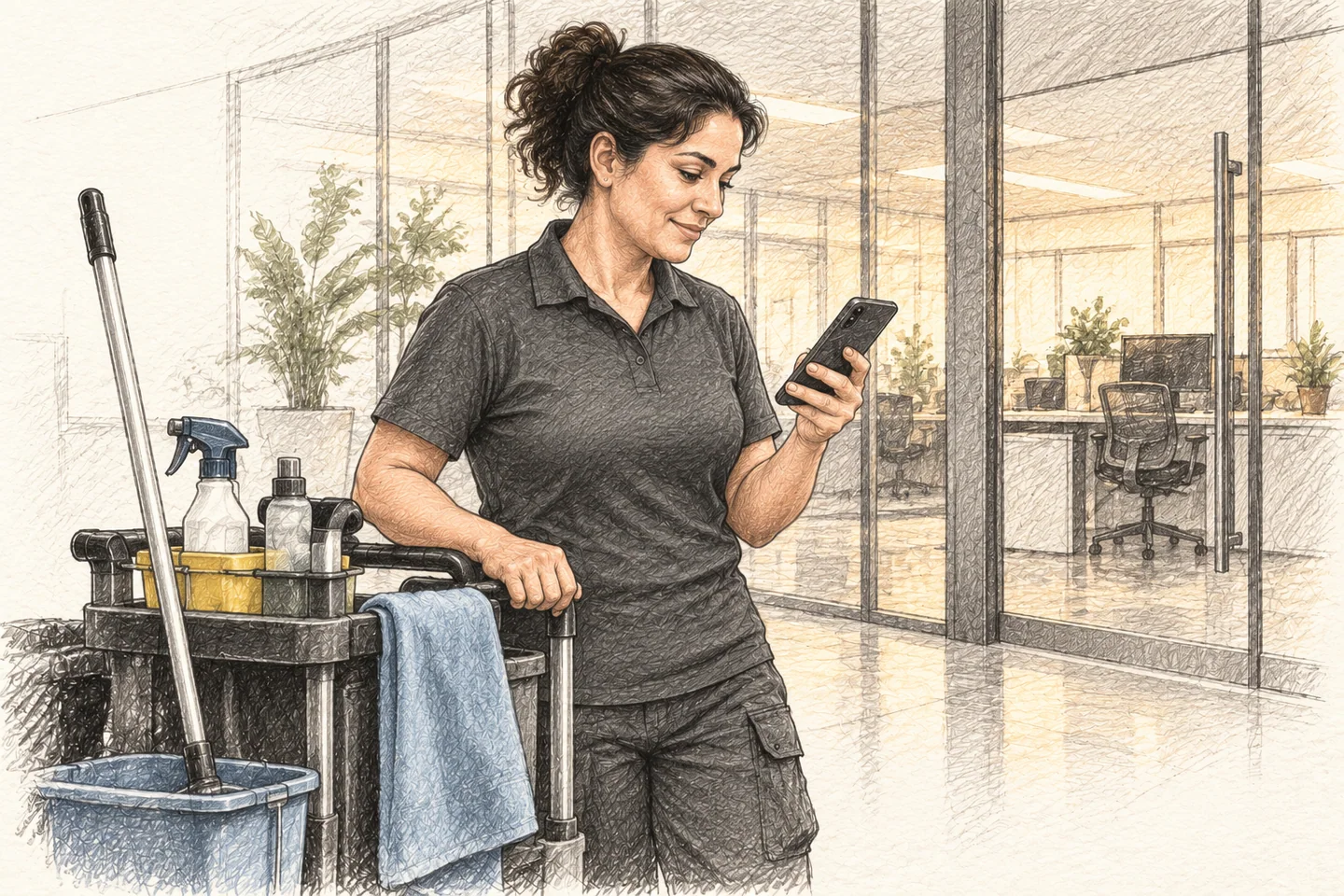
cleaners clock in.
See clock-in and clock-out times, with GPS locations when available.
Time Clock
Stop adding up
hours by hand.
Clockspot totals each employee’s recorded hours. You review the totals before payroll.

Catch time errors
before payroll.
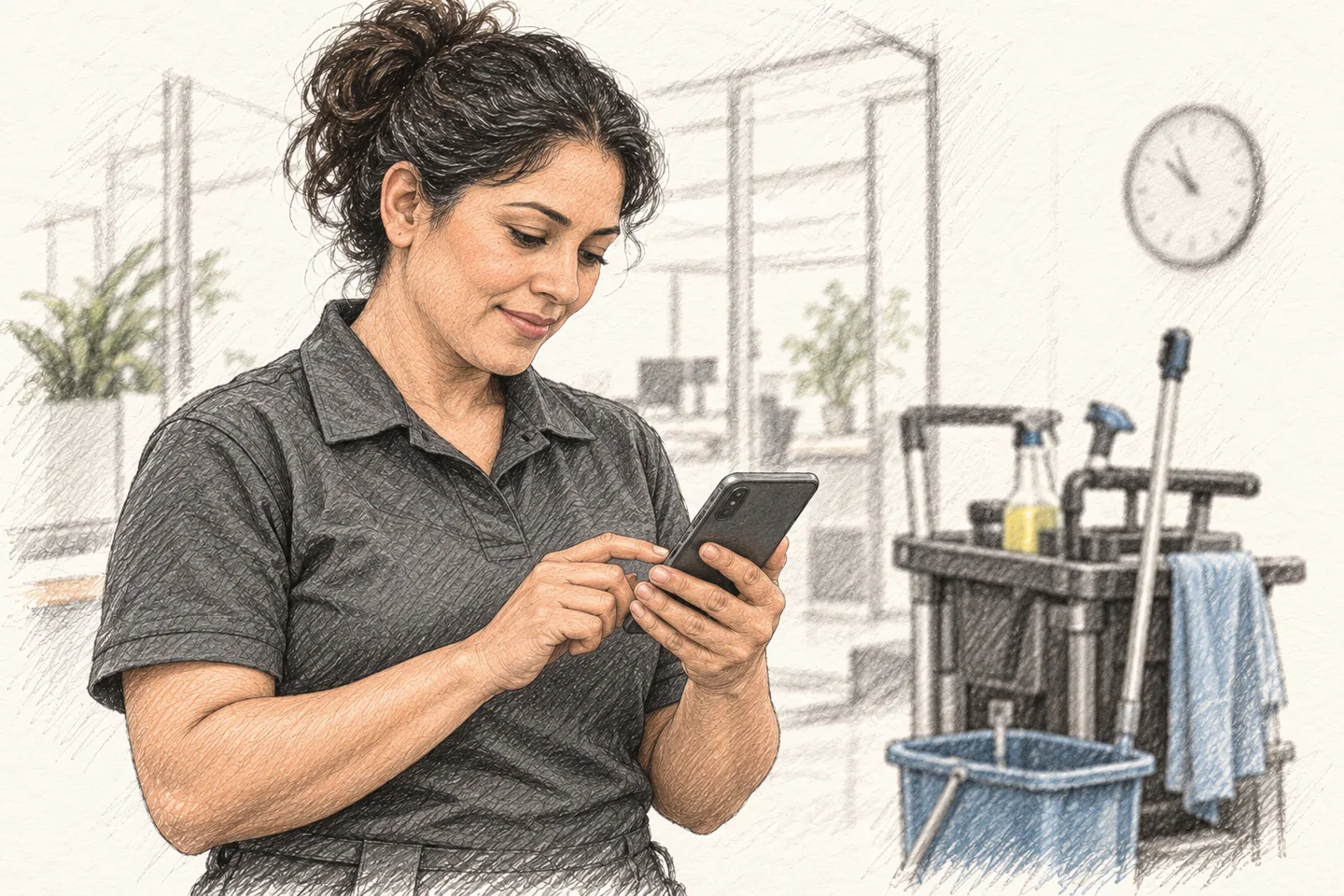
Employees request corrections. You review the original time and their reason before approving.
Edit Requests
 Ana Ramos Approved
Civic Center · Mon, Oct 19
Arrived at 6:45 but forgot to clock in until after briefing
Approved: matches badge log
Price jobs for
the time they take.
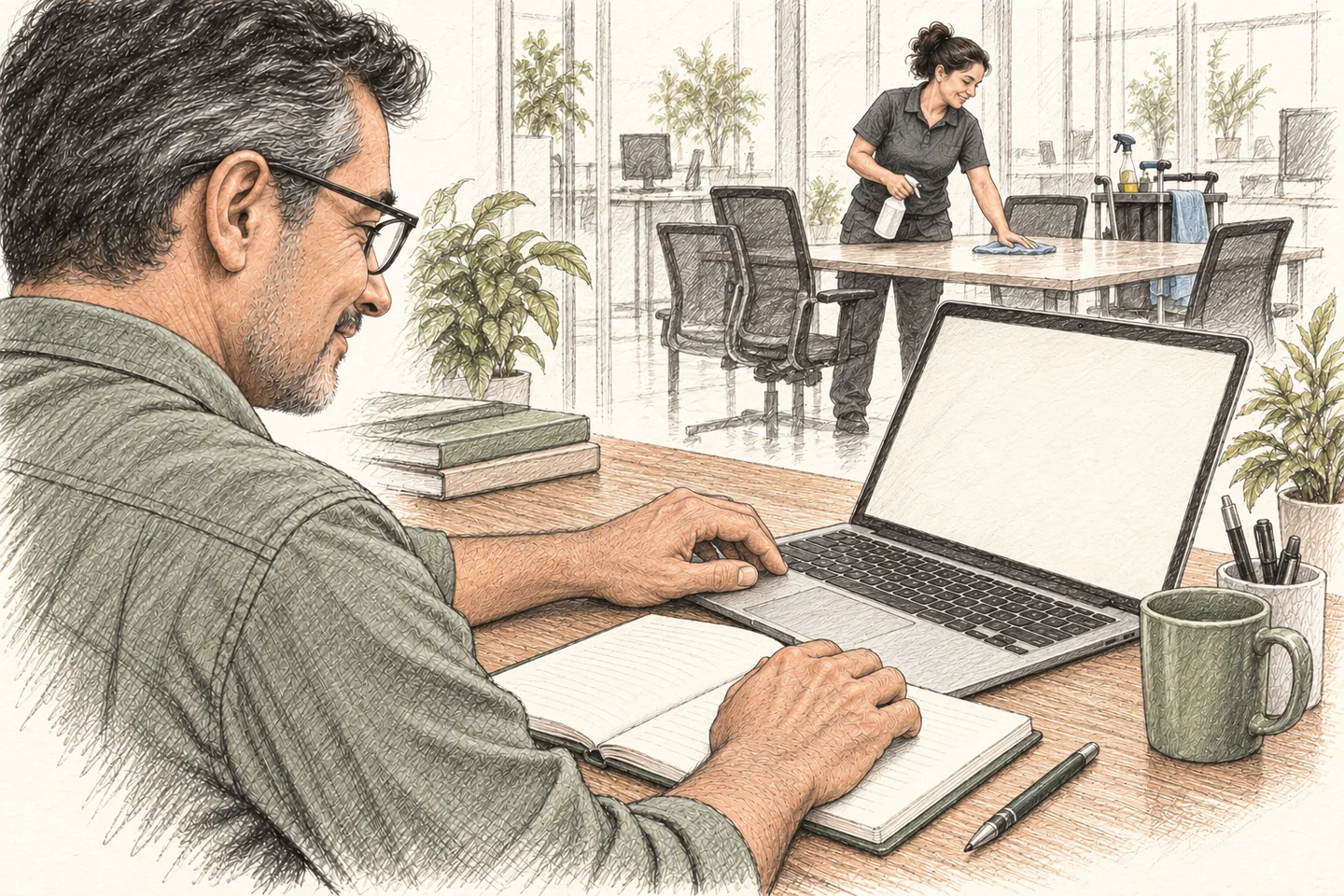
Use the hours recorded for each job to set or review your prices.
Job hours
Oct 19–25, 2026
| Job | Hours | Employees |
|---|---|---|
| Lincoln School | 42h 29m | 4 |
| Civic Center | 36h 15m | 4 |
| Apex Tower | 34h 3m | 5 |
Skip retyping
payroll hours.
Approve the hours, then export them for a supported payroll system.

Explore the cleaning
company demo.
Explore sample timesheets, corrections, and job reports before setting up your own account.
Open the cleaning demoJob hours
Oct 19–25, 2026
| Job | Hours | Employees |
|---|---|---|
| Lincoln School | 42h 29m | 4 |
| Civic Center | 36h 15m | 4 |
| Apex Tower | 34h 3m | 5 |

Frequently asked questions
How much does Clockspot cost?
$25 per month includes your owner account and one employee. Each additional employee is $6 per month. Every feature is included. Estimate your monthly cost.
How does the free trial work?
Try every feature free for 30 days, with no credit card required. Add a payment method if you decide to continue. You can cancel anytime.
Can I try it with a few employees first?
Yes. Try Clockspot at one client site with a few employees before adding everyone else.
What do my employees need to clock in?
A phone or computer with a web browser. There’s no app to install. Employees can also use a shared kiosk or clock in by phone call.
Does GPS track employees throughout the day?
No. Clockspot captures location at clock-in and clock-out when the device shares it. It does not track employees between those events.
Will it work with my payroll system?
Export approved hours, then import the file into QuickBooks Desktop, ADP RUN, Gusto, Paychex, or SurePayroll. CSV is available too. Check your payroll setup with us.
Can someone help me get started?
Yes. We can help you set up your account and employee clock-ins. Reply to the email that brought you here or get in touch. Ask us for help getting started.